Question
How to edit Content fragment in Universal Editor EDS
Hi,
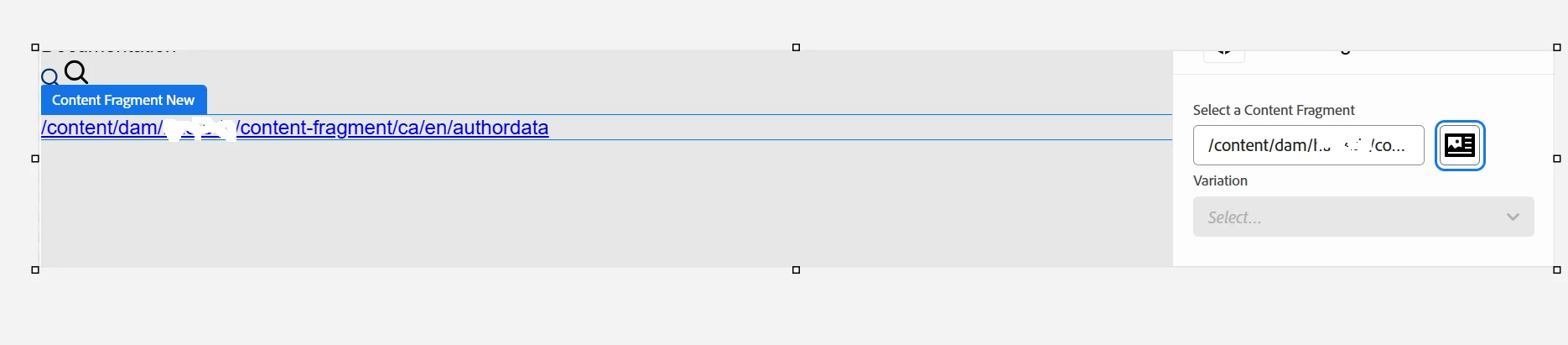
I am able to get the path of content fragment in the block while authoring the page. but my requirement is to edit the content fragment which path I am getting in the block.
attaching the code snippet. Please help me out to get the solution step by step.
{
  "definitions": [
    {
      "title": "Content Fragment New",
      "id": "cf-fragment",
      "plugins": {
        "xwalk": {
          "page": {
            "resourceType": "core/franklin/components/block/v1/block/item",
            "template": {
              "name": "Content Fragment New",
              "model": "cf-fragment"
            }
          }
        }
      }
    }
  ]
}

This is the output I am getting