How to create a simple catalog page? | Community
Skip to main content
vigiaemnewbie
Level 2
January 7, 2019
Solved

How to create a simple catalog page?

  • January 7, 2019
  • 3 replies
  • 1513 views

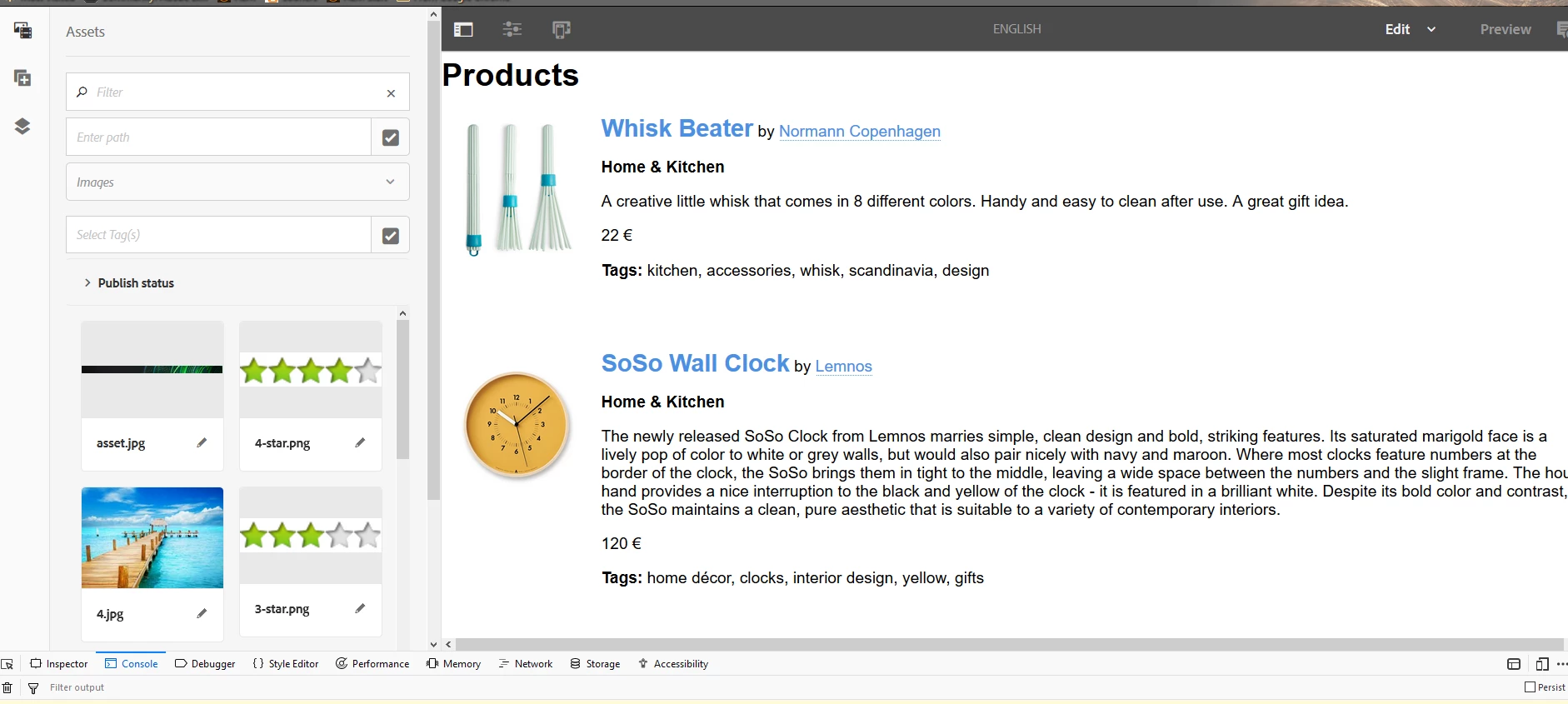
I am trying to create a simple catalog page with a few products for demonstration purposes. The online articles are only up to AEM 6.3 which includes the Geometrixx project, but AEM 6.4 contains only We Retail project which is using a different structure and a confusing approach. How do I create a simple catalog page in AEM 6.4?

This post is no longer active and is closed to new replies. Need help? Start a new post to ask your question.
Best answer by arunpatidar

Hi,

The layout can be controlled with the help of HTML/CSS but the AEM part would be similar in approach but could be different because of repository restructured in AEM 6.4

I would suggest you to follow we retails for creating sites, templates.

If you need create new components/template for product catalog.

You can find sample catalog page example online with css and html

3 replies

arunpatidar
Community Advisor
arunpatidarCommunity AdvisorAccepted solution
Community Advisor
January 7, 2019

Hi,

The layout can be controlled with the help of HTML/CSS but the AEM part would be similar in approach but could be different because of repository restructured in AEM 6.4

I would suggest you to follow we retails for creating sites, templates.

If you need create new components/template for product catalog.

You can find sample catalog page example online with css and html

Arun Patidar
smacdonald2008
Level 10
January 7, 2019

To follow up with Arun answer - see this as an example -- GitHub - contentful/product-catalogue-js: Product catalogue in JavaScript

smacdonald2008
Level 10
January 7, 2019

I quickly got this working with AEM.