How to cancel inheritance on parts of a content fragment? | Community
Skip to main content
Level 2
May 11, 2021
Solved

How to cancel inheritance on parts of a content fragment?

  • May 11, 2021
  • 1 reply
  • 1600 views

Is there a way to cancel the inheritance for some parts of a content fragment? 


I have a use case where a part (e.g. title) needs to be kept in sync and has to be inherited in all live copies.

But another part (e.g. description) needs to be different in each language and should have cancelled inheritance.


Is there an OOTB way to do that inside AEM? 


This post is no longer active and is closed to new replies. Need help? Start a new post to ask your question.
Best answer by Kiran_Vedantam

Hi @jlanssie-lnl,


You can use the below property wherever you need the inheritance and can remove it if you do not need it.

cq-msm-lockable="./name"

Hope this helps.


Thanks,

Kiran Vedantam

1 reply

Kiran_Vedantam
Community Advisor
Kiran_VedantamCommunity AdvisorAccepted solution
Community Advisor
May 11, 2021

Hi @jlanssie-lnl,


You can use the below property wherever you need the inheritance and can remove it if you do not need it.

cq-msm-lockable="./name"

Hope this helps.


Thanks,

Kiran Vedantam

Level 2
August 12, 2021

I should have specified, but will this allow an author to cancel inheritance on a particular input field inside the Touch UI? 


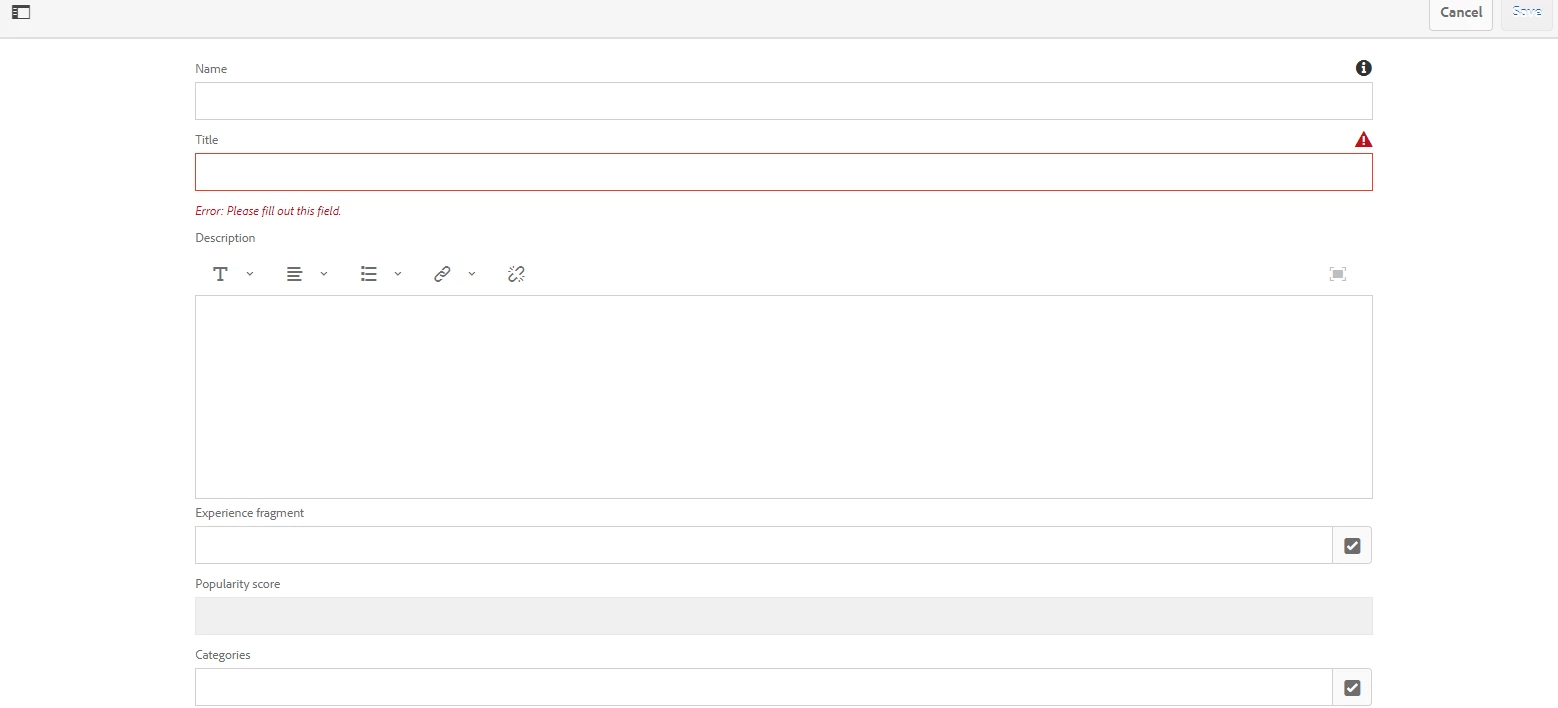
I am looking for an OOTB way an author can sync a Live Copy Content Fragment from a Blueprint, change a particular input field, sync the Live Copy and have all the content synced from the Blueprint except for that particular input field that was authored.


For example, an author syncs the Live Copy Content Fragment in the above screenshot. All the content is updated from the Blueprint. The author adapts the Title field and syncs the Live copy again. The Live Copy Content Fragments overwrites all the input fields with content from the Blueprint, except for the Title field, where the author wrote some custom content.