
How to adjust height of components/ images in template editor AEM | Adobe Higher Education
Skip to main content
arjuns71585267
Level 4
September 20, 2018

How to adjust height of components/ images in template editor AEM

  • September 20, 2018
  • 2 respuestas
  • 4804 visualizaciones

Hi everyone,

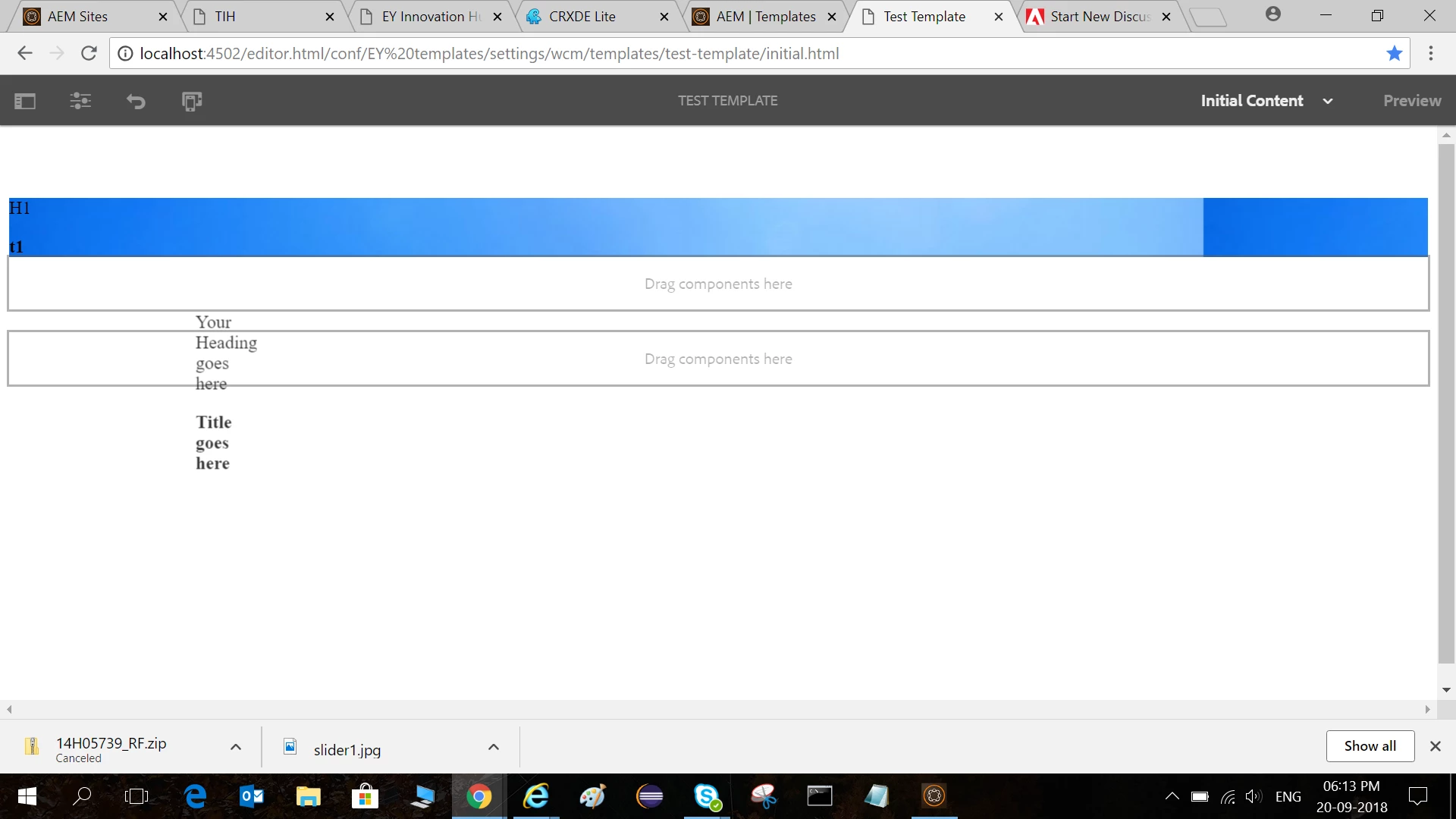
I can only adjust the width of the images once added in AEM. I wish to adjust the height also but there are no resize options to adjust the height!  I would also like to customize my templates/ page using my own css and is there any way to do that?
Este tema ha sido cerrado para respuestas.

2 respuestas

smacdonald2008
Level 10
September 20, 2018

Look at this artilce - notice how we add CSS in a clientlibs. You can control that appearance of your site by using CSS like we show in this article:

Adobe Experience Manager Help | Creating an Adobe Experience Manager 6.4 website using Editable Templates

smacdonald2008
Level 10
September 20, 2018

Refer to this section "Integrate Style into the Experience Manager template "-- Adobe Experience Manager Help | Creating an Adobe Experience Manager 6.4 website using Editable Templates

Ratna_Kumar
Level 10
September 21, 2018

Hi Arjun,

Yes please refer the article as Scott suggested. You can adjust the component using CSS

Adobe Experience Manager Help | Creating an Adobe Experience Manager 6.4 website using Editable Templates

Thanks,

Ratna Kumar.