How to add the image option in RTE? | Community
Skip to main content
Level 5
November 14, 2019
Solved

How to add the image option in RTE?

  • November 14, 2019
  • 8 replies
  • 5808 views

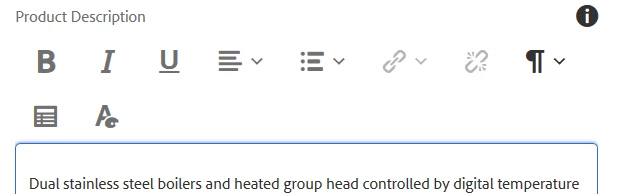
In RTE, how to add the image plugin,

We need to insert the image with alt text.
Thanks,

This post is no longer active and is closed to new replies. Need help? Start a new post to ask your question.
Best answer by arunpatidar

It seems the issue with the plugin.

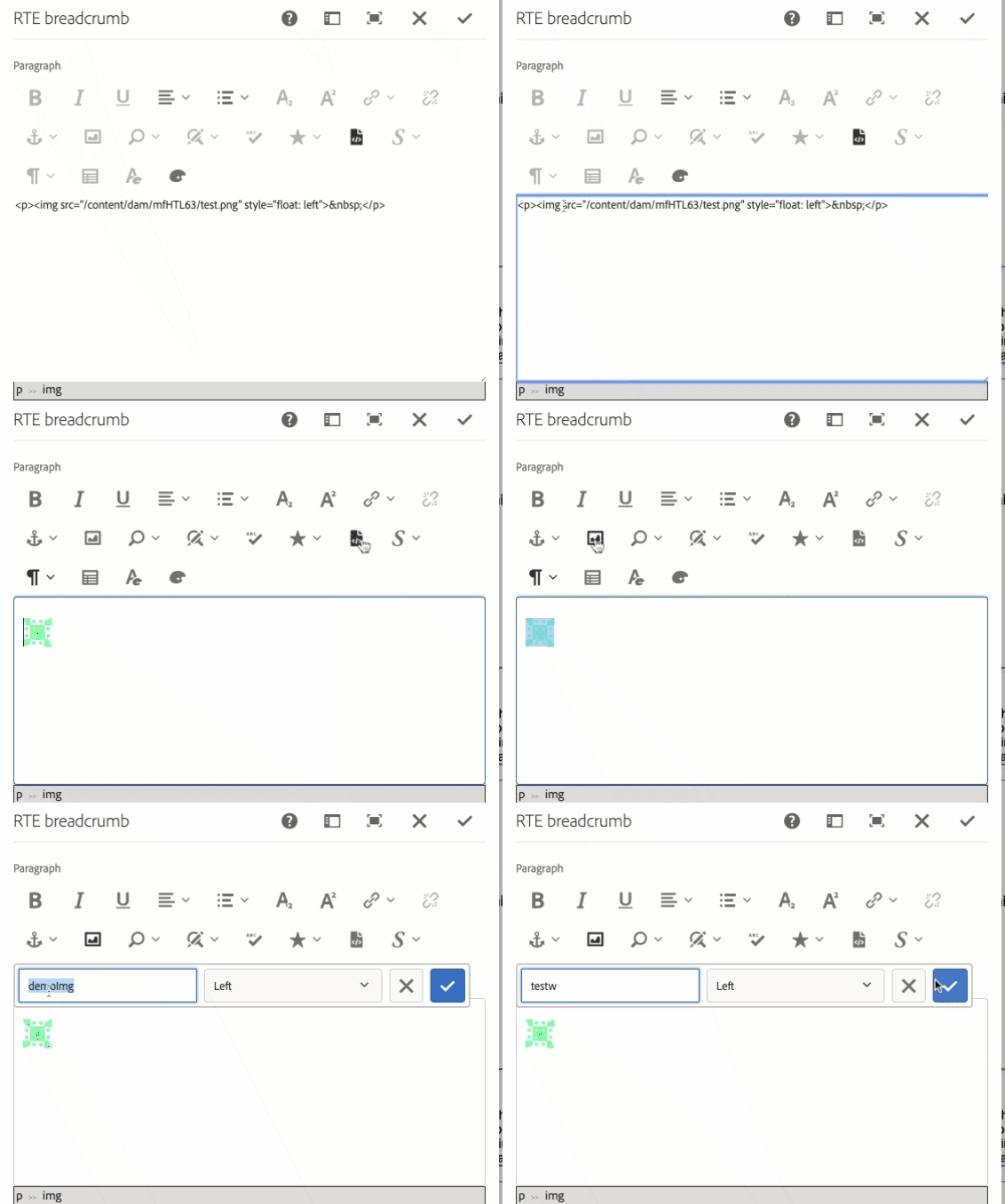
If you add alt text manually using source edit, the alt attribute is getting added and get populated in the dialog and changeable as well.
8 replies

Level 3
November 14, 2019

If you're talking just within the Text core component, you need to modify the components policy in the design dialog.

aravindSAuthor
Level 5
November 14, 2019

Hi Robinson,

For my case i need to add the icon for RTE component,

i referred this link Experiencing Adobe Experience Manager - Day CQ: AEM 61 - Touch UI Rich Text Editor (RTE) Browse and Insert Image

for me it is not working..

If your comment is the answer for my question, can you please elabrate.

Thanks,

Level 3
November 14, 2019

What version of AEM are you using? That link is quite old, unless the version you're on is 6.1?

arunpatidar
Community Advisor
Community Advisor
November 14, 2019

You can use rich text image plugin.

Enable Plugins using below settings

rtePlugins - add image node

uiSettings/cui/inline set image#imageProps in toolbar property

Once you can see the plugin, drag and drop the image from assets selector to RTE, the plugin will be activated and add alt text using the plugin.

Note: You can't add an image using the plugin, you have to drag the image from the asset selector.

Arun Patidar
aravindSAuthor
Level 5
November 15, 2019

Hi Robinsonn,

we are using AEM 6.3

Thanks,

aravindSAuthor
Level 5
November 15, 2019

Hi Arun Patidar,

Thanks for your response.

I tried this one, it is adding the icon in RTE (as expected) . But once i authored the alt text, it is not saving.

I inspected the image there no property added (alt).

Thanks.

arunpatidar
Community Advisor
arunpatidarCommunity AdvisorAccepted solution
Community Advisor
November 16, 2019

It seems the issue with the plugin.

If you add alt text manually using source edit, the alt attribute is getting added and get populated in the dialog and changeable as well.

Arun Patidar
aravindSAuthor
Level 5
November 19, 2019

Hi Arun Patidar,

Thanks for your answer, it is working as expects.

Thanks,