How is Core Image Component adjusting sizes | Community
Skip to main content
June 16, 2023
Solved

How is Core Image Component adjusting sizes

  • June 16, 2023
  • 2 replies
  • 2395 views
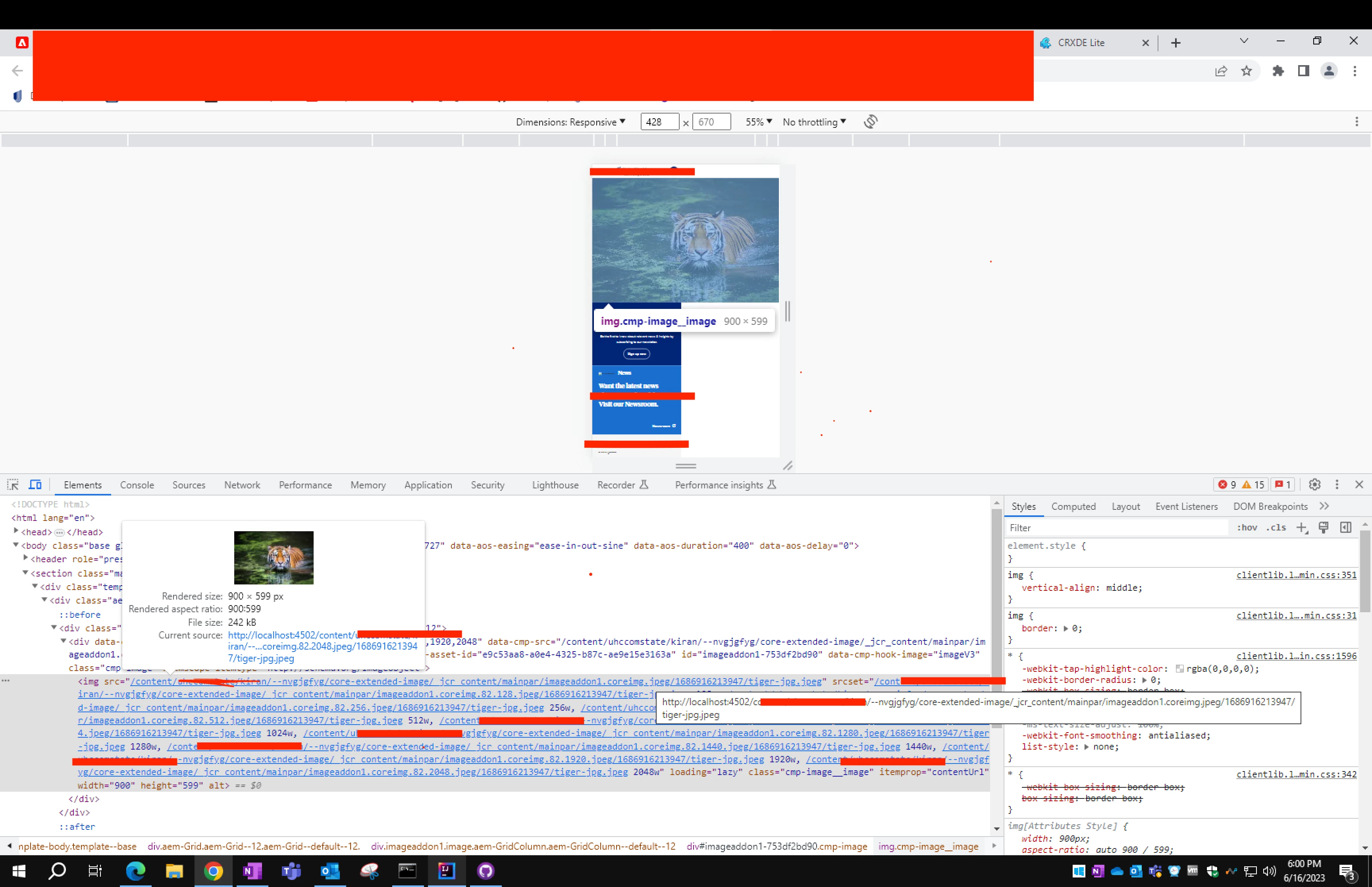
I was checking regarding webp feasibility and came across this doc that said core image(v3) supports smart imaging in AEM aa CS but not in local sdk or on-prem. So, I thought - since we already extended Image(v3) in our POC Image component. I could see this in action when we get it deployed. So, I was checking if adaptive Image is working fine here - so that it could fall back. And noticed that my srcset gives all the widths that I gave in the design dialog .
 
 
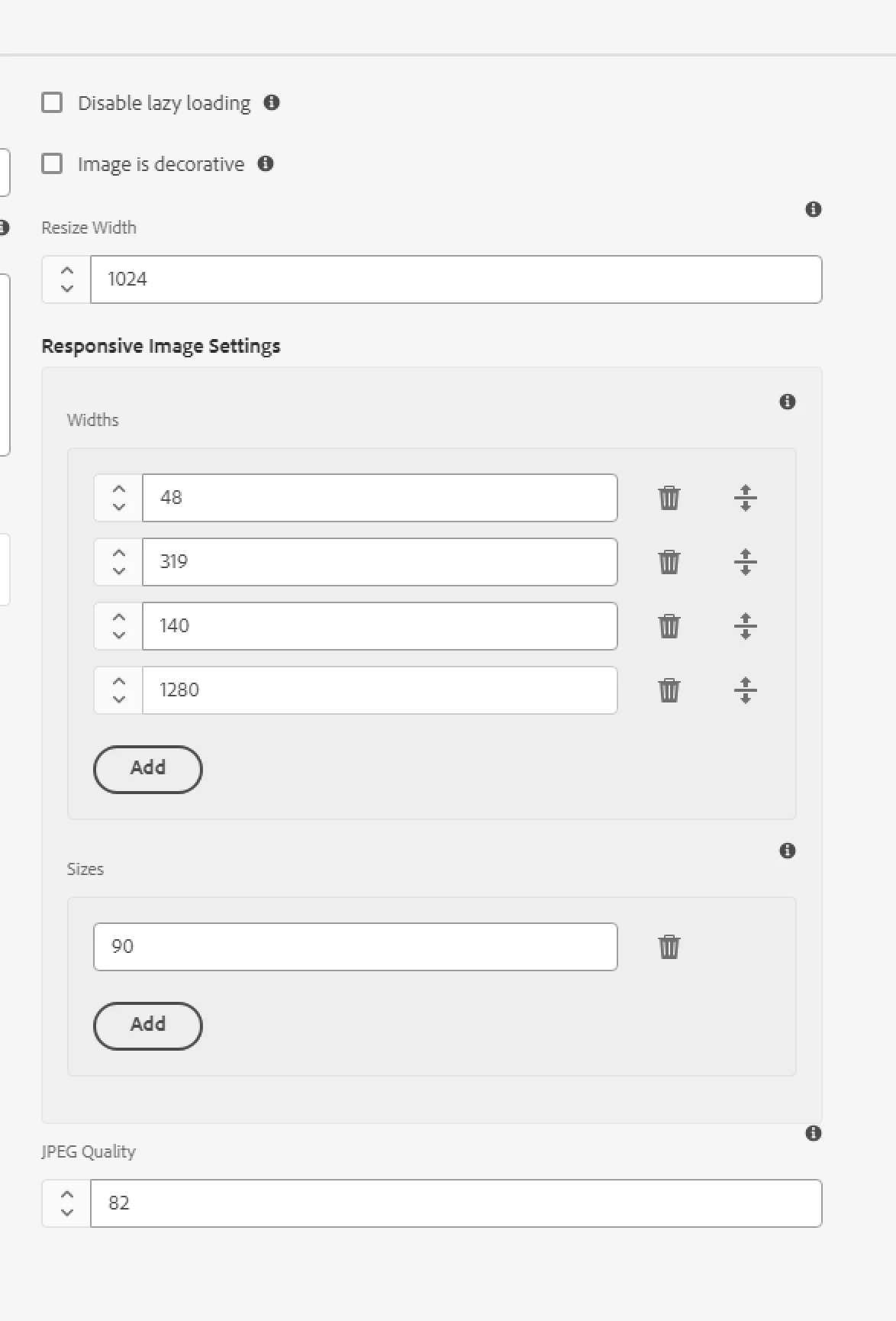
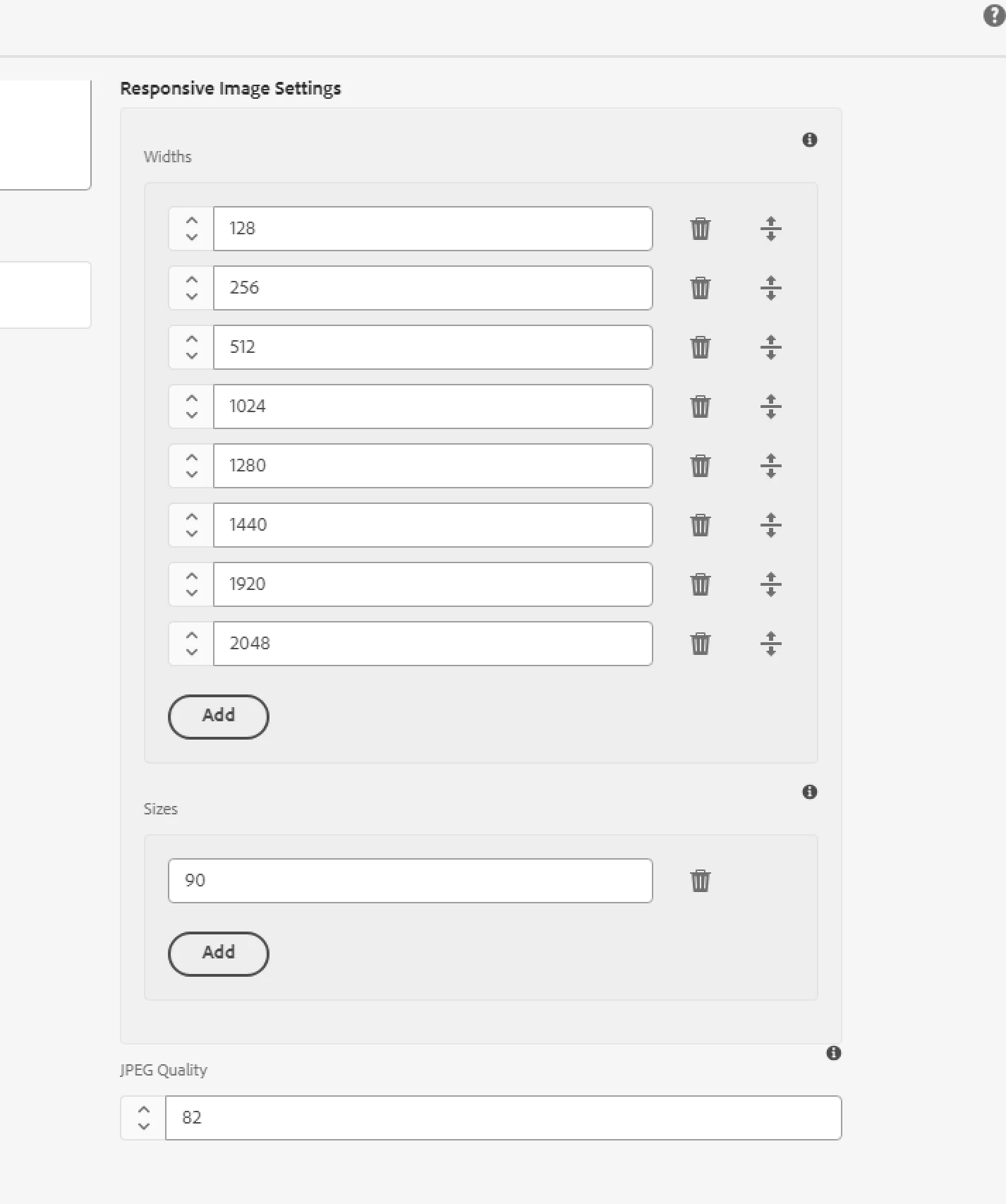
But my src is not being adaptive based on the device- The widths that gave are 128, 256, 512, 1024, 1280, 1440, 1920, 2058. But in desktop in takes 1920 & as I reduce the screen it takes 2048. It is not picking other widths from the srcset.  gives always the original rendition and has fixed width and height no matter what the screen size is.
 
 
I am not sure why is this happening. Could help me with what else should I check to make sure that it works fine. Since, i extending core component only
This post is no longer active and is closed to new replies. Need help? Start a new post to ask your question.
Best answer by EstebanBustamante

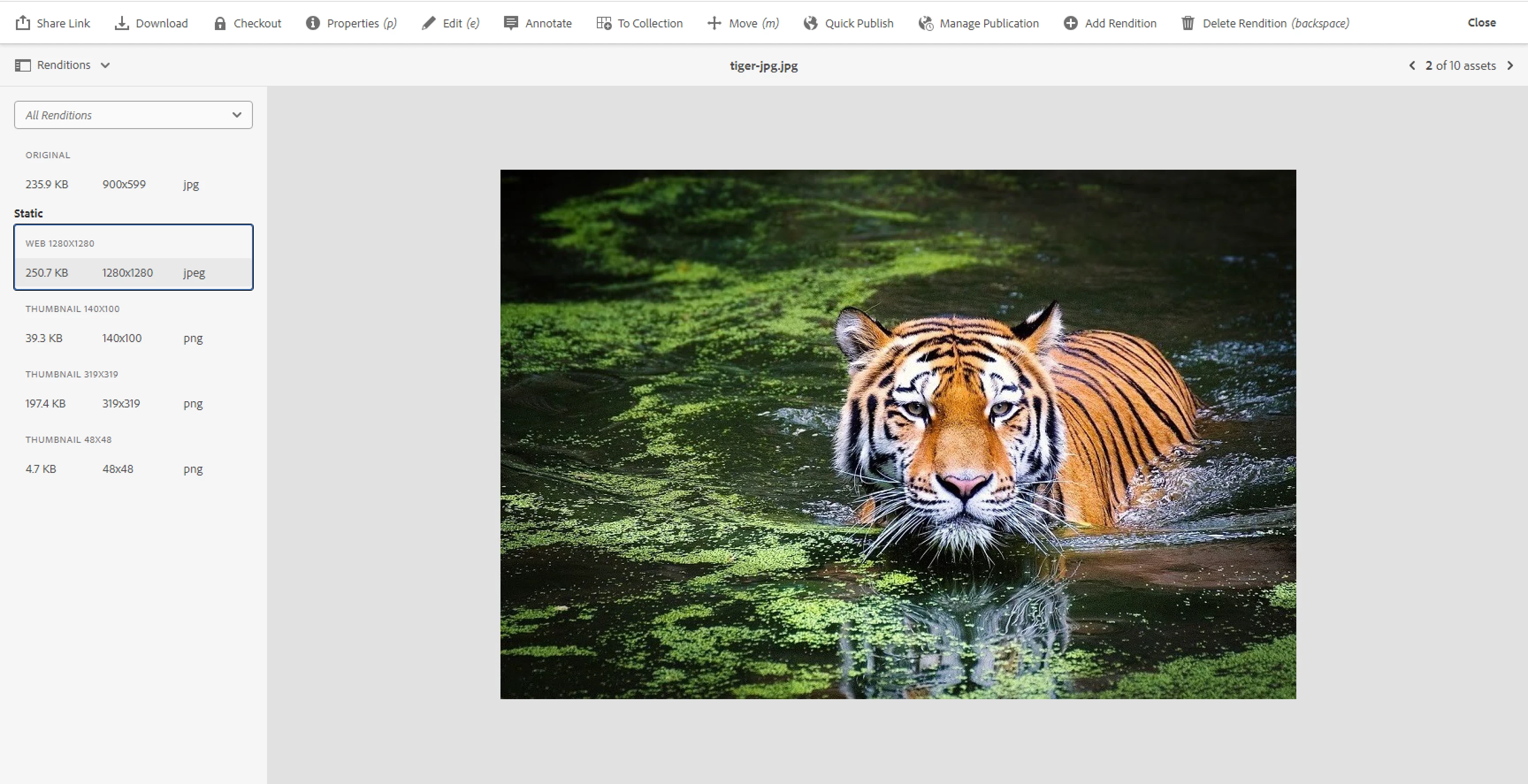
The configurations provided through policies (design dialog) will be used to select a "rendition" of the image in the given "width", BUT if you don't have a rendition, the image core component will try to fetch the "next higher" rendition, till return the default (original) rendition. So make sure your assets actually have the renditions available for the configuration set in the policies (design dialog).

2 replies

EstebanBustamante
Community Advisor and Adobe Champion
EstebanBustamanteCommunity Advisor and Adobe ChampionAccepted solution
Community Advisor and Adobe Champion
June 16, 2023

The configurations provided through policies (design dialog) will be used to select a "rendition" of the image in the given "width", BUT if you don't have a rendition, the image core component will try to fetch the "next higher" rendition, till return the default (original) rendition. So make sure your assets actually have the renditions available for the configuration set in the policies (design dialog).

Esteban Bustamante
aanchal-sikka
Community Advisor
Community Advisor
June 16, 2023

hello @kiran_22_12 


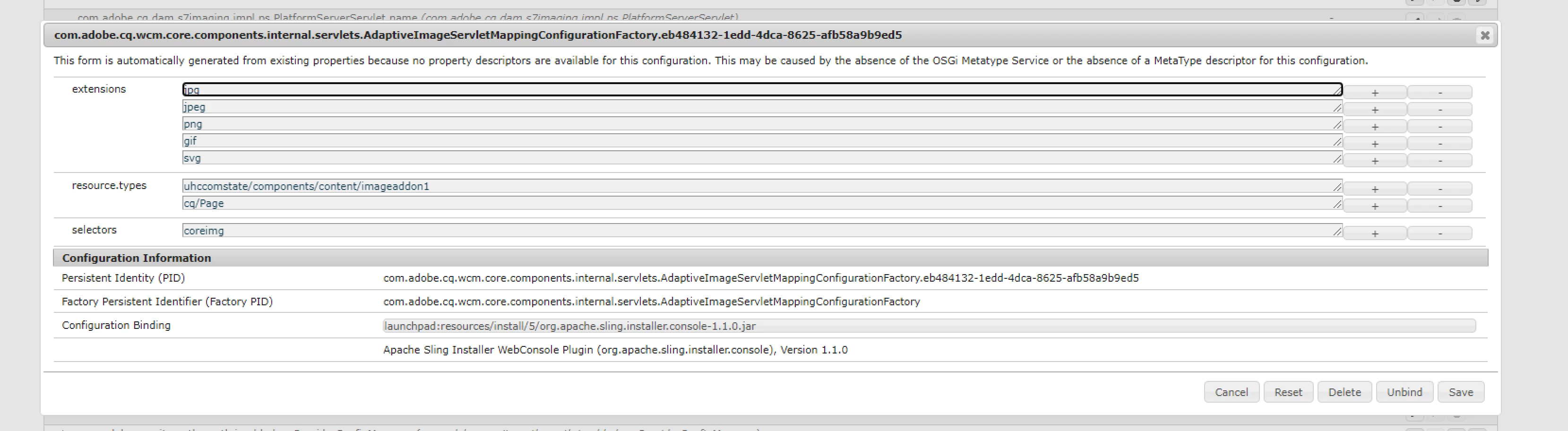
"The Adaptive Image Servlet will try to pick the best rendition for the requested image size and type. It's recommended that DAM renditions and Image component allowed widths are defined in sync so that the Adaptive Image Servlet does as little processing as possible. This will improve performance and avoid some images not being correctly processed by the underlying image processing library." -from https://github.com/adobe/aem-core-wcm-components/wiki/the-adaptive-image-servlet 

For best results, the image renditions should be close to srcset confugurations. Else, library will choose the next best available and process as requested image URL

Aanchal Sikka
June 16, 2023

Hi @aanchal-sikka 

I have these renditions generated, so. I modified widths to check what you said & now, It always picks 1280 no matter what size the screen is.