How do you use the ui.frontend module with NPM to add JavaScript libraries to your AEM Site
So in my AEM Sites project, I want to use the ui.frontend module to add the JavaScript files for datatables.net by using npm.
So in the documentation link for installing the JavaScript and CSS files for datatables.net is
https://datatables.net/download/index
To install it using NPM the command is
npm install --save datatables.net-dt
So in my AEM projects ui.frontend folder I ran the command 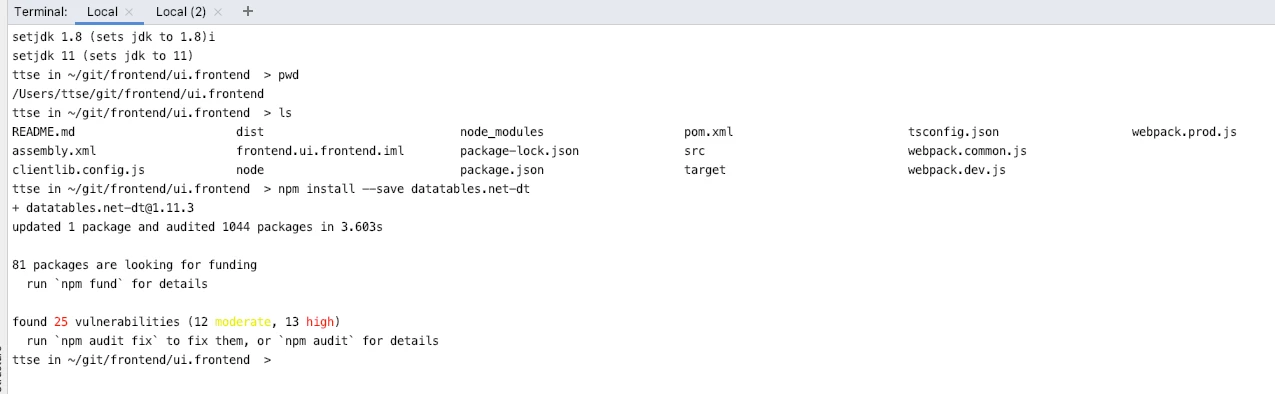
Which updated the file package.json to contain the datatables.net dependency
e.g
"dependencies": {
  "datatables.net-dt": "^1.11.3"
}
The full package.json file generated is
{
  "name": "aem-maven-archetype",
  "version": "1.0.0",
  "description": "Generates an AEM Frontend project with Webpack",
  "repository": {
    "type": "git",
    "url": "https://github.com/adobe/aem-project-archetype"
  },
  "private": true,
  "main": "src/main/webpack/site/main.ts",
  "license": "SEE LICENSE IN LICENSE.txt",
  "scripts": {
    "dev": "webpack -d --env dev --config ./webpack.dev.js && clientlib --verbose",
    "prod": "webpack -p --config ./webpack.prod.js && clientlib --verbose",
    "start": "webpack-dev-server --open --config ./webpack.dev.js",
    "sync": "aemsync -d -p ../ui.apps/src/main/content",
    "watch": "webpack-dev-server --config ./webpack.dev.js --env.writeToDisk & watch 'clientlib' ./dist & aemsync -w ../ui.apps/src/main/content"
  },
  "devDependencies": {
    "@babel/core": "^7.0.0",
    "@babel/plugin-proposal-class-properties": "^7.3.3",
    "@babel/plugin-proposal-object-rest-spread": "^7.3.2",
    "@typescript-eslint/eslint-plugin": "^2.14.0",
    "@typescript-eslint/parser": "^2.14.0",
    "acorn": "^6.1.0",
    "aem-clientlib-generator": "^1.4.3",
    "aemsync": "^4.0.1",
    "autoprefixer": "^9.2.1",
    "browserslist": "^4.2.1",
    "clean-webpack-plugin": "^3.0.0",
    "copy-webpack-plugin": "^5.0.4",
    "css-loader": "^3.0.0",
    "cssnano": "^4.1.10",
    "eslint": "^6.8.0",
    "eslint-loader": "^3.0.3",
    "glob-import-loader": "^1.1.4",
    "html-webpack-plugin": "^3.2.0",
    "mini-css-extract-plugin": "^0.4.4",
    "optimize-css-assets-webpack-plugin": "^5.0.1",
    "postcss-loader": "^3.0.0",
    "sass": "^1.17.2",
    "sass-loader": "^7.1.0",
    "source-map-loader": "^0.2.4",
    "style-loader": "^0.14.1",
    "terser-webpack-plugin": "^1.4.1",
    "ts-loader": "^5.3.3",
    "tsconfig-paths-webpack-plugin": "^3.2.0",
    "typescript": "^3.3.3333",
    "watch": "^1.0.2",
    "webpack": "^4.27.1",
    "webpack-cli": "^3.1.2",
    "webpack-dev-server": "^3.9.0",
    "webpack-merge": "^4.2.1"
  },
  "dependencies": {
    "datatables.net-dt": "^1.11.3"
  },
  "browserslist": [
    "last 2 version",
    "> 1%"
  ]
}
So I then ran the NPM command
npm run dev to build the CSS and JavaScript into apps/<my app>/clientlibs/clientlib-site/
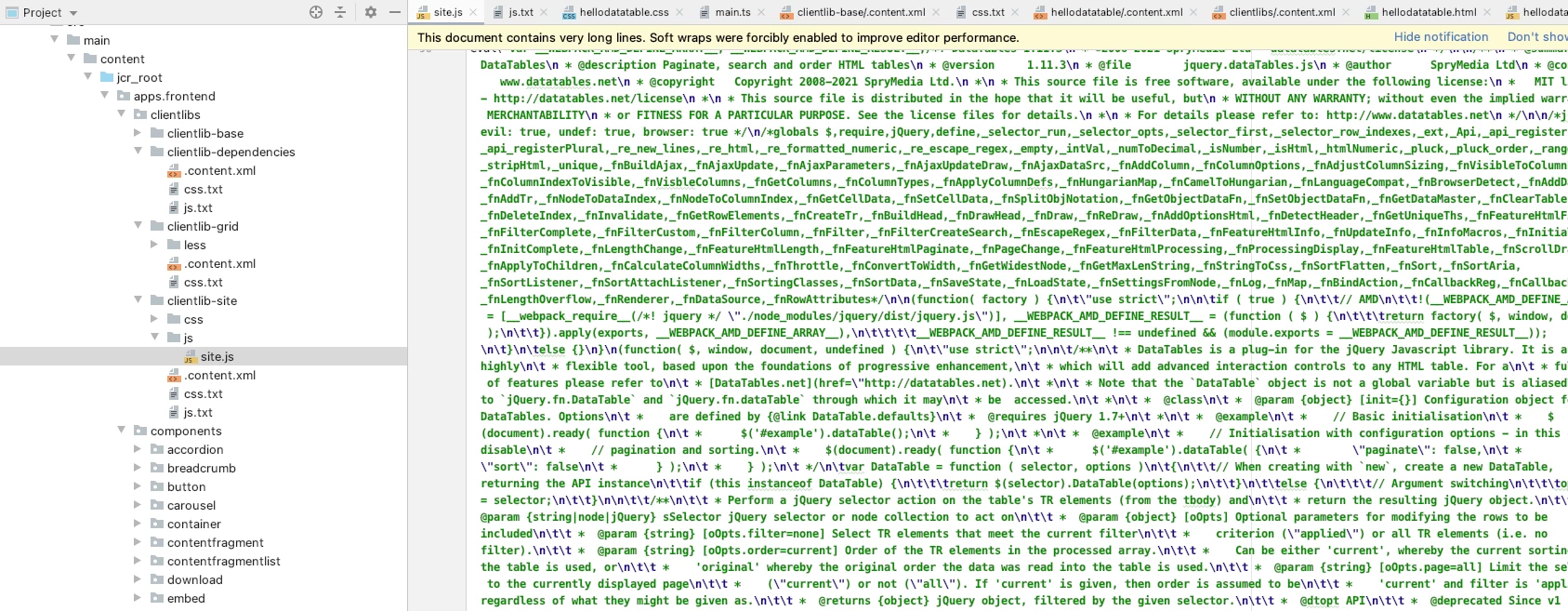
when I look at the site.js file that is generated I expected it to contain the JavaScript for the datatabes.net, but it does not.
What steps am I missing?