How can i add image in RTE without Dragging & Dropping?Also how can i adjust its size?? | Community
Skip to main content
Level 2
February 25, 2019
Solved

How can i add image in RTE without Dragging & Dropping?Also how can i adjust its size??

  • February 25, 2019
  • 2 replies
  • 1483 views

Is there any way i can add image in RTE (by exploring path or so) and also can adjust Height/Width of same

I tried Dragging-n-Dropping the same is not working in my Chrome and IE 11 browser(Screenshot attached)
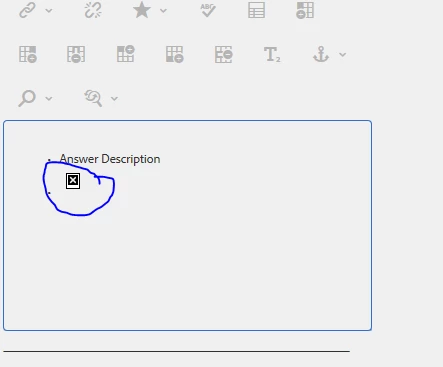
as i can find RTE Plugin for Image which only allows me to adjust the alignment
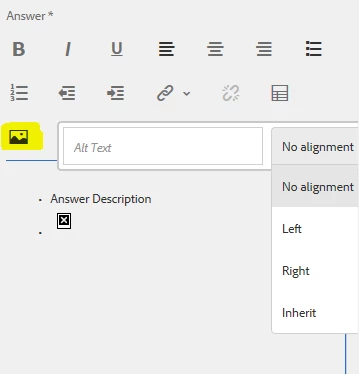
Please let me know the same

This post is no longer active and is closed to new replies. Need help? Start a new post to ask your question.
Best answer by Gaurav-Behl

For OOB RTE, the best thing you could do is to use image path in an element tag (p, span, a, img etc.) and apply css classes/style to it

E.g.  <img src="somepath" style="somestyle"/>

It won't provide drag/drop and crop features.

2 replies

antoniom5495929
Level 7
February 27, 2019

Hi,

which AEM version are you using? Are you using the standard rte?

Let us know.

Thanks,

Antonio

Gaurav-Behl
Gaurav-BehlAccepted solution
Level 10
February 27, 2019

For OOB RTE, the best thing you could do is to use image path in an element tag (p, span, a, img etc.) and apply css classes/style to it

E.g.  <img src="somepath" style="somestyle"/>

It won't provide drag/drop and crop features.