How Add more widget on AEM Asset Page | Community
Skip to main content
Level 4
April 30, 2018
Solved

How Add more widget on AEM Asset Page

  • April 30, 2018
  • 5 replies
  • 3189 views

Dear Experts,

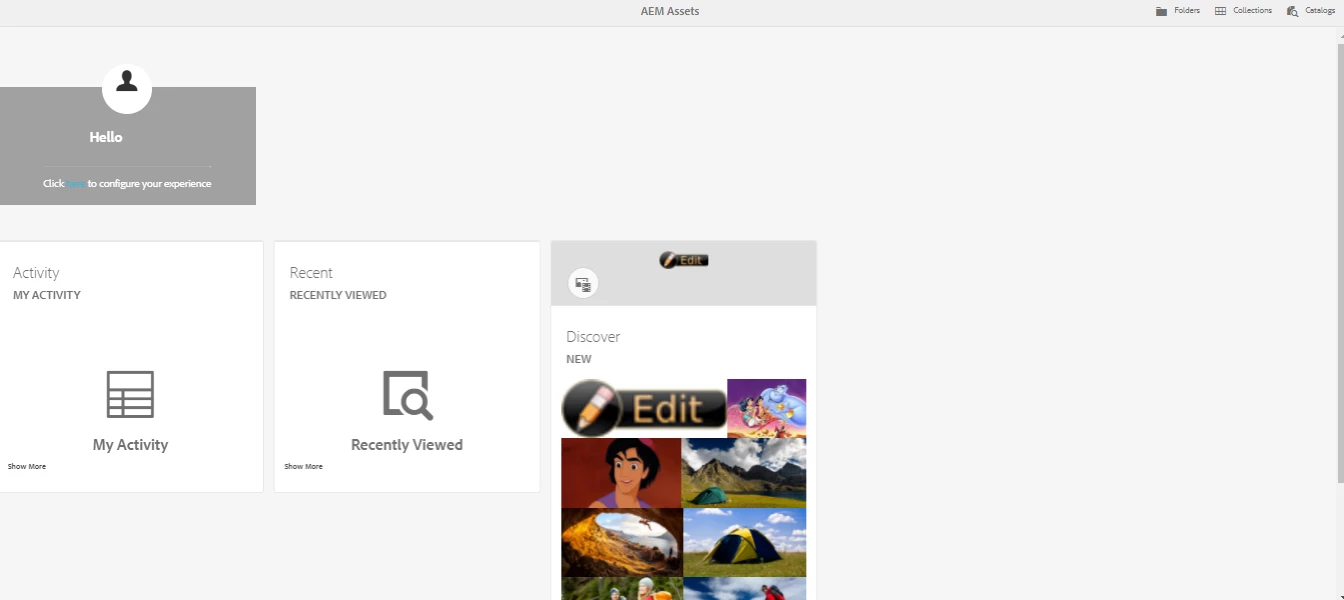
We have one question. Currently On AEM Asset page there are three widget by default. (see attached screen)

1.Activity

2. Discover

3. Recent

Can we add more widget on this page? If yes then how we can add either by customization or by configuration?
Thanks

Samer
This post is no longer active and is closed to new replies. Need help? Start a new post to ask your question.
Best answer by smacdonald2008

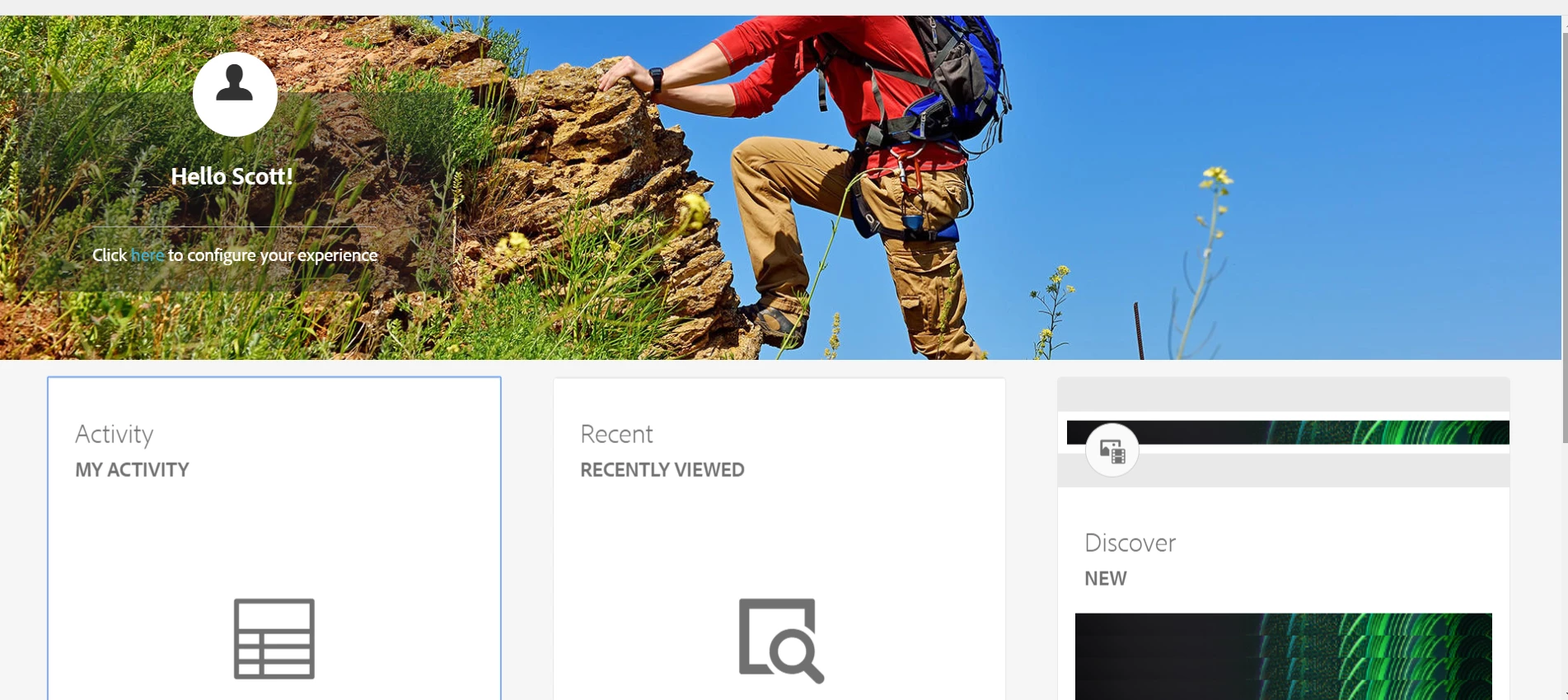
There does not seem to be much you can configure in terms of adding a new card. I was only really able to configure the banner.

Moire infor here -- AEM Assets Home Page Experience

5 replies

smacdonald2008
Level 10
April 30, 2018

What version of AEM are you using. Please specify the URL of the page you are viewing too.

smacdonald2008
Level 10
April 30, 2018

Also when worknig with Assets, ensure that you read all the docs here -- Administering Assets

Level 4
April 30, 2018

Hi Scott,

we are using "AEM Assets Home Page Experience URL.

http://localhost:4202/aem/assetshome.html/content/dam

and aem version 6.3

In above document link no any info about the widget.

Thanks

Samer

smacdonald2008
smacdonald2008Accepted solution
Level 10
April 30, 2018

There does not seem to be much you can configure in terms of adding a new card. I was only really able to configure the banner.

Moire infor here -- AEM Assets Home Page Experience

Level 4
May 1, 2018

Thanks Scott.