granite cq-msm-lockable autocomplete | Community
Skip to main content
Level 2
May 27, 2022
Solved

granite cq-msm-lockable autocomplete

  • May 27, 2022
  • 1 reply
  • 1416 views

<pagecategory
cq:showOnCreate="{Boolean}true"
granite:class="page-tagging-inheritance"
jcr:primaryType="nt:unstructured"
fieldLabel="page.pagecategory.label"
fieldDescription="page.pagecategory.label.desc"
sling:resourceType="granite/ui/components/coral/foundation/form/autocomplete"
autocreateTag="{Boolean}false"
emptyText="page.tag.singleSelect.emptyText"
name="./pagetagging/pageCategory"
required="{Boolean}true"
mode="contains">
<granite:data
jcr:primaryType="nt:unstructured"
cq-msm-lockable="pagetagging/pagecategory"
pagecategory-field=""/>
<datasource
jcr:primaryType="nt:unstructured"
sling:resourceType="cio-sites/components/page/dialog-sections/pagetagging/items/column/items/pagecategory"/>
<values
jcr:primaryType="nt:unstructured"
sling:resourceType="granite/ui/components/coral/foundation/form/autocomplete/tags"/>
<options
jcr:primaryType="nt:unstructured"
sling:resourceType="granite/ui/components/coral/foundation/form/autocomplete/list"/>
</pagecategory>

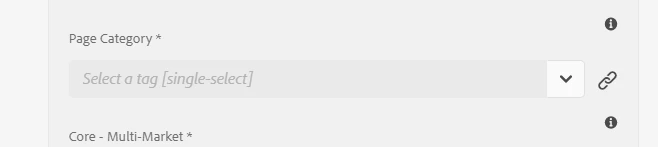


I have the above field converted from tagfield into an autocomplete field . When I roll out page(using the tagfield resource type) the field is working as expected. When I change the resource type to auto complete and roll out page the field loses its value. When I tried to remove the property " cq-msm-lockable="pagetagging/pagecategory" " the field didnt lose its value but didnt get the disabled and the chain icon. 

My question is how can I use an autocomplete resourcetype together with the property " cq-msm-lockable="pagetagging/pagecategory" " and not lose the value of the field when I roll out the page

This post is no longer active and is closed to new replies. Need help? Start a new post to ask your question.
Best answer by DEBAL_DAS

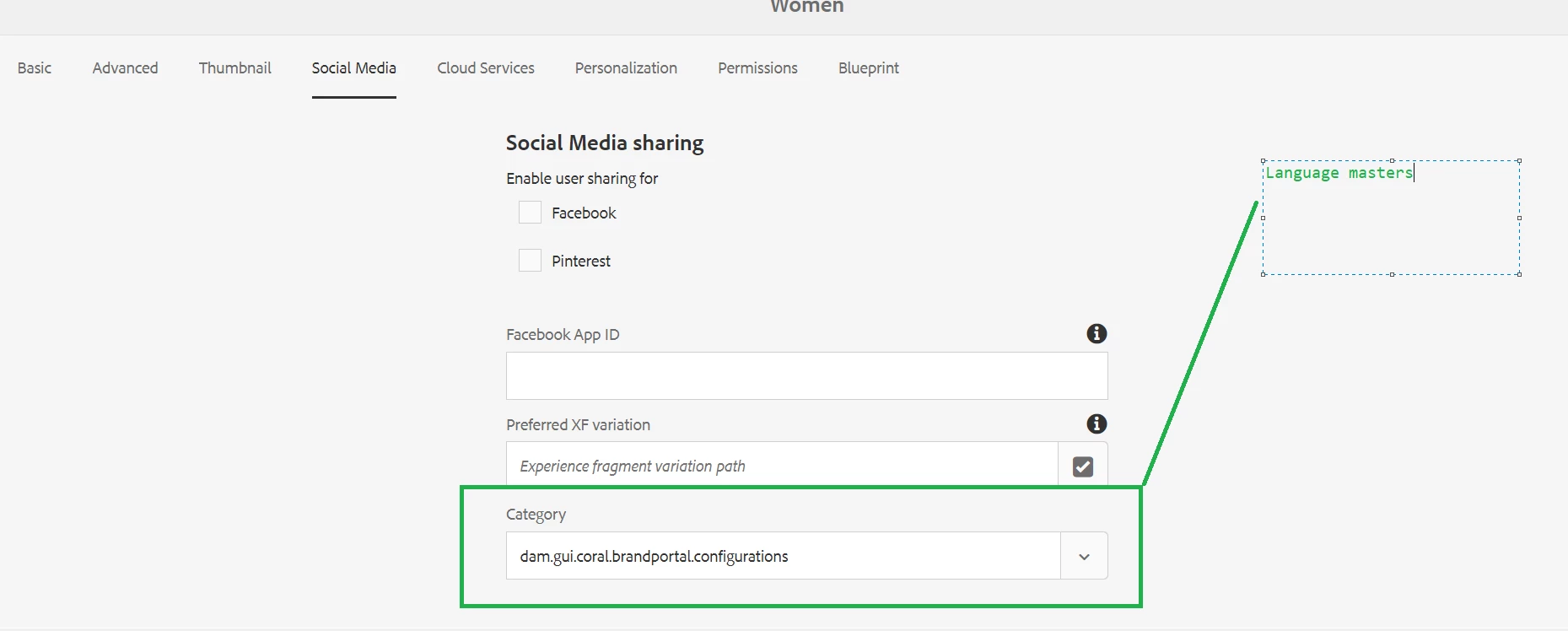
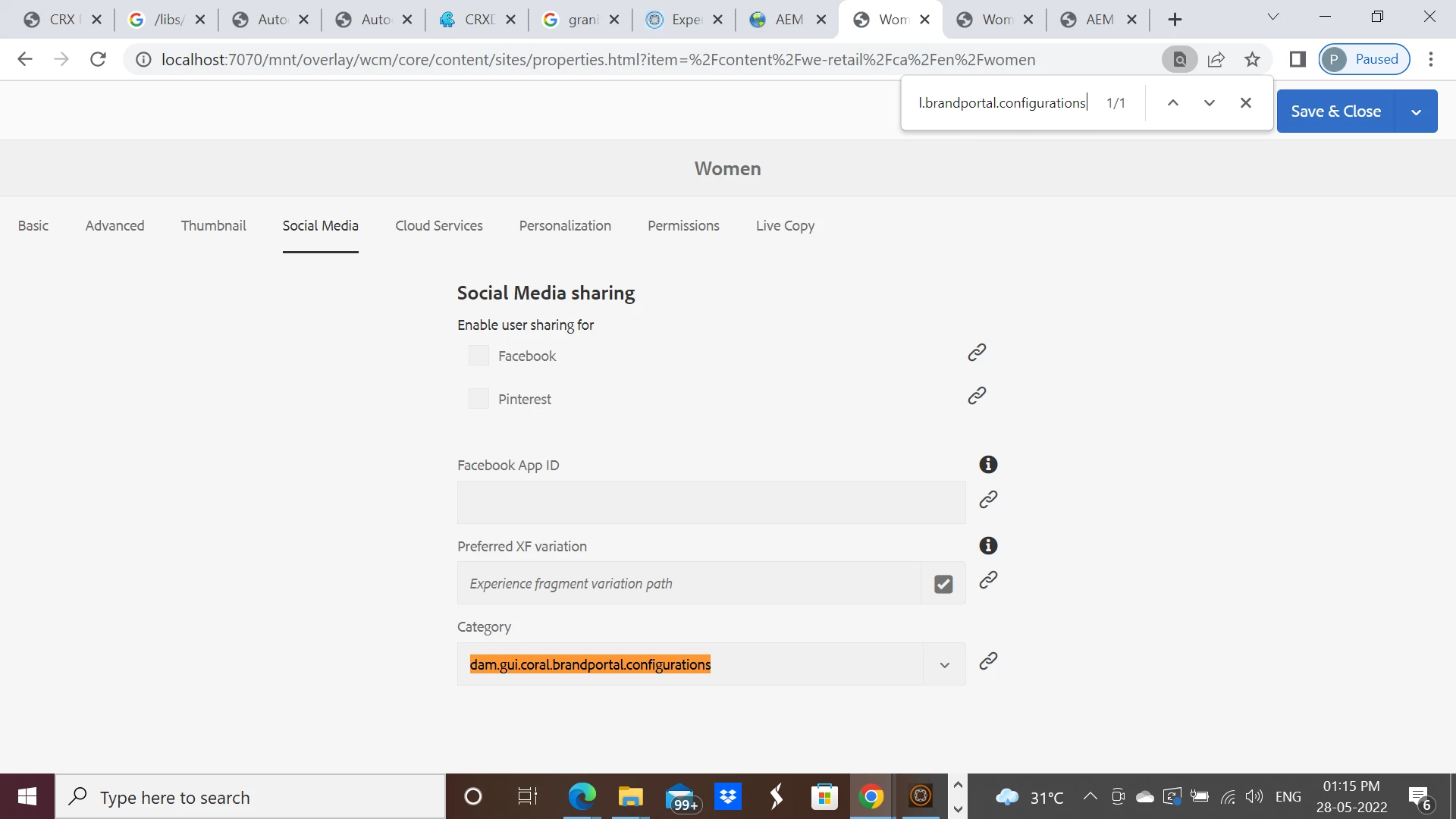
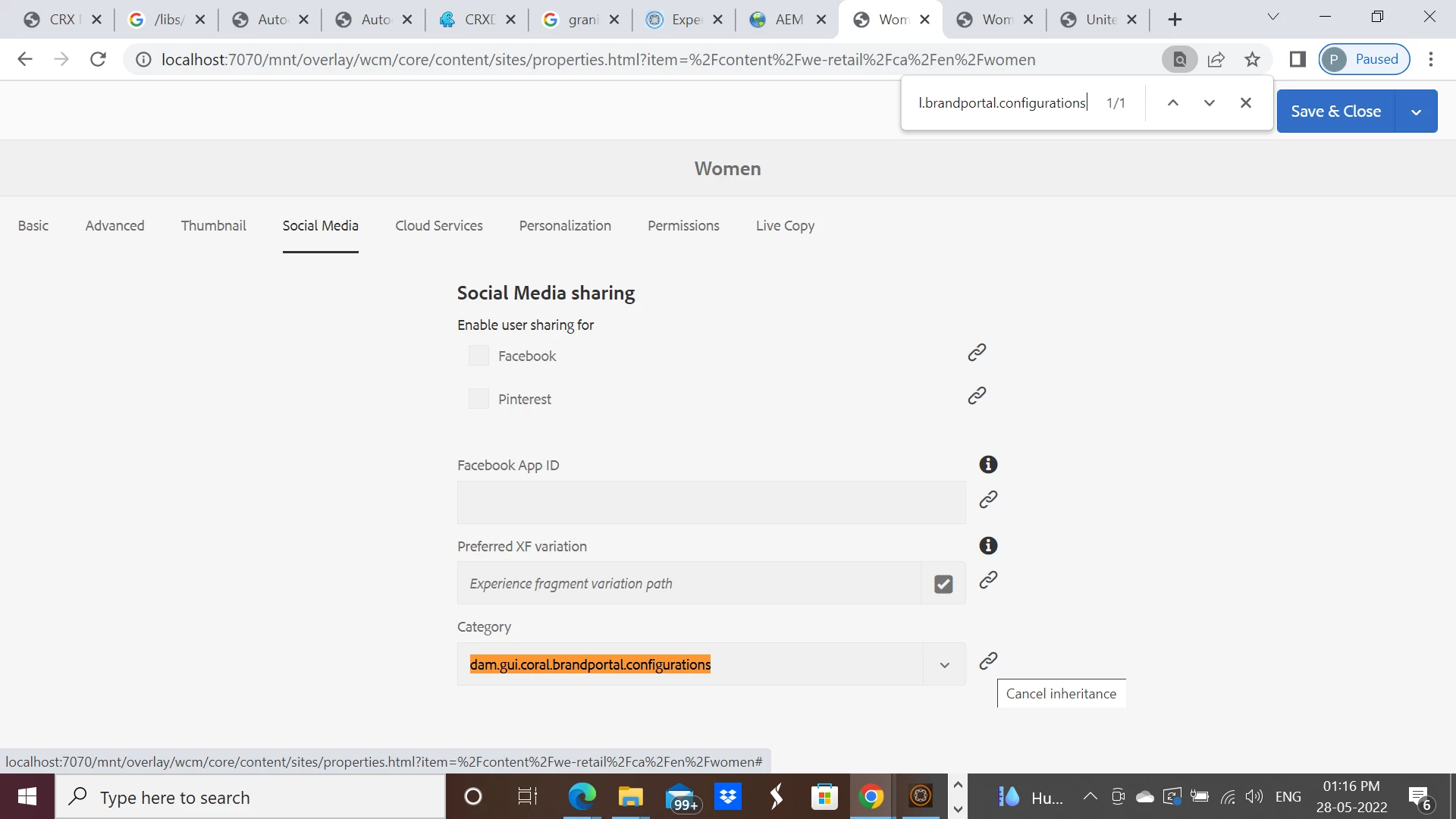
Understood. I have tested granite/ui/components/coral/foundation/form/autocomplete with granite cq-msm-lockable on AEM6.5.9 and it's working.


At us-en level :

at ca-en level :


Please note that: /libs/granite/ui/components/coral/foundation/form/autocomplete is deprecated

https://developer.adobe.com/experience-manager/reference-materials/6-5/granite-ui/api/jcr_root/libs/granite/ui/components/coral/foundation/form/autocomplete/index.html


1 reply

gdguradioAuthor
Level 2
May 27, 2022

Turns out that I made a typo error cq-msm-lockable="pagetagging/pagecategory" to cq-msm-lockable="pagetagging/pageCategory"

DEBAL_DAS
DEBAL_DASAccepted solution
New Member
May 28, 2022

Understood. I have tested granite/ui/components/coral/foundation/form/autocomplete with granite cq-msm-lockable on AEM6.5.9 and it's working.


At us-en level :

at ca-en level :


Please note that: /libs/granite/ui/components/coral/foundation/form/autocomplete is deprecated

https://developer.adobe.com/experience-manager/reference-materials/6-5/granite-ui/api/jcr_root/libs/granite/ui/components/coral/foundation/form/autocomplete/index.html


Debal Das, Senior AEM Consultant
DEBAL_DAS
New Member
June 29, 2022

Could you please provide me the XML and the possible HTML or js or other files if there are involved on how to create the autocomplete, I am a very beginner in AEM and very confused about this field


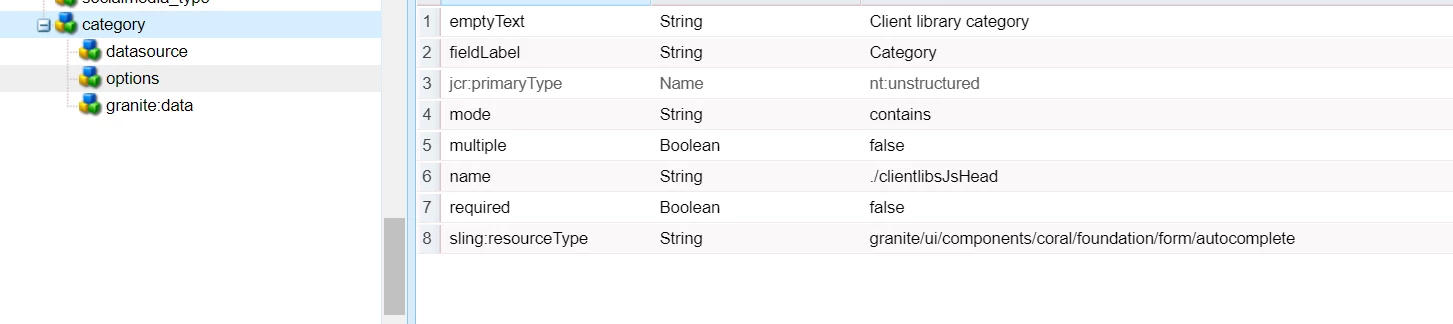
<category
jcr:primaryType="nt:unstructured"
sling:resourceType="granite/ui/components/coral/foundation/form/autocomplete"
emptyText="Client library category"
fieldLabel="Category"
mode="contains"
multiple="{Boolean}false"
name="./clientlibsJsHead"
required="{Boolean}false">
<datasource
jcr:primaryType="nt:unstructured"
sling:resourceType="core/wcm/components/commons/datasources/clientlibrarycategories/v1"
type="js"/>
<options
jcr:primaryType="nt:unstructured"
sling:resourceType="granite/ui/components/coral/foundation/form/autocomplete/list"/>
<granite:data
jcr:primaryType="nt:unstructured"
cq-msm-lockable="clientlibsJsHead"/>
</category>

Debal Das, Senior AEM Consultant