Google Map API not loading properly in my Page | Community
Skip to main content
January 21, 2022
Solved

Google Map API not loading properly in my Page

  • January 21, 2022
  • 1 reply
  • 2235 views

Hello, 

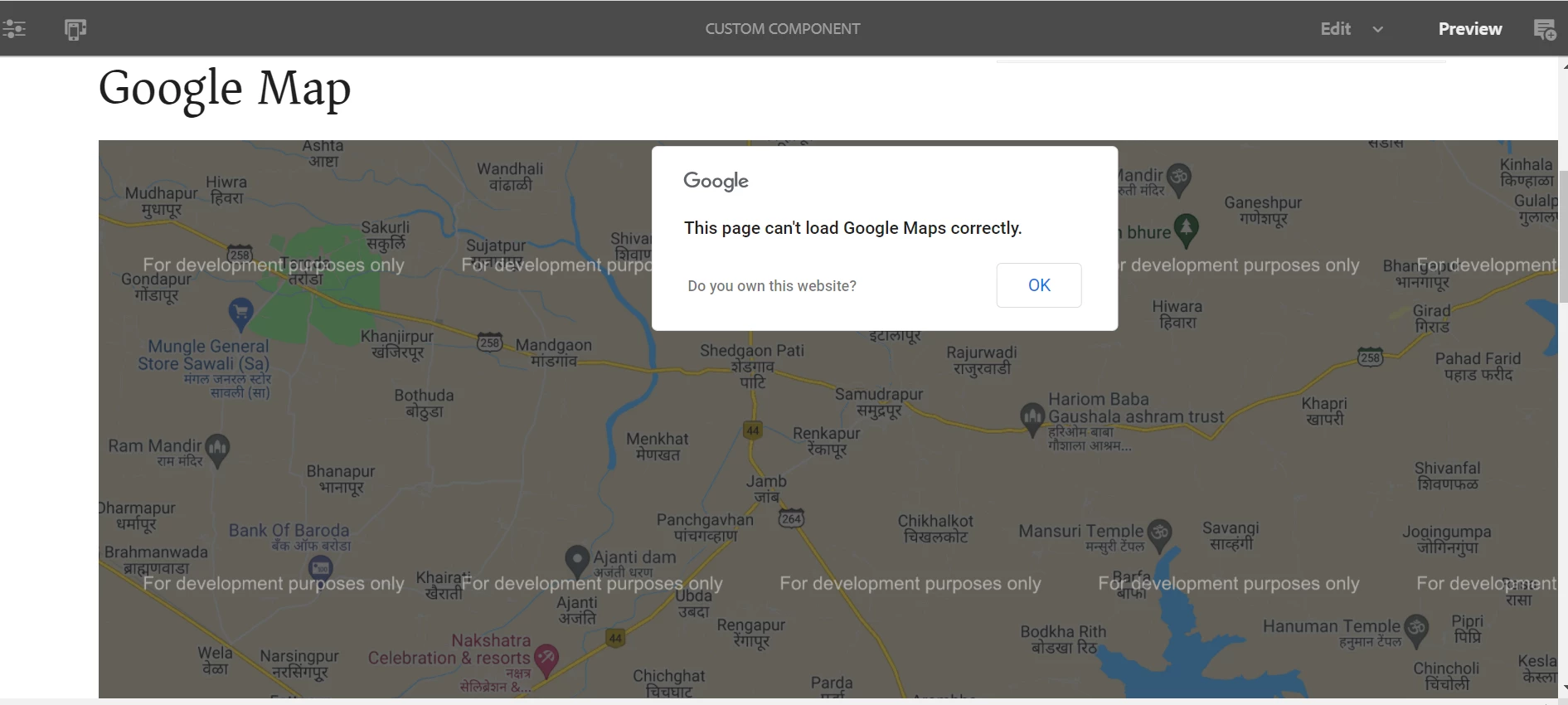
I am trying to create a store locator component. So I'm trying to add a google map API to my page. When I add the map it says the below error. Is it because of the free API key I'm using ? Is there any solution for this other than getting a billing api key ??

This post is no longer active and is closed to new replies. Need help? Start a new post to ask your question.
Best answer by Asutosh_Jena_

Hi @tessa_learner1 


Try with the below key and see if it helps you:

https://maps.googleapis.com/maps/api/js?key=AIzaSyDEN4uwWDX3NFU4qY-qAmePtjQs5BcVaEA


Thanks!

1 reply

Asutosh_Jena_
Community Advisor
Community Advisor
January 22, 2022

Hi @tessa_learner1 


You will get this error, if your billing is not set up properly or if you are using a free acount which has only 1 free request per day. 


You can open the developer console and check what error you are getting. It should look something like below if it's billing issue.


Unfortunately, there is no way we can fix it without having a valid API KEY. You need to use a valid API KEY.


Thanks!

January 22, 2022

Thanks for your help @asutosh_jena_  Yes, I have checked the console it's the billing error. As of now I'm using free google api key I'm just practicing adobe with google map so only I tried with free api key.

Asutosh_Jena_
Community Advisor
Community Advisor
January 24, 2022

@asutosh_jena_  Thank you so much for your help. Yes, it worked for me. And I'm trying to add autocomplete function of google API, Can I do that using the above key? Is places API enabled for it ?


@tessa_learner1 I doubt if it's enabled. Can you give a try and see.
