


Getting Started with AEM Sites for Business Users | AEM Community Blog Seeding
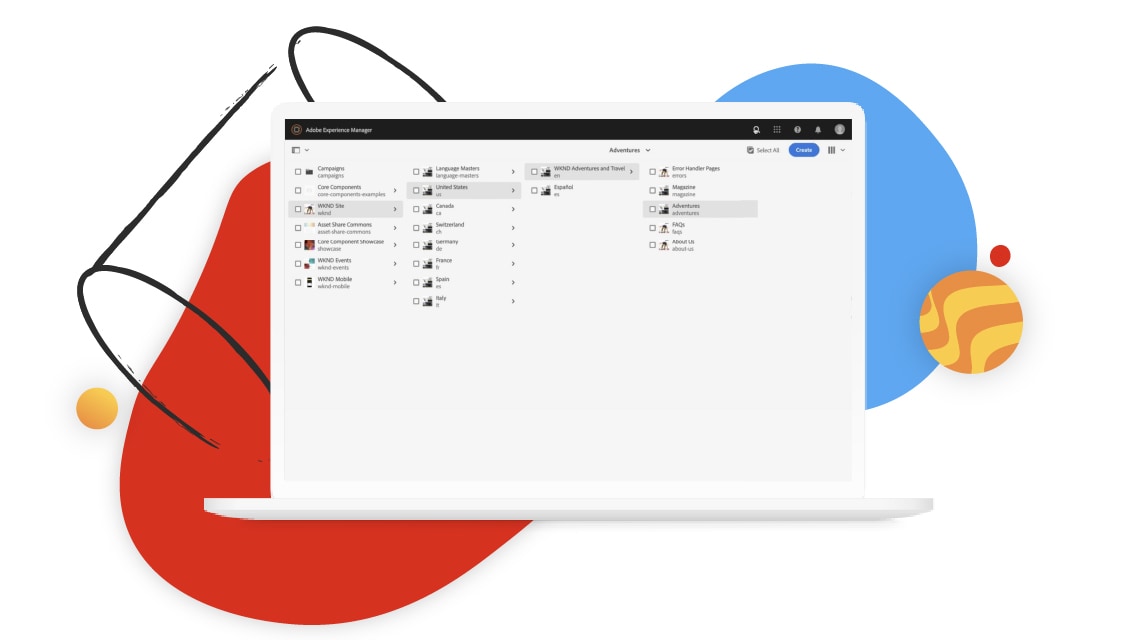
Getting Started with AEM Sites for Business Users by Adobe
Abstract
Getting Started with AEM Sites for Business Users
Explore the basics of AEM Sites, including navigation, how site pages are organized and stored, along with how to creating a page for your site.

Lesson 1
The Basics
Explore the basics of AEM Sites, including navigation, how site pages are organized and stored, along with how to creating a page for your site.


Lesson 2
Authoring Basics
Explore the basics of page authoring in AEM sites, including an introduction to Page Editor's UI tools, adding content to a page, along with how to create responsive content for your site.

Lesson 3
Authoring Features
Explore some of the page authoring features in AEM sites, including an introduction to Page Editor's UI tools, adding content to a page, along with how to create responsive content for your site.

Lesson 4
Publishing and Managing
Explore some of the basic page management operations including publishing a page, page edit operations like copy, paste, delete, and move, and manage additional metadata associated with a page.
Read Full Blog
Getting Started with AEM Sites for Business Users
Q&A
Please use this thread to ask the related questions.