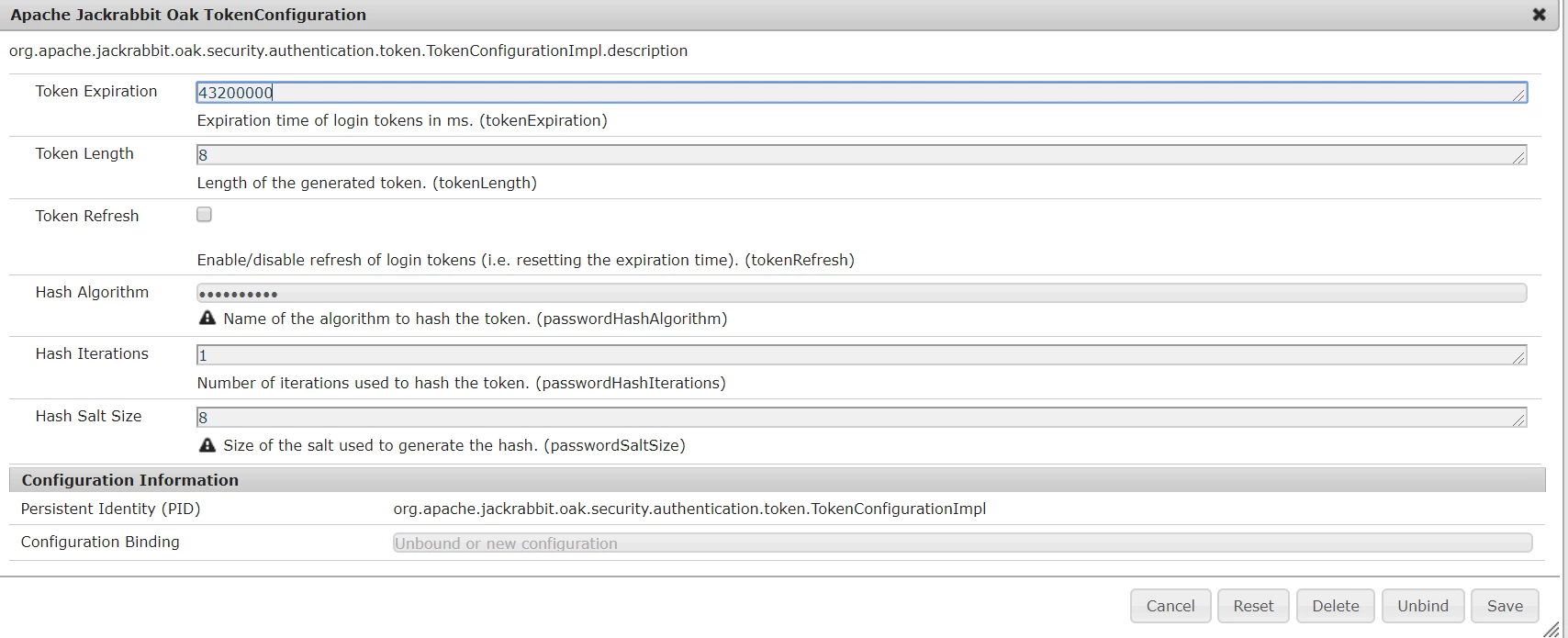
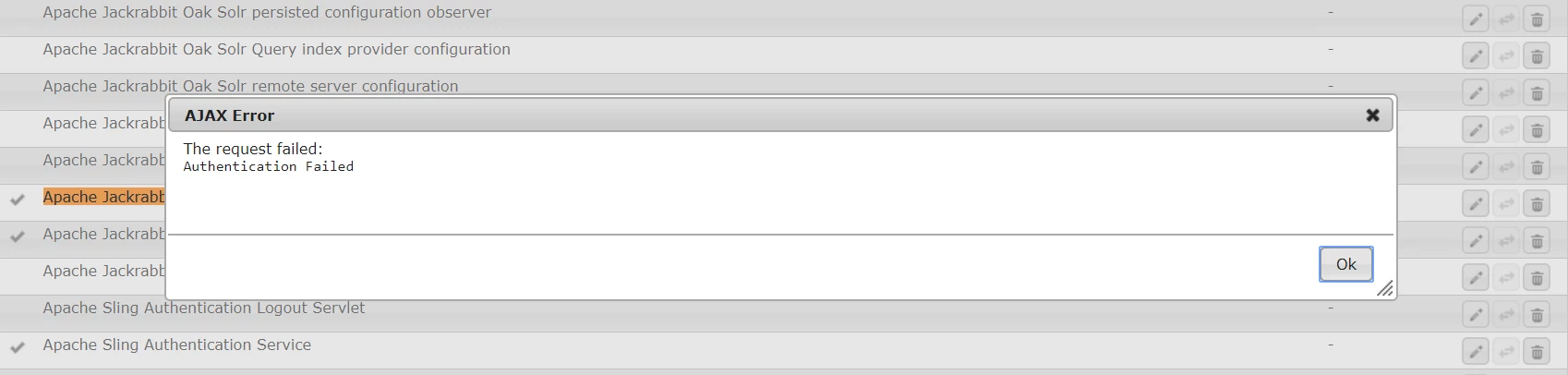
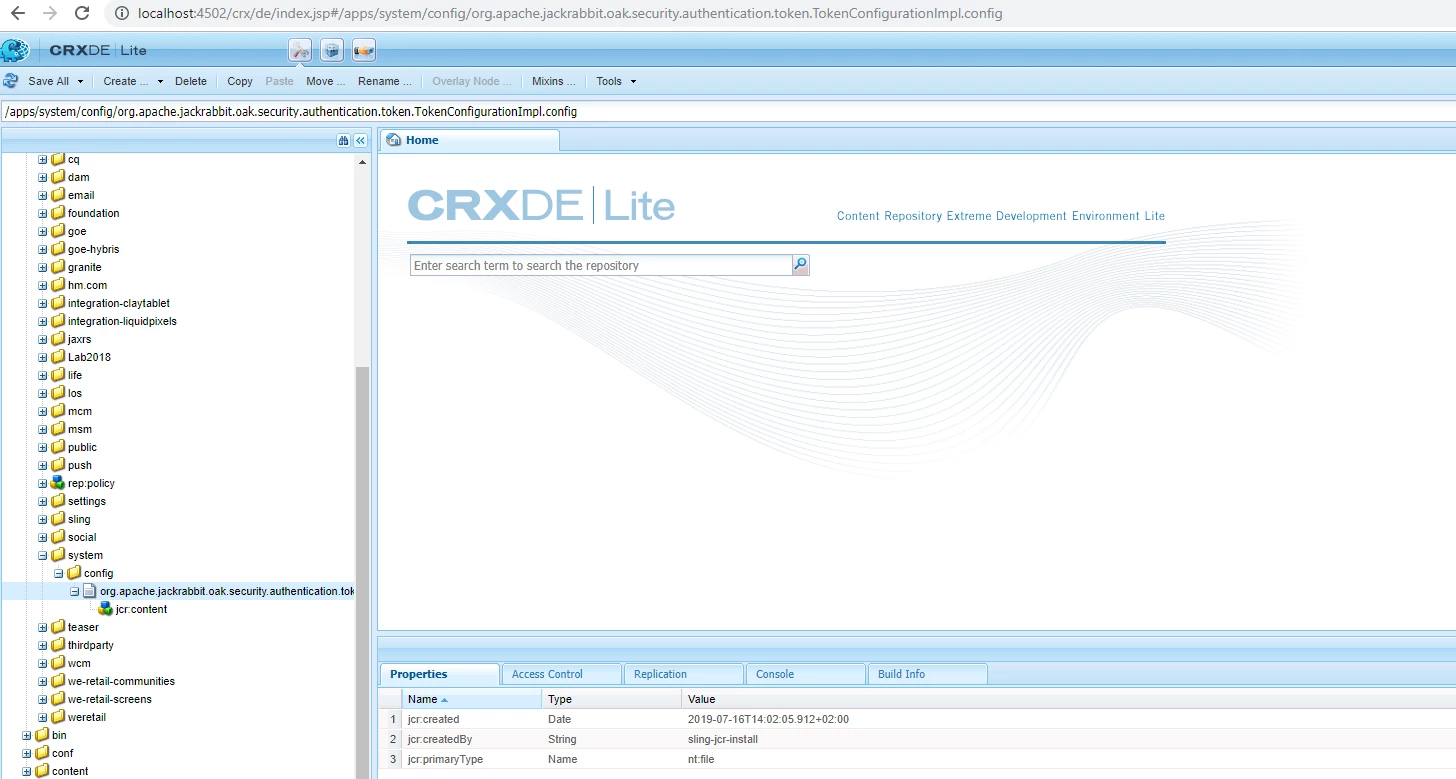
We faced the same problem and unfortunately we cannot even login to crx to follow what has been mentioned in this forum. Following are the steps I took to fix this -
Problem : 1. Not able to access /system/console/configMgr
2. Not able to login to crx and thus could not delete /apps/system/config/org.apache.jackrabbit.oak.security.authentication.token.TokenConfigurationImpl.config as per suggestion by @brijeshyadav
3. Sytem restart didn't helped.
Fix : 1. Stop aem instance.
2. Go to /crx-quickstart/launchpad/config/org/apache/jackrabbit/oak/security/authentication/token
3. Look for file TokenConfigurationImpl.config (on linux cat the file)
4. You will see tokenRefresh flag has changed to "True" or tokenExpiration value has been modified to be too low. For example for us it was like below -

5. Delete this file and restart the instance or replace this file with other instance same file where it is working perfectly file. For me I took the file from QA to Dev publish server. Following is the expected configuration -
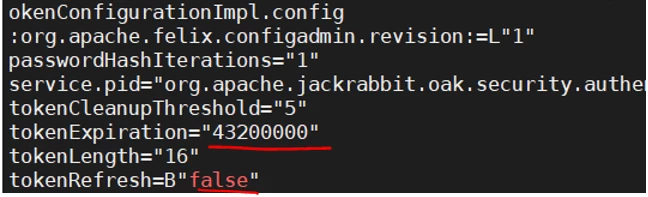
6. Restart this instance.
This fix my problem.
Hope this helps!!