Fields in the dialog have border missing | Community
Skip to main content
Level 2
August 1, 2018
Question

Fields in the dialog have border missing

  • August 1, 2018
  • 6 replies
  • 3823 views

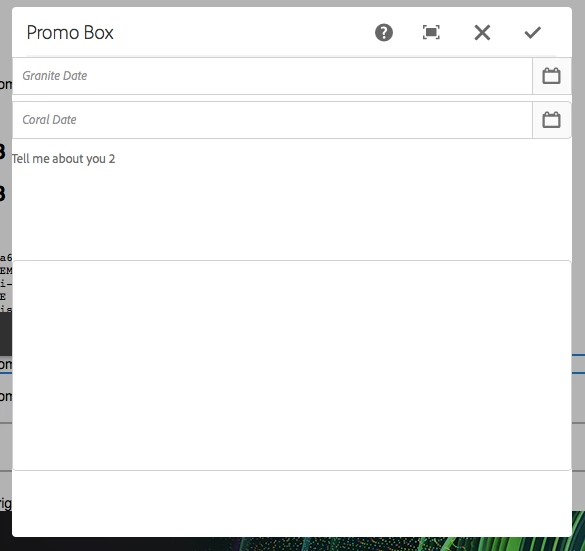
I have 3 fields in my dialog. When i open the dialog, it displays those 3 fields but the right side border is missing on all 3. May be the width is too big to display within the dialog. Please see below snapshot.
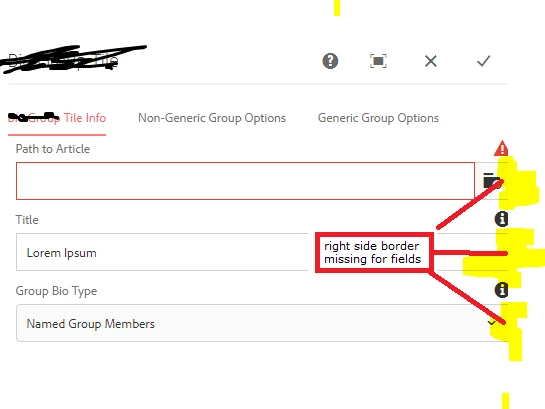
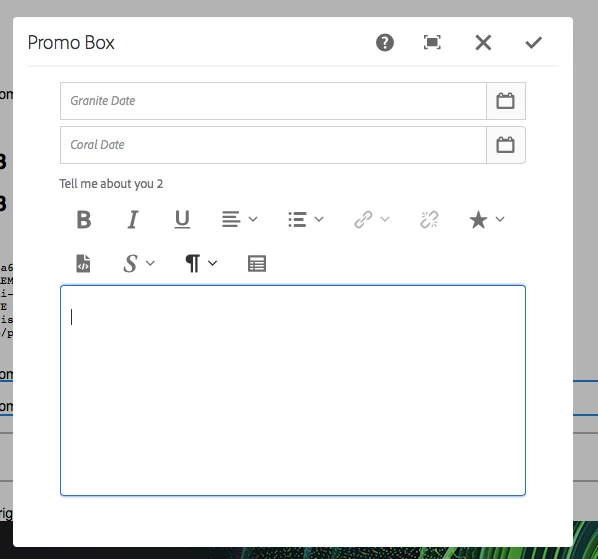
When i maximize the dialog, they appear fine.

Just wanted to check if we need to make any changes to width of fields appearing in dialog. Or this is an existing bug?

Please advise.

This post is no longer active and is closed to new replies. Need help? Start a new post to ask your question.

6 replies

arunpatidar
Community Advisor
Community Advisor
August 1, 2018

Hi,

It depends how you've created dialog.

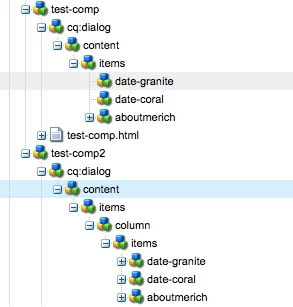
If you'll directly render items inside container it would be look like this.

Better to use fixed column layout for rendering content.

Examples of test-comp without and with layout:

Without Layout

With Layout

e.g. Adobe Experience Manager Help | Creating your first Adobe Experience Manager Touch UI component

Thanks

Arun

Arun Patidar
Level 2
August 1, 2018

Thanks Arun.

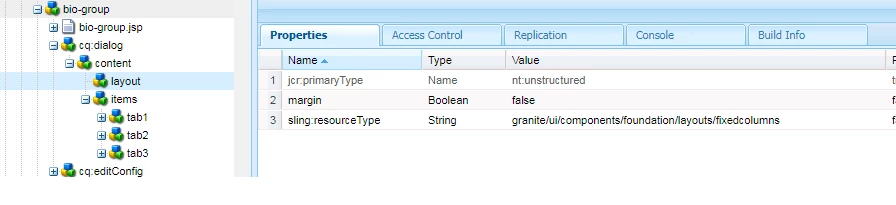
I'm already using 'granite/ui/components/coral/foundation/fixedcolumns' as sling:resourceType for all the 3 tabs in my dialogs. As you can see in the screenshot, left side it is coming correctly, but right side its cut.

Any other settings/properties we need to change?

arunpatidar
Community Advisor
Community Advisor
August 1, 2018

I don't thinks so, You just need to follow proper layout.

Example List - HTL components

Arun Patidar
Level 2
August 1, 2018

Followed this exact structure but still its not working. See below -

arunpatidar
Community Advisor
Community Advisor
August 4, 2018

Hi,

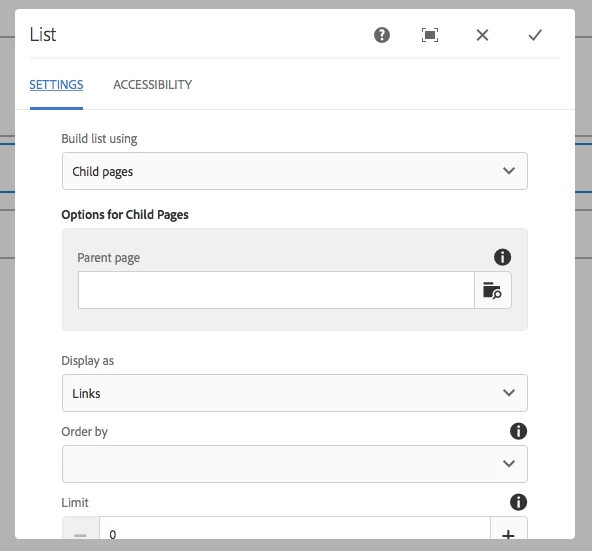
Could you please check if you are facing same issue with OOTB components? for example List component.

If not, you can take reference from List component?

or could you please post your dialog xml here?

Thanks

Arun

Arun Patidar
smacdonald2008
Level 10
August 5, 2018

This should not happen - you should see this:

To see this - install the package from this article.

Building Experience Manager Components using Granite/Coral Resource Types

Install section corresponding to the Use WCMUSEPOJO with the component section.

As Arun suggests - its the way you created your dialog.

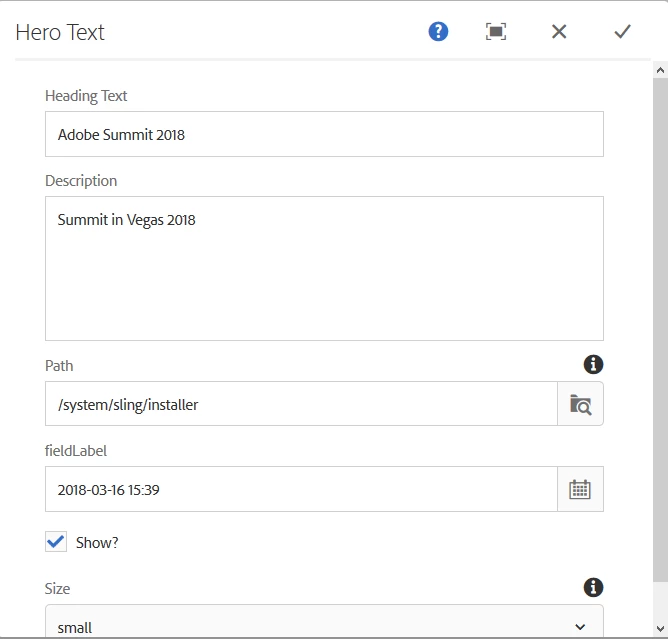
This is the dialog from that package - as you can see - the borders are fine: