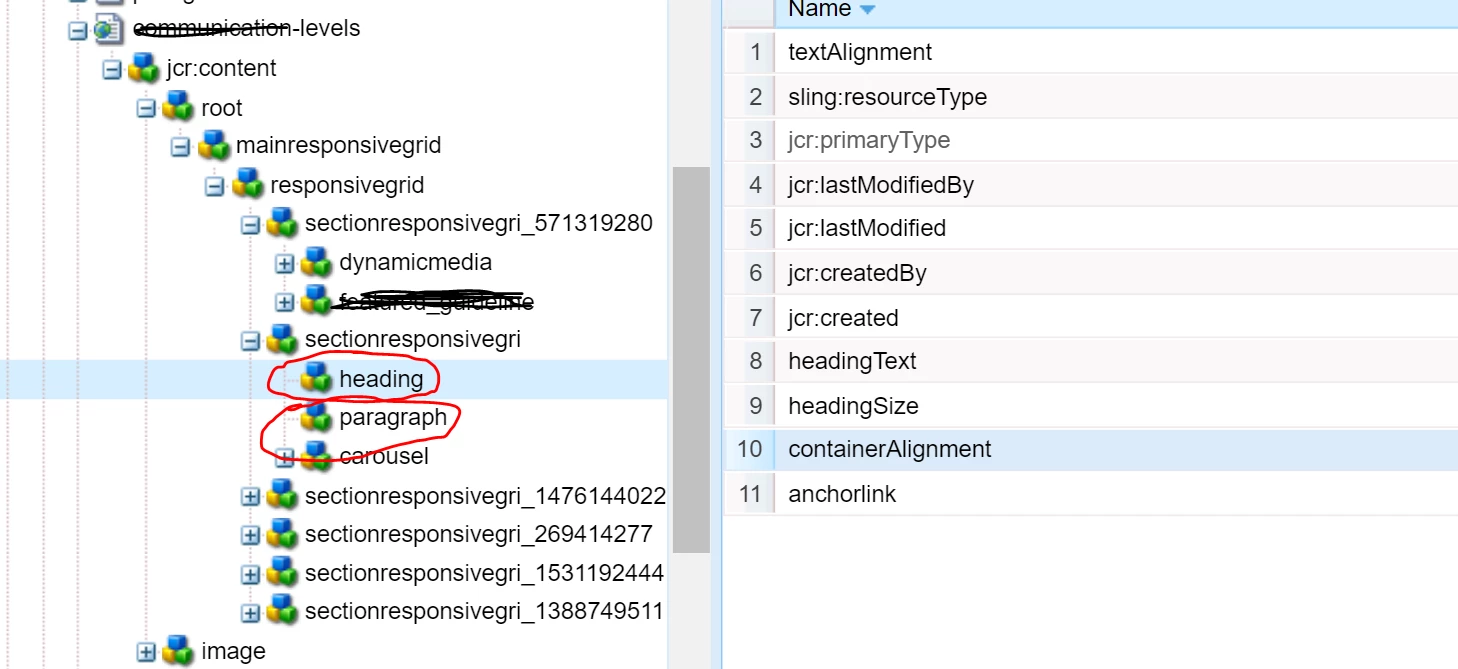
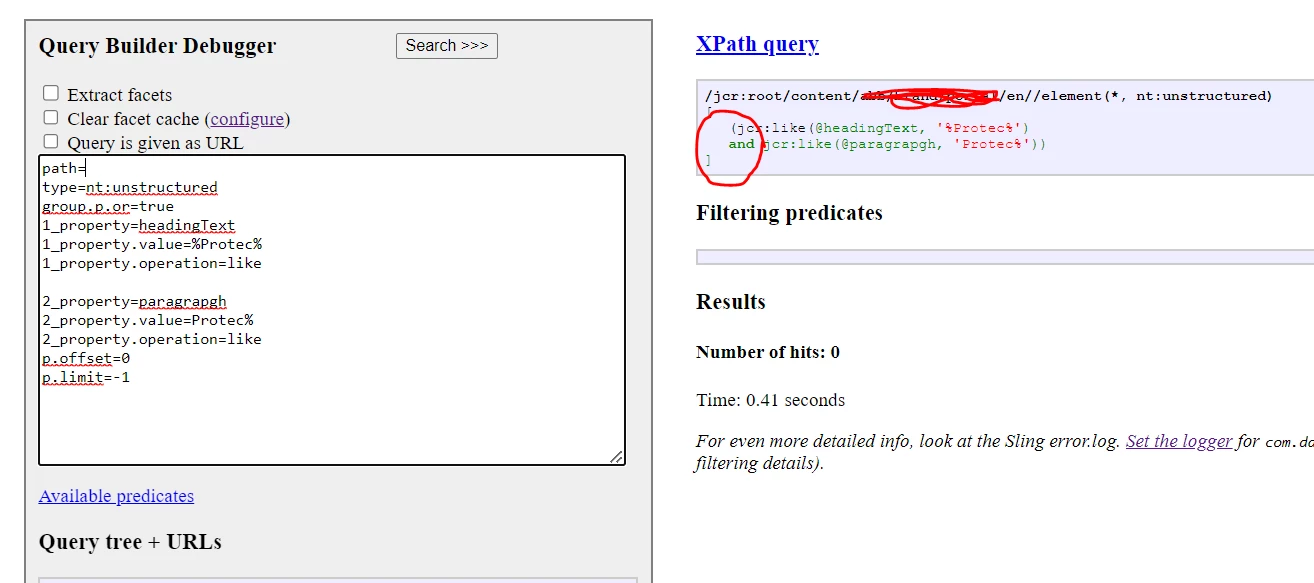
Hi @keshava219 ,
You can use nested groups for your usecase, a sample query
0_group.p.or=true
0_group.1_group.type=dam:AssetContent
0_group.1_group.path=/content/dam/we-retail
0_group.1_group.property=metadata/@dc:format
0_group.1_group.property.value=image/jpeg
0_group.1_group.daterange.property=jcr:lastModified
0_group.1_group.daterange.lowerBound=2015-04-18
0_group.1_group.daterange.lowerOperation=>=
0_group.1_group.1_group.p.or=true
0_group.1_group.1_group.1_fulltext=men
0_group.1_group.1_group.2_fulltext=woman
0_group.2_group.type=cq:PageContent
0_group.2_group.1_group.p.or=true
0_group.2_group.1_group.1_group.1_path=/content/we-retail/language-masters/en
0_group.2_group.1_group.2_group.2_path=/content/we-retail/language-masters/it
0_group.2_group.1_group.1_group.2_property=@hideSubItemsInNav
0_group.2_group.1_group.1_group.2_property.value=true
0_group.2_group.1_group.1_group.2_property.operation=not
0_group.2_group.1_group.2_group.1_property=@jcr:title
0_group.2_group.1_group.2_group.1_property.operation=exists
0_group.2_group.2_group.1_property=@sling:resourceType
0_group.2_group.2_group.1_property.1_value=weretail/components/structure/page
0_group.2_group.2_group.1_property.2_value=weretail/components/structure/product
0_group.2_group.3_group.2_group.p.or=true
0_group.2_group.3_group.2_group.1_fulltext=men
0_group.2_group.3_group.2_group.2_fulltext=woman
orderby=jcr:lastModified
orderby.sort=desc
Understanding of the query :
0_group.1_group = Return nodes dam:AssetContent under /content/dam/we-retail path, modified (jcr:lastModified) after 2015-04-18 that represent an image with mimeType image/jpeg and contains men or woman text inside any of his properties.

0_group.2_group.1_group.1_group = Return content pages nodes (cq:PageContent) from english we-retail site where property hideSubItemsInNav has not got “true” value, his sling:resourceType could be weretail/components/structure/page or weretail/components/structure/product and contains in any of his properties text men or woman.

0_group.2_group.1_group.2_group = Return content pages nodes (cq:PageContent) from italian we-retail site where property jcr:title exists, his sling:resourceType could be weretail/components/structure/page or weretail/components/structure/product and contains in any of his properties men or woman.

Common: All results will be ordered by jcr:lastModified in a descending way.

Note: Predicates under 0_group.2_group are shared in cascade to 0_group.2_group.1_group.1_group & 0_group.2_group.1_group.2_group
more deep groups, for avoiding repeat information.
You can implement a query where you run a query for nt:unstructured & for cq:Page and combine the results.
Hope this helps, thanks!