Extended Journal Component not Working | Community
Skip to main content
August 10, 2017
Solved

Extended Journal Component not Working

  • August 10, 2017
  • 21 replies
  • 10113 views

Hi

Im using GitHub - Adobe-Marketing-Cloud/aem-scf-sample-components-extension: Sample package for AEM Social Communities - Social C… to Extend a journal Component and customise it. However it is not working. These are the steps I have done

1. Installed the package after building

2. Added Subtitle field to the below as recommended (

  1. Add a property "subtitle" in your author and publish instance's /system/console/configMgr/com.adobe.cq.social.journal.client.endpoints.impl.JournalOperationsService
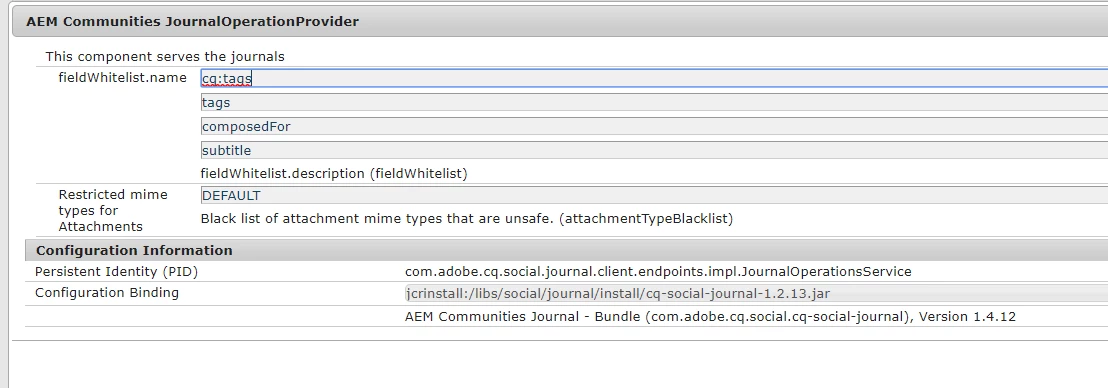
3. Added the 3 Clientlibs to the page

1. cq.ckeditor

2. cq.social.hbs.voting

3. cq.social.hbs.journal

Issue: When I write in the blog it doesnt save anything when i click on publish.
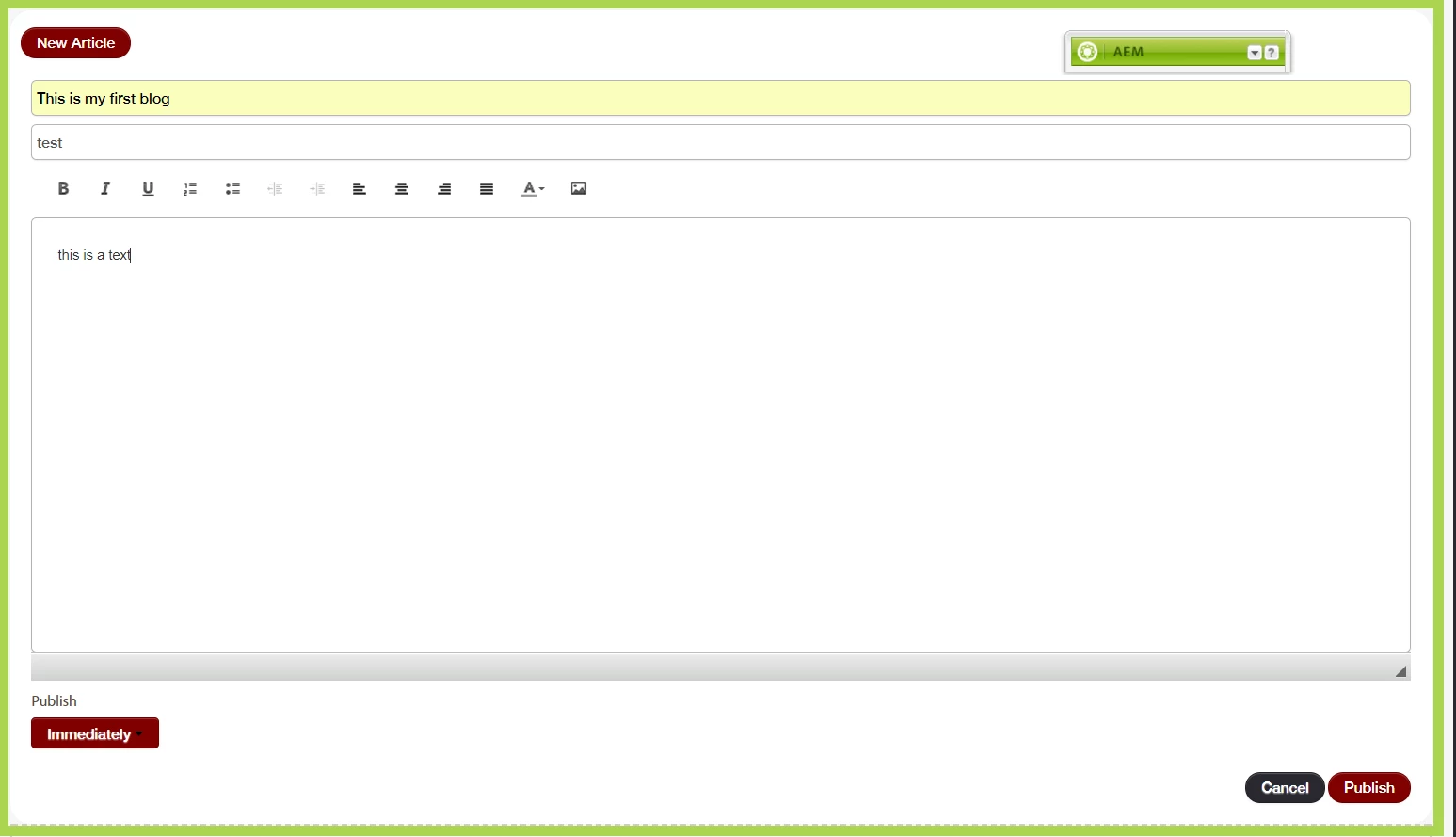
After refresh the page shows blank as before.
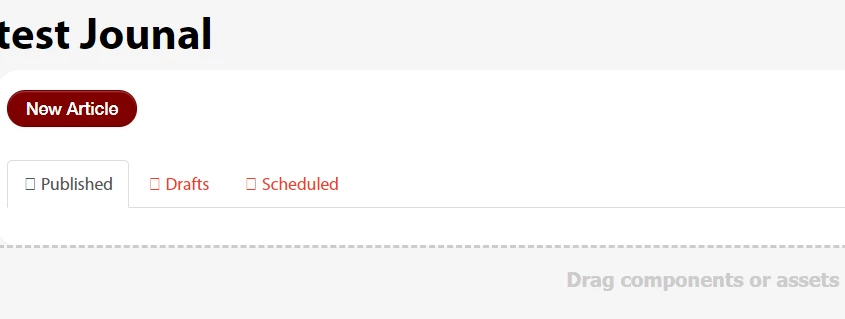
Can someone please help me in resolving the issue? One More thing when I put my code on debug the CustomJournalEntryComponent code does NOT get called at all.

This post is no longer active and is closed to new replies. Need help? Start a new post to ask your question.
Best answer by titli

Just to keep the post updated I finally managed to find out a solution.

The etc/design must have the resourceType properly set in the correct path. My project structure was such that setting the paths via the design dialog was not sufficient. I have to find the path where this value was required to be set

21 replies

Rahul_Bhardwaj
Adobe Employee
Adobe Employee
August 11, 2017

Just checked - It's working for me on 6.1 too. I had to take just three steps :

1. Add "subtitle" to whitelist in configMgr

2. Build and install content package from the repo.

3. Add Extended journal to the site and created ugc.

Can you check without adding any clientlibs?

titliAuthor
August 11, 2017

Did you create any new page? Can you share the package with the component added?

Step 1 : I did it

Step 2: did it

Step 3:. Might differ from yours. I checked in the acme/en/newsblog  please share your package from 6.1 with the working component.

I will install it 

titliAuthor
August 14, 2017

HI,

I tried out this component. there might have been some problem with the clientlibs. Now the data is getting save but when I open the entry the extended component does not get called. The default component entry_topic gets displayed.

For example if in

/apps/custom-blog/components/hbs/entry_topic/entry_topic.hbs

I change the following line

        <p class="scf-breadcrumb scf-quiet">{{i18n "Entries!!"}} &#187; <a href="{{pageInfo.basePageURL}}.html">{{i18n "Blog!!"}}</a> &#187; {{subject}}</p>

It does not get reflected in the page.

Can you check if thats happening for you too?

titliAuthorAccepted solution
October 17, 2017

Just to keep the post updated I finally managed to find out a solution.

The etc/design must have the resourceType properly set in the correct path. My project structure was such that setting the paths via the design dialog was not sufficient. I have to find the path where this value was required to be set

Rahul_Bhardwaj
Adobe Employee
Adobe Employee
November 6, 2017

Great job Titli. Unfortunately, I lost track of our discussion and this discussion went down in my stack. Sorry for the inconvenience that you might have faced, when I failed to respond to your earlier query.

-Rahul

davidevg09
March 28, 2018

Did you managed to find a solution to this?

I'm currently facing this issue where my extended entry_topic component isn't being reflected on my live site. Instead, its the default entry_topic.hbs file that's being referred to under /libs/social/journal/components/hbs/

Even when I update my custom entry_topic.hbs under /apps/ and change the data-scf-component attribute to the  new path of my entry_topic component, it still doesn't get picked up.

Rahul_Bhardwaj
Adobe Employee
Adobe Employee
April 1, 2018

Please refer Titli's reply, which is marked as correct answer and proceed accordinly!

davidevg09
April 1, 2018

The answer wasn't specific enough which is why I still asked my question. Exactly where under /etc/designs/ must we define the path to update the resourceType or the entryresourcetype property so that the entry_topic.hbs being referenced is not the one under /libs/

gurjeets
April 19, 2018

Exactly same problem. You can configure your entry topic, by updating the path in Design mode for your blog component. You will be able to edit and see the blog as per your extension. But now the list on the blog page is not coming. Let me know if this fixes your issue, and you also do no see the list on the blog list page.

niharbiswal
July 26, 2018

Hi Titli,

I have the same problem. The blog component doesn't work. Not able to post any new blog. Can you please provide details on what properties you set with values. a screenshot showing the values will be much appreciated.

Thanks

Nihar