Experience Fragment template and template-type | Community
Skip to main content
FernandoUchiyam
Level 3
November 22, 2018
Solved

Experience Fragment template and template-type

  • November 22, 2018
  • 5 replies
  • 4691 views

Hello,

Is there any good tutorial about Experience Fragments variation (template/model) creation?

Let me explain my problem. When I try to create a new Experience Fragment, I can only see and pick up "Facebook", "Pinterest" and "We.Retail" variations (models). So, with this, I realized that I need to create my own variation, my own model. There is a tutorial that shows a variation called "HTML5 Experience Fragment Web Template", but unfortunately I don't have it available in my AEM instance. So, I need to create my own...

I've been going through We Retail code and saw that I need at least the following to have my own experience fragment variation:

a) To create a page component;

b) To create a template-type;

c) To create a template.

I've copied code from We Retail, adapted it, but I couldn't make it appear in the list of available experience fragment variations (when creating a new one).

I've searched a lot on Google and couldn't find any tutorial that explains how to do that....

Do you guys know any page or doc that shows how to do it?
This post is no longer active and is closed to new replies. Need help? Start a new post to ask your question.
Best answer by chris_dacuya

Hi,

I had the same question.

You can try:

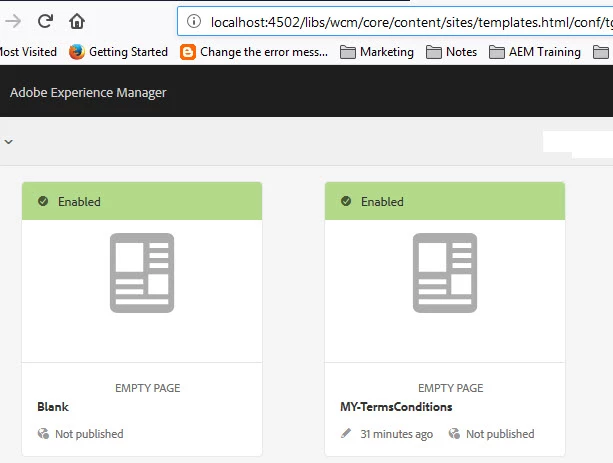
1. Create your template

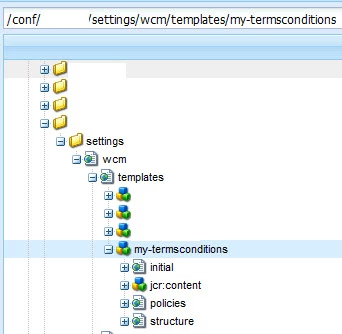
2. Using crx-de, locate your template:

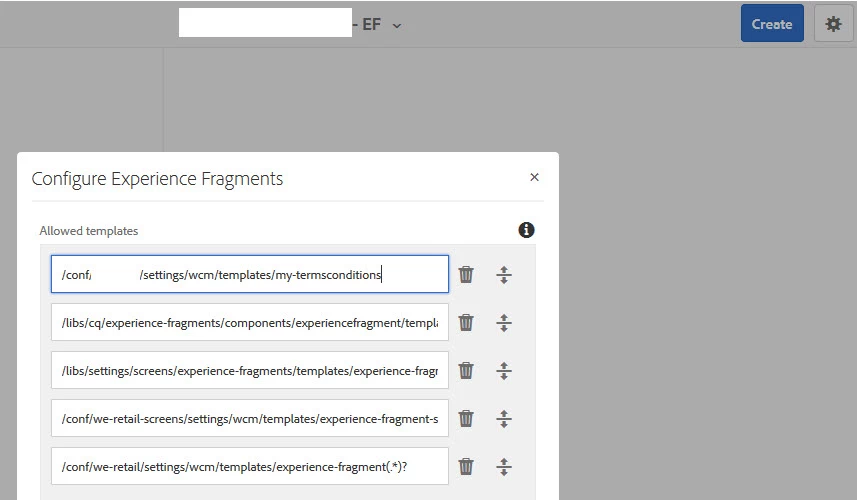
3. From XF view, click settings to add the location:

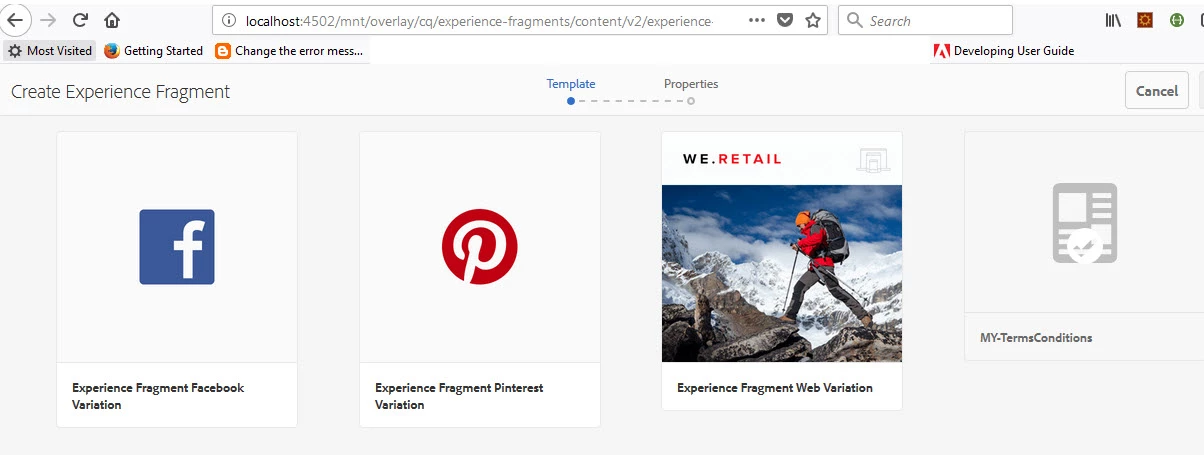
4.Your template should display like this:

Let me know your updates.

Chris

5 replies

Shashi_Mulugu
Community Advisor
Community Advisor
November 22, 2018

Hello,

If you are using Aem 6.4, Beside create button, you can see configure option, once you click it, you can see the allowed templates for the experience fragments. All Editable Templates can be added here.

smacdonald2008
Level 10
November 22, 2018

There is no advantage of creating a custom one - if you use the available ones - they will still show up in your project.

FernandoUchiyam
Level 3
November 22, 2018

Thank you shashi1223 I haven't noticed this gear button.

smacdonald2008​ I will have to create a new one because there are only three options available:

- Facebook Experience Fragment

- Pinterest Experience Frament

- We Retail Experience Fragment

I never changed the gear button configuration, and there are two lines there:

- /libs/cq/experience-fragments/components/experiencefragment

- /conf/we-retail/settings/wcm/templates/experience-fragment(.*)?

Maybe I am missing a configuration here...

arunpatidar
Community Advisor
Community Advisor
November 22, 2018
Arun Patidar
chris_dacuya
chris_dacuyaAccepted solution
Level 2
November 23, 2018

Hi,

I had the same question.

You can try:

1. Create your template

2. Using crx-de, locate your template:

3. From XF view, click settings to add the location:

4.Your template should display like this:

Let me know your updates.

Chris