If you search for 'org.apache.sling.tooling.support.install' or Apache Sling Tooling Support Install under /system/console/bundles, you should see the version
AEM 6.4 has sling tooling version 1.0.2 The reason behind it is that your sling tooling support version must match the AEM developer tool version otherwise it would not work.
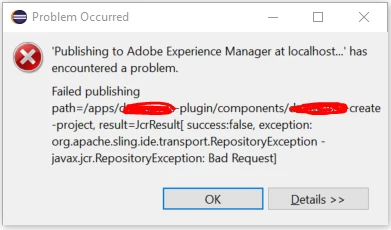
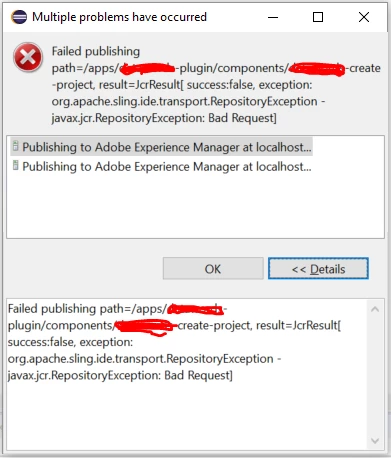
Possible reasons for it to fail are mentioned in the last screenshot that you shared - m2e incremental support and other dependencies. Could you set it up on some other network and see if it works? It seems that there are restrictions on your corporate proxy (same pattern in the other tickets raised by you). Are you able to access Eclipse marketplace and install any plugin on this same network? If not, then your corporate proxy/windows firewall has restrictions in-place to block the downloads.
If you are able to make it work for /apps or for /content but not for /core then it becomes an issue with core bundle's pom.xml which can be fixed easily. The exception is probably because outgoing calls from eclipse are blocked by either firewall/proxy of your network.
Couple of approaches to proceed further -
1) Identify that corporate proxy or your laptop's firewall is the root cause. Open a ticket with your network team to find a solution
2) Try the setup on a different network (may be guest network or home network) where you've less restrictions.
3) Setup the eclipse installation on a different machine/different network and then port the eclipse/bundles including .m2 and .eclipse folders on this machine. It should be one time effort.
I'll check with your eclipse version 2018-12 (4.10.0) to see if I can reproduce the error.
Revert with your findings.
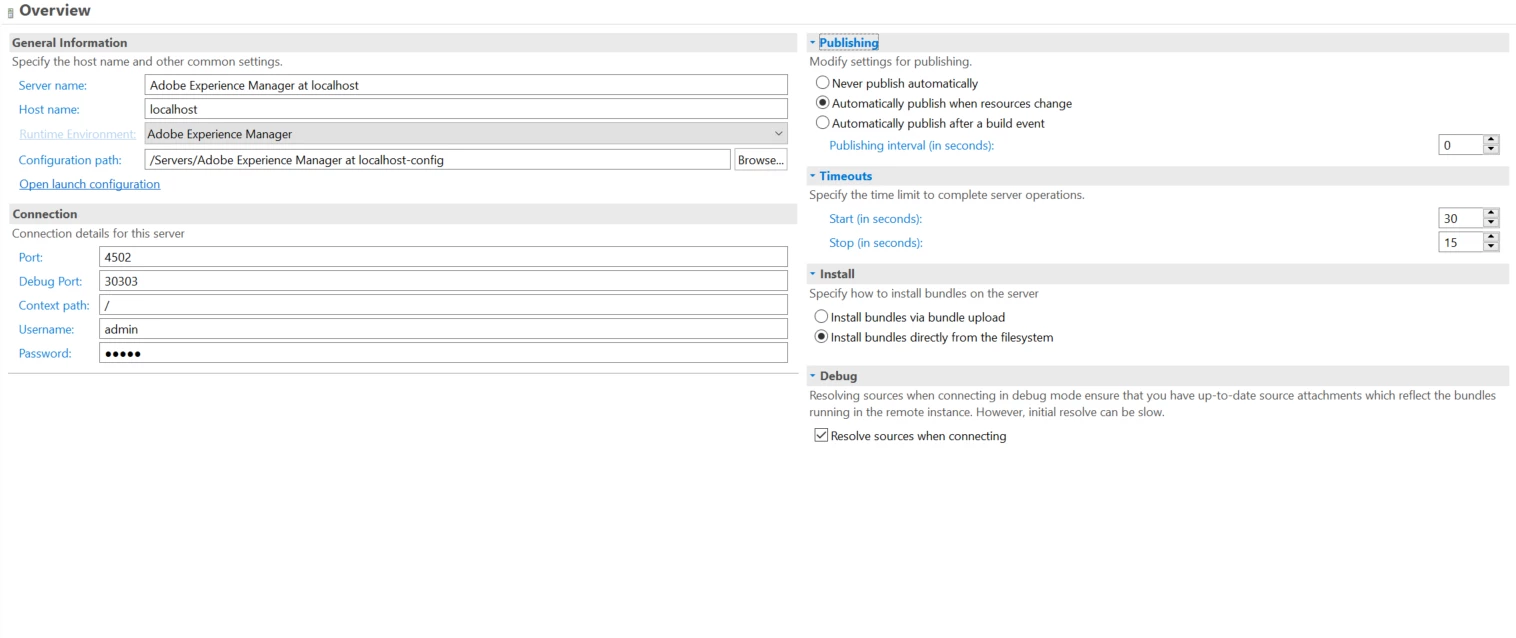
P.S. I've same setup 1.0.2 that works on local AEM 6.4 without any issues. My configurations are
- Eclipse Java EE IDE for Web Developers.
- Version: 2018-09 (4.9.0)
- Build id: 20180917-1800