Error 404 accessing identity synchronization in /system/console/jmx | Community
Skip to main content
Martin-Nekula
July 2, 2021
Solved

Error 404 accessing identity synchronization in /system/console/jmx

  • July 2, 2021
  • 2 replies
  • 1182 views

Hello community,

recently, we are getting a strange 404 error when accessing "External Identity Synchronization Management". It´s the same for every country configuration we have:




The configurations were working well in the past, importing user accounts from LDAP and users were testing our applications through SSO without problem. But now I discovered this error. Otherwise everything in the /system/console and our applications seem to be working well. I am still using the same admin account.

The server is publish, version 6.5.7. It is a test server in Docker container. The logs are not showing anything when attempting to load the page.

This post is no longer active and is closed to new replies. Need help? Start a new post to ask your question.
Best answer by Martin-Nekula

In the end there were probably two faults, not relating directly to AEM:

  1. There was something wrong with the CentOS Winbind daemon which wasn´t connected properly to our Active Directory server. That was restarted.
  2. We were accessing the JMX via URL servername.xx.yyy/..., where xx.yyy is our company domain. Instead with servername:4503/.... 

2 replies

Jitendra_S_Toma
July 4, 2021

Hi,

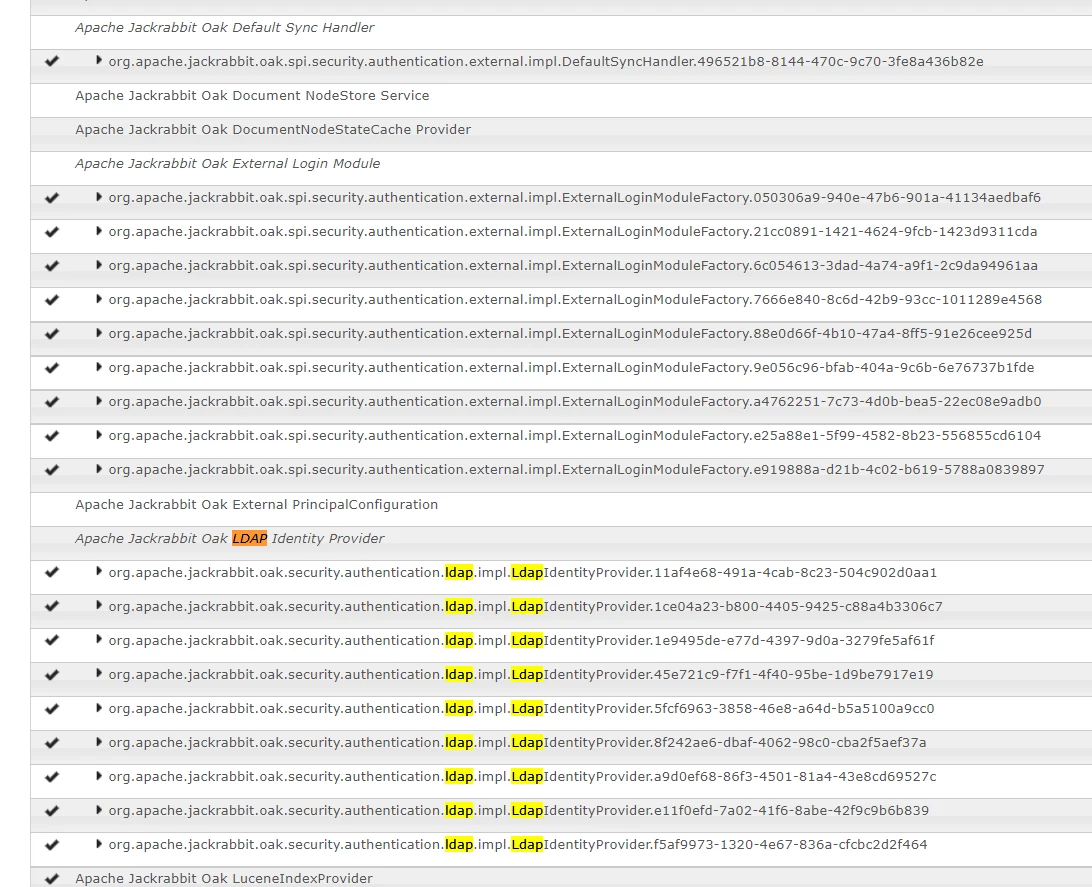
by any chance, did you cross verify if appropriate bundles and services are up? This is related to LDAP so ideally we should check all required services in console.

I hope this helps

regards,

jitendra

Martin-Nekula
July 12, 2021

Hello Jitendra, everything seems to be configured and working normally, as on our production and other servers. All bundles are up and running, configuration should be also ok. It is really puzzling.


Martin-Nekula
Martin-NekulaAuthorAccepted solution
August 4, 2021

In the end there were probably two faults, not relating directly to AEM:

  1. There was something wrong with the CentOS Winbind daemon which wasn´t connected properly to our Active Directory server. That was restarted.
  2. We were accessing the JMX via URL servername.xx.yyy/..., where xx.yyy is our company domain. Instead with servername:4503/....