Does AEM 6.1 support .com for the folder name? | Adobe Higher Education
Skip to main content
June 27, 2017
해결됨

Does AEM 6.1 support .com for the folder name?

Problem statement: Authors are not able to edit any pages under a folder with .com ;

ex: https://example.com/sites.html/content/identity.com/ca/testpage

Why we need .com folder?

Business want to server content from https://www.identity.com/ca/testpage

Ask? 

DoesAEM6.1 supports .com folder name?

What could be preventing authors from editing contents under .com folder(identity.com)

Thanks

Guru

이 주제는 답변이 닫혔습니다.
최고의 답변:

Thank you all for your inputs.

I'm able to edit pages under .com folders  with new author install(re-installed author locally). also AEM6.3 might fix this issue.

11 답변

VeenaVikraman
Community Advisor
Community Advisor
June 28, 2017

Hi Guru

     The page created should be editable .

But I think your way of handling your client ask is wrong.  First thing we have to understand is the Sling conventions. It is not a best practice to name any node of any type with a .(dot) in it. Please read the NodeNamingConventions - Jackrabbit Wiki

For any AEM page, proper sling resolution starts with the extension. To handle it extension-less way, you may have to write rewrite rules. Extensionless URLs with Adobe Experience Manager | Olson Digital     This is the best I could find for you. I think you should rethink on your approach.

Let us wait for some one to guide you on this . I would like Jörg Hohsmacdonald2008kautuksahniorotasSham HCFeike Visseredubeyleeaslingbsloki

joerghoh
Adobe Employee
Adobe Employee
June 28, 2017

Hi Guru,

What do you mean with "not able to edit"? Is there any exception in the log, and javascript error in the browser console? Can you reproduce the problem locally?

Jörg

Feike_Visser1
Adobe Employee
Adobe Employee
June 28, 2017

I would do folder-names like .com, perhaps it is supported. But I guess you run into issues later on.

June 28, 2017

Hi Jorg

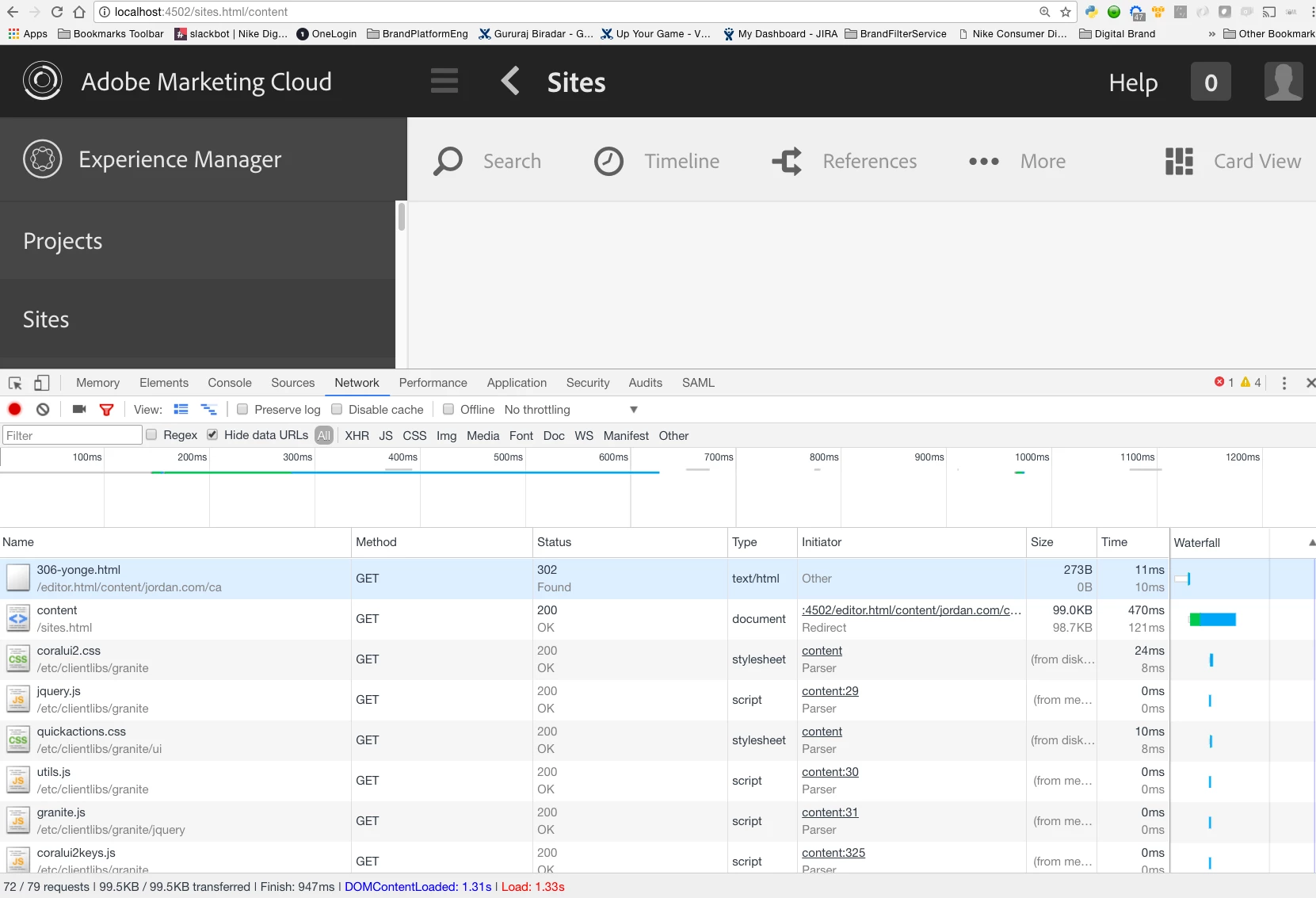
I get HTTP/1.1 302 Found;

not finding much info in server logs; in browser logs i see HTTP 302.

I'm able to reproduce the issue locally - created  2 folders with same content: identity.com & identity-com; i was able to open & edit content under identity-com.

-Guru

June 28, 2017

Thanks Veena, really appreciate the details.

Agree, the naming conventions not correct; the folder was created by others

to support a business use case.

Interesting to know you were able to open & edit page in .com folder; I was

not able to open/edit in all our environments- local,dev,qa &production.

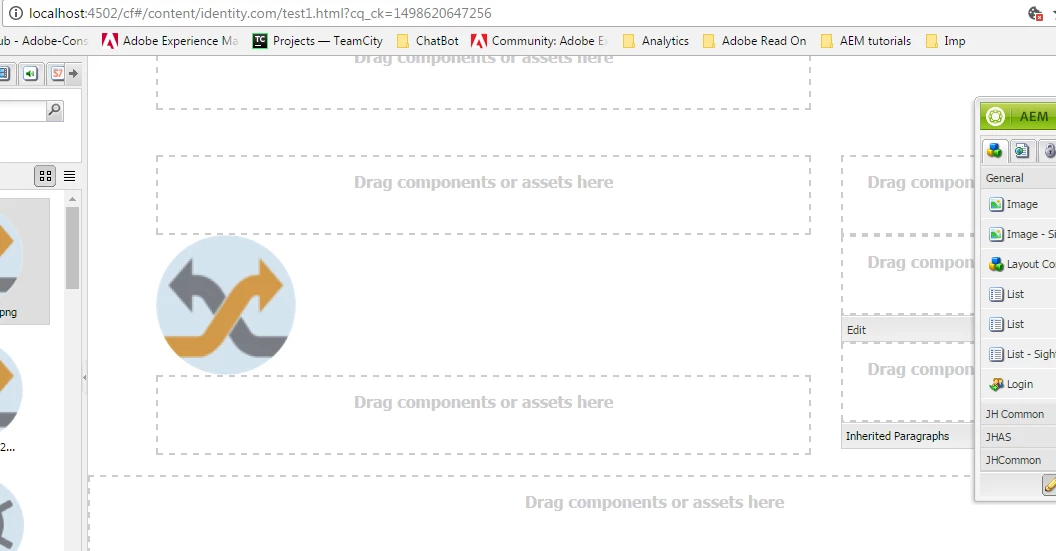
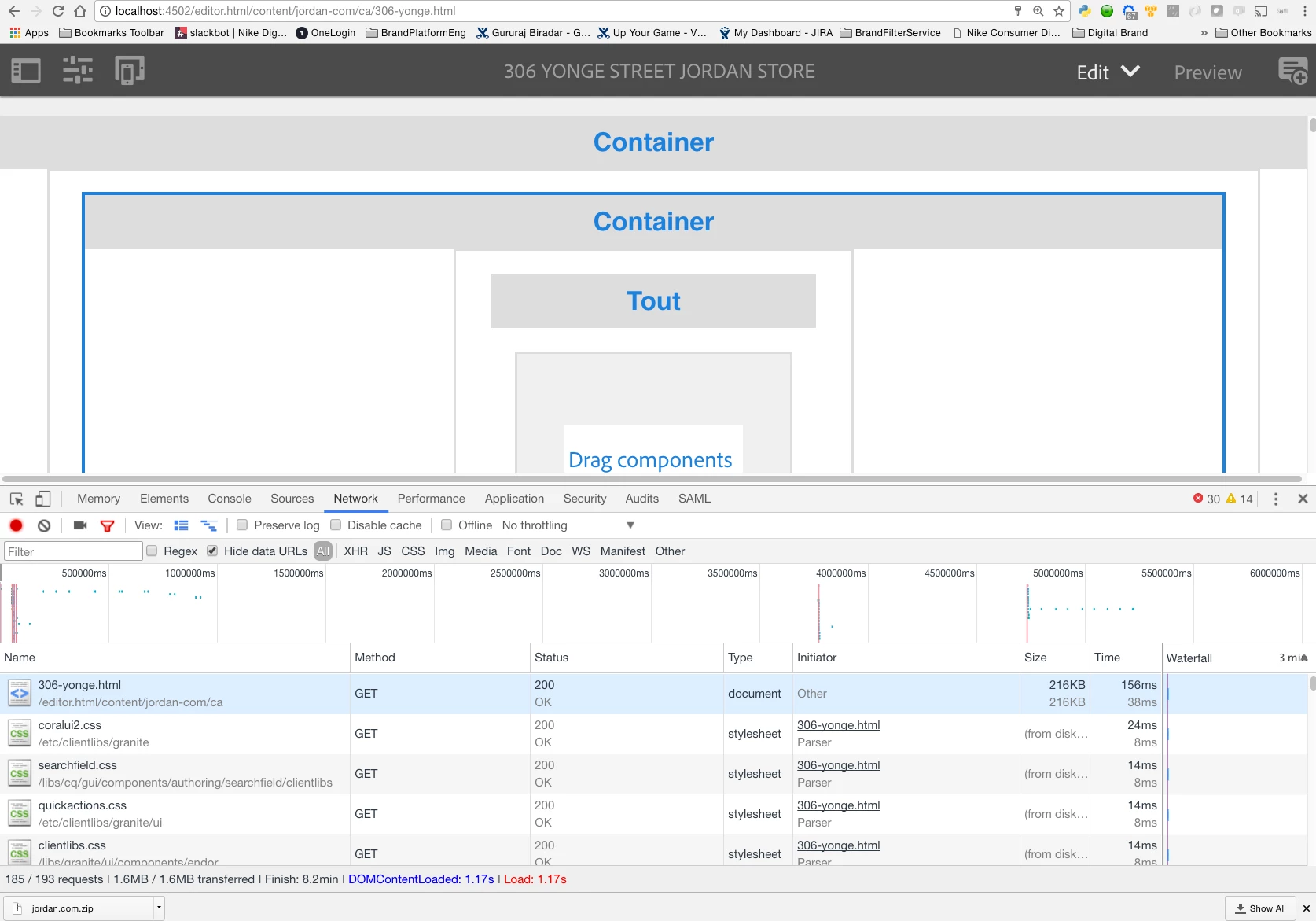
attached the screenshots.

something to do with AEM version? we use Adobe Experience Manager, Version

6.1.0.20150804

thanks

Guru

June 28, 2017

Hi Veena

Here are the screenshots...

joerghoh
Adobe Employee
Adobe Employee
June 28, 2017

Hi,

Can you please check the request, which returns with the 302, in the browser with the developer tools? I would like to know where the redirect is going to ("Location" header of the response).

What happens when you use this url: https://example.com/sites.html/content/identity.com/ca/testpage.html​ (note the .html at the end)?

kind regards,
Jörg

Level 3
June 28, 2017

When we create any site with dot in name from site admin. AEM is automatically changing the dot to - hyphen (Example when i created with "test.com" AEM replaced the . with - in name).

After creating if we are renaming the site to test.com and save (/test-com/ renamed )to test.com from crx/de). I am able to see the page rendered properly (http://localhost:4502/content/test.com/test123.html ). My AEM version is Version 6.1.0.SP2.

I think you have issue with not  .com name. There might be some thing else at the template level or the components that got dragged and dropped on to that page. Can you check the logs once.

Lokesh_Shivalingaiah
Level 10
June 29, 2017

It should support .com in the node name. Did you try creating a new node with .com and checked if the same issue persists ?

MaxBarrass
Level 3
June 29, 2017

Yes mate, you can't do this though UI but you can do this using CRXDe. On the other note you probably should not do this for many reasons. You need to do this level of abstraction at Dispatcher level with VirtualHosts and rewrite rules.