I'm using AEM 6.5 with IIS 10 and dispatcher version 4.3.2 (most recent). So I copied the following file into the IIS installation directory C:\inetpub\Scripts:
- disp_iis.dll
- disp_iis.ini
- dispatcher.any
disp_iis.ini is configured like this:
- configpath=C:\inetpub\Scripts\dispatcher.any
- loglevel=1
- servervariables=0
- replaceauthorization=0
- logfile=C:\inetpub\logs\dispatcher\dispatcher.log
The dispatcher.any has the default configuration:
- /hostname "127.0.0.1"
- /port "4503"
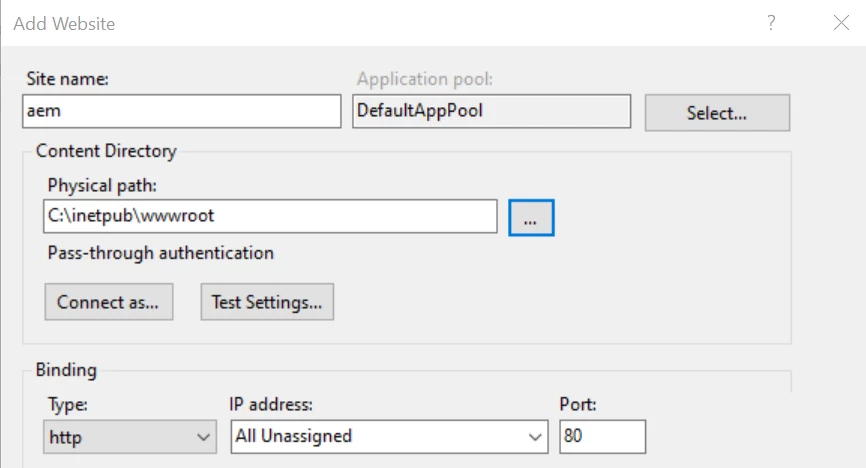
And about how I'm creating the site on IIS:
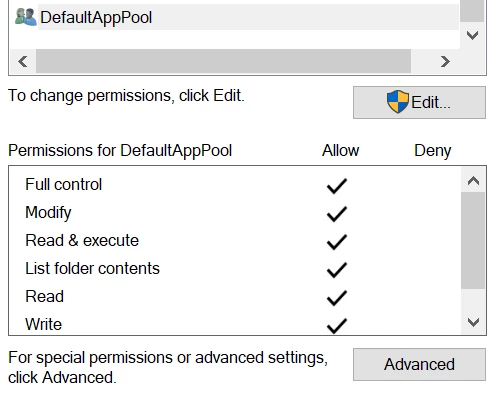
The wwwroot folder located on C:\inetpub, it has full control for the DefaultAppPool user:
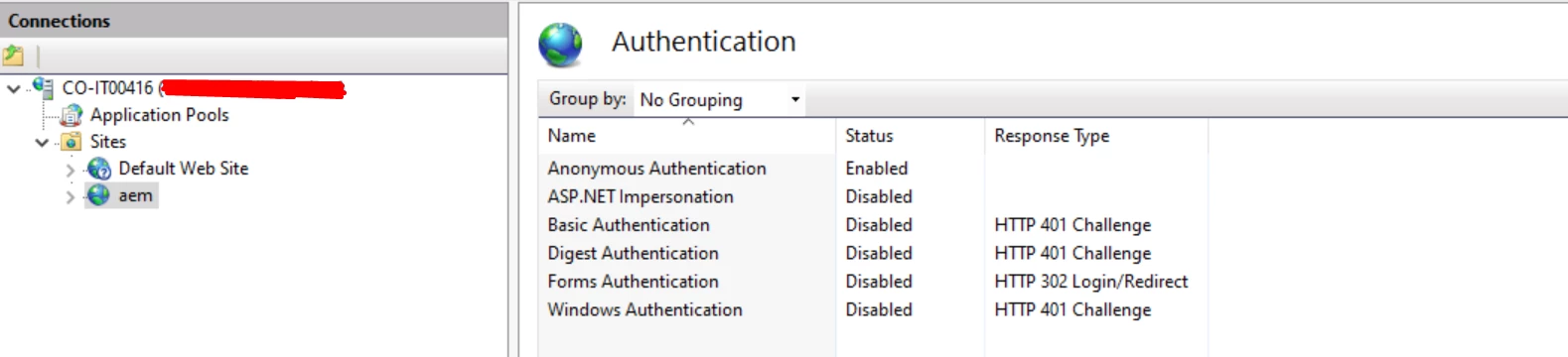
Anonymous Authentication is enabled
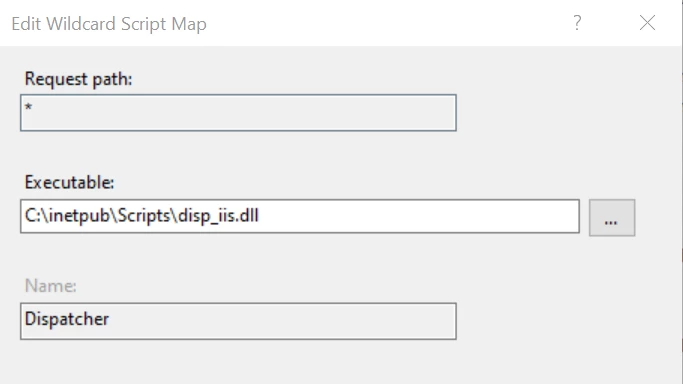
Handler Mapping added with wildcard Script
And about the ISAPI Filters that you mentioned I have these:

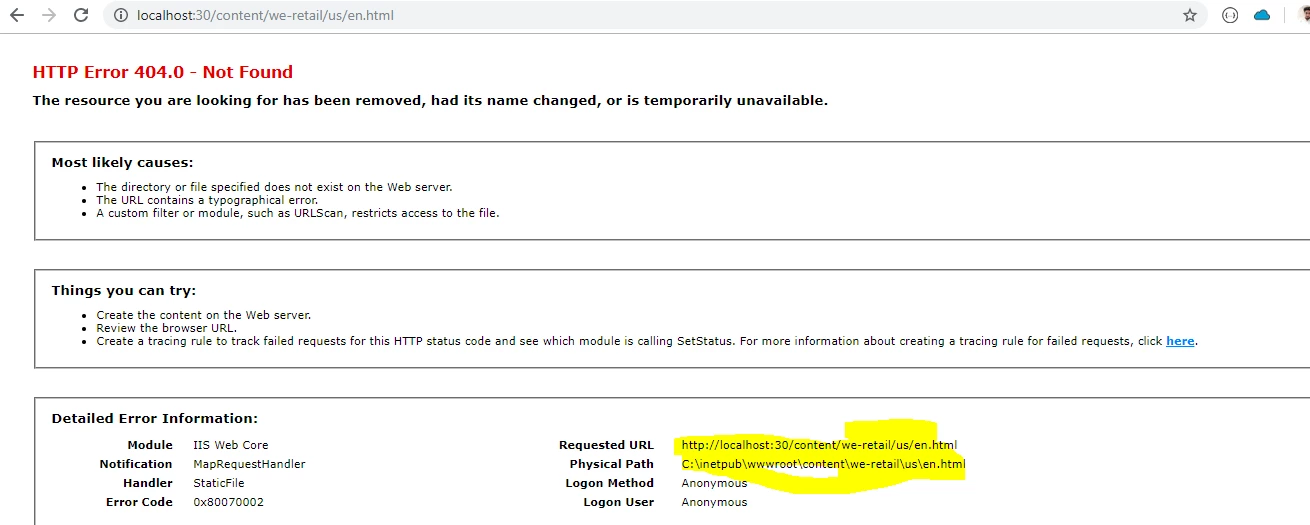
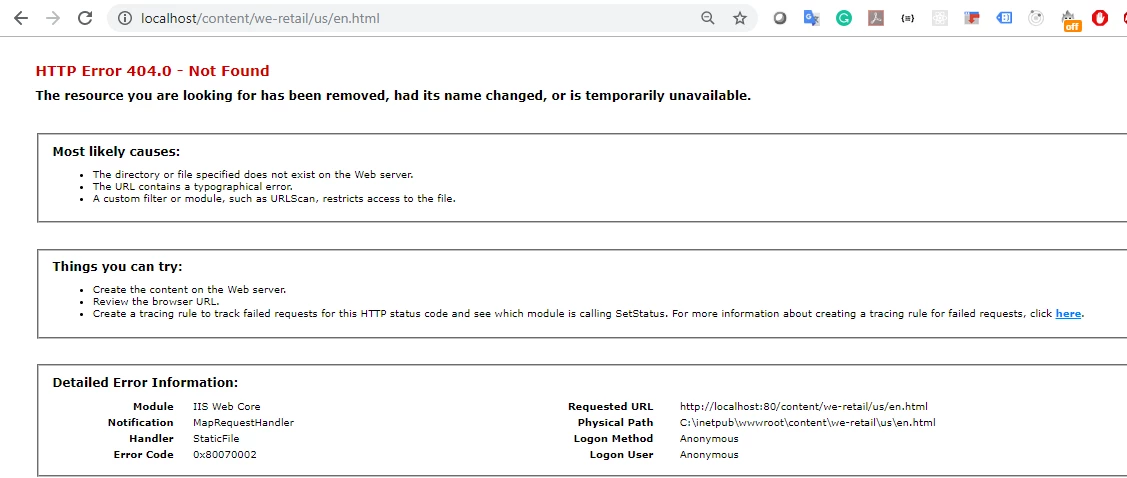
But when I try to access I get 404 response:
All look cool ..thats the same configuration I did its running wiyhout any issue .
do these as well :
During Edit script map :click on request restrictions button and disable the "Invoke .....bla bla ..."
Check also Scripts folder properties and apppool user permission .
now restart your site and then restart your full server .
I am considering your publish instance is up and running over 4503 . and at least your server is running(hitting localhost:80 is giving you the deualt page )
Also check Gaurav comment on this
https://forums.adobe.com/thread/2652704#11255423