Dispatcher Cache Root in Local | Community
Skip to main content
Ankan_Ghosh
Level 3
March 28, 2024
Solved

Dispatcher Cache Root in Local

  • March 28, 2024
  • 3 replies
  • 3163 views

I am running the dispatcher using docker on my local Windows machine. Can anyone tell me where can I find the cache folder? I need to change some cache rules and check whether it is being applied successfully or not. 

Also how to change this cache root in local ?

Best answer by Ankan_Ghosh

Finally, I have found the answer to this question. 


I checked for the volume mappings for my running Docker container using this command 

docker inspect <container_id>

In the output you should see a "Mounts" section which looks something like this :

"Mounts": [
{
"Type": "bind",
"Source": "C:\\Users\\myUser\\Files\\AEMMainInstance\\dispatcher\\bin\\..\\lib",
"Destination": "/usr/lib/dispatcher-sdk",
"Mode": "ro",
"RW": false,
"Propagation": "rprivate"
},{
"Type": "bind",
"Source": "C:\\Users\\myUser\\Files\\AEMMainInstance\\dispatcher\\src",
"Destination": "/mnt/dev/src",
"Mode": "ro",
"RW": false,
"Propagation": "rprivate"
},

]


There was no "mount" defined for the path "/mnt/var/www/html" which is the path to my docroot. So, I changed the docer_run.cmd script to add a new mount to specify the mapping for "/mnt/var/www/html". 


Add this line in your docker_run.cmd and it will add the mount for you.

set volumes=-v C:\Users\yourUser\Files\AEMMainInstance\dispatcher\cache:/mnt/var/www/html:rw !volumes!
 
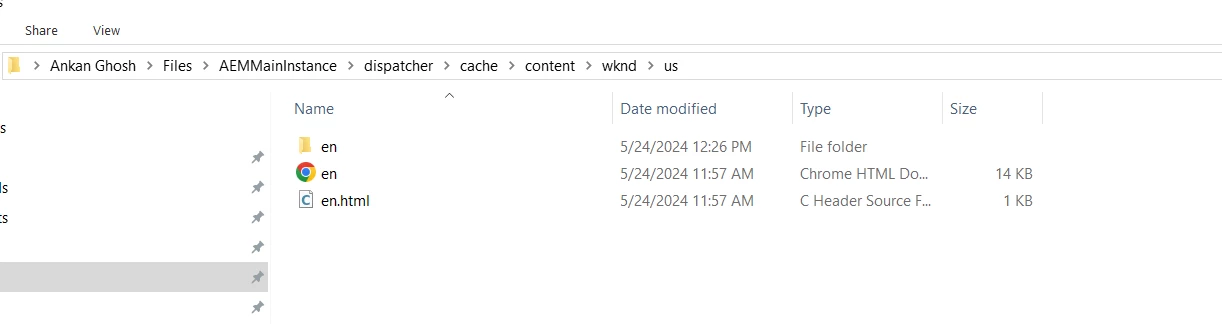
Restart your docker and try to hit a page from your dispatcher. And you check your local directory that you used for mapping to see how the caching is happening.



3 replies

aanchal-sikka
Community Advisor
Community Advisor
March 28, 2024

@ankan_ghosh 


  • Cache :
    • defined by: /docroot property in farm file
    • default location for AEMaaCS SDK’s docker image: /mnt/var/www/html


The following blog covers multiple important aspects around dispatcher set-up via docker

https://techrevel.blog/2023/08/28/navigating-aem-dispatcher-setup-farm-file-resolution-and-variable-utilization/

Aanchal Sikka
Ankan_Ghosh
Level 3
March 28, 2024

Thanks for the reply. But where is this mnt/var/www/html being created in the local directory?

How do I check the files that are cached? 

May 8, 2024

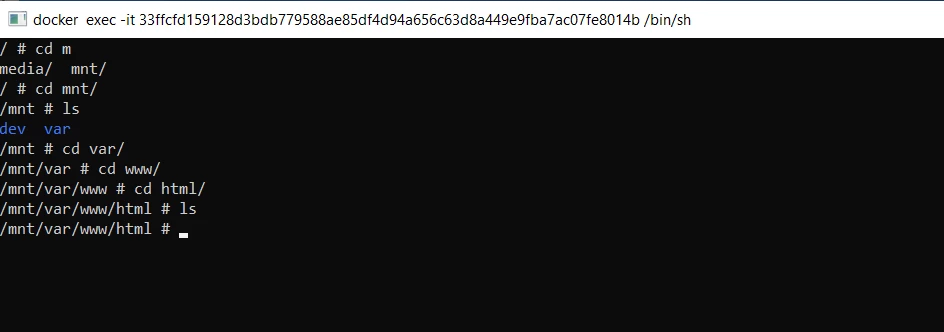
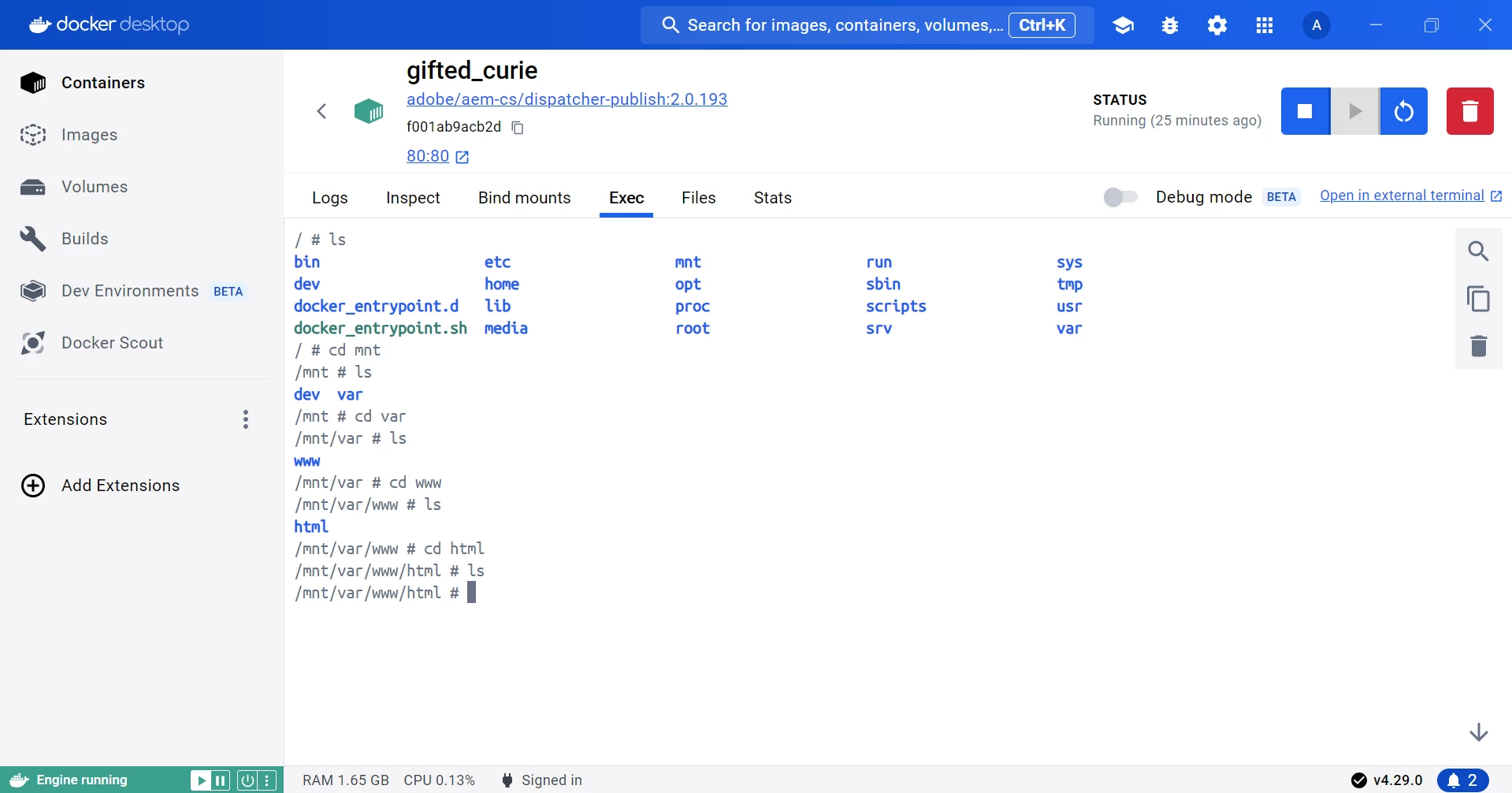
Tried to access the file from the terminal but seems like nothing is in it

Please correct me if I am doing anything wrong.


Hey @ankan_ghosh,

Getting the same problem.


Do you have any solution for the problem 

arunpatidar
Community Advisor
Community Advisor
March 28, 2024

Hi @ankan_ghosh 
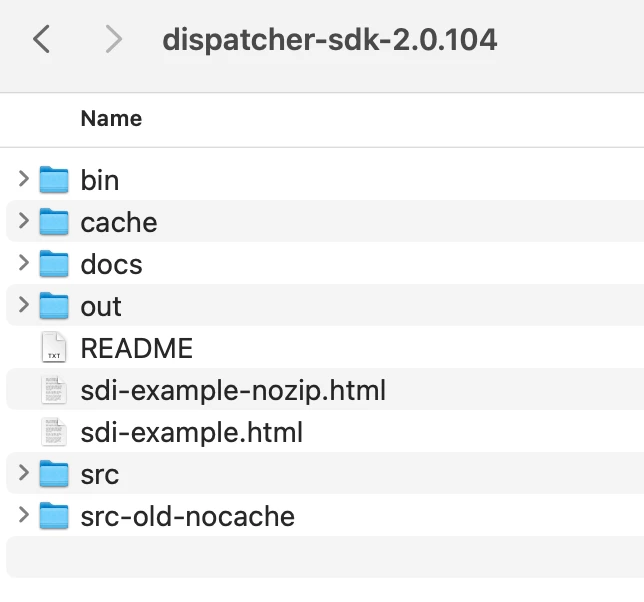
It will be inside the dispatcher sdk folder, if you are using AEM as a cloud SDK


Arun Patidar
Ankan_Ghosh
Level 3
March 28, 2024

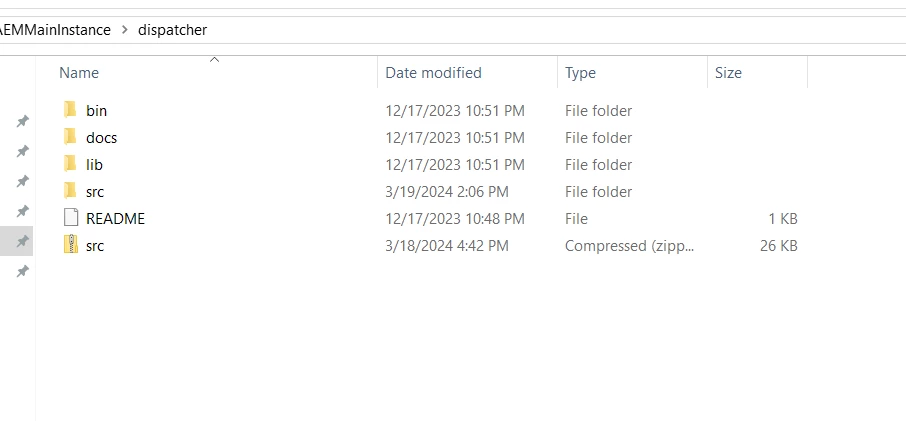
I am on a Windows Machine and the cache folder is not being generated inside the Dispatcher Folder. Content is being served but I am not able to see how things are being cached. My main motive is to understand how things are cached and in what order. 


arunpatidar
Community Advisor
Community Advisor
March 28, 2024

Hi @ankan_ghosh 
Maybe the cache is not working as expected, please check your configurations.
As @aanchal-sikka  mentioned, you would be able to see the cache from terminal which opens within container.

Arun Patidar
Ankan_Ghosh
Ankan_GhoshAuthorAccepted solution
Level 3
May 24, 2024

Finally, I have found the answer to this question. 


I checked for the volume mappings for my running Docker container using this command 

docker inspect <container_id>

In the output you should see a "Mounts" section which looks something like this :

"Mounts": [
{
"Type": "bind",
"Source": "C:\\Users\\myUser\\Files\\AEMMainInstance\\dispatcher\\bin\\..\\lib",
"Destination": "/usr/lib/dispatcher-sdk",
"Mode": "ro",
"RW": false,
"Propagation": "rprivate"
},{
"Type": "bind",
"Source": "C:\\Users\\myUser\\Files\\AEMMainInstance\\dispatcher\\src",
"Destination": "/mnt/dev/src",
"Mode": "ro",
"RW": false,
"Propagation": "rprivate"
},

]


There was no "mount" defined for the path "/mnt/var/www/html" which is the path to my docroot. So, I changed the docer_run.cmd script to add a new mount to specify the mapping for "/mnt/var/www/html". 


Add this line in your docker_run.cmd and it will add the mount for you.

set volumes=-v C:\Users\yourUser\Files\AEMMainInstance\dispatcher\cache:/mnt/var/www/html:rw !volumes!
 
Restart your docker and try to hit a page from your dispatcher. And you check your local directory that you used for mapping to see how the caching is happening.


Ankan_Ghosh
Level 3
May 24, 2024

 @aashishdimri2002  @urmila  You guys can try this and see if it helps.