Solved
Dialog Image preview picker not displaying binoculars icon
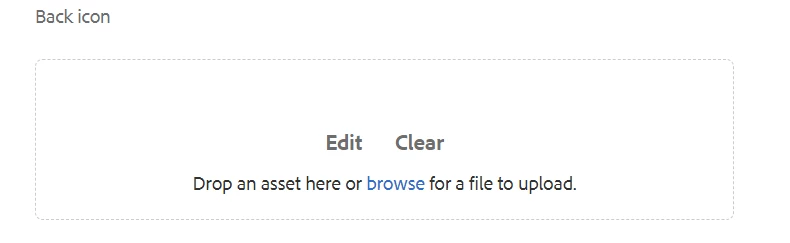
not able to see preview icon(which looks like a binoculars) for browsing dam content(Images), only able to see edit and clear option. xml format is like below
<backicon
        jcr:primaryType="nt:unstructured"
        sling:resourceType="cq/gui/components/authoring/dialog/fileupload"
        autoStart="{Boolean}false"
        class="cq-droptarget"
        fieldLabel="Back icon"
        fileNameParameter="./fileNameBackIcon"
        fileReferenceParameter="./fileReferenceBackIcon"
        mimeTypes="[image]"
        multiple="{Boolean}false"
        name="./backicon"
        title="Back icon"
        uploadUrl="${suffix.path}"
        useHTML5="{Boolean}true"/>