Customize the content fragment model elements in AEM 6.4 | Community
Skip to main content
Level 2
March 22, 2019

Customize the content fragment model elements in AEM 6.4

  • March 22, 2019
  • 2 replies
  • 8692 views

Hi,

I have created a content fragment model, and using this i created a content fragment in AEM 6.4. In the content fragment I can select only one element from the dropdown in the content fragment component. However, I want to select multiple elements :
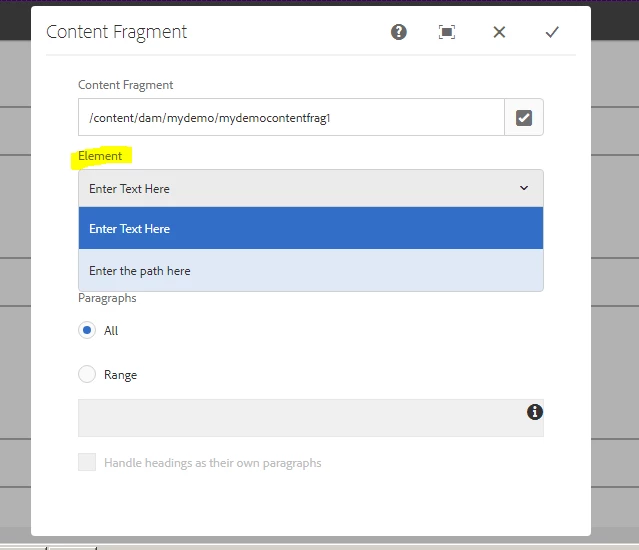
The Model consists of two fields -  A single text field where one can enter any text , and a content reference field which is a path browser so one can enter the path.
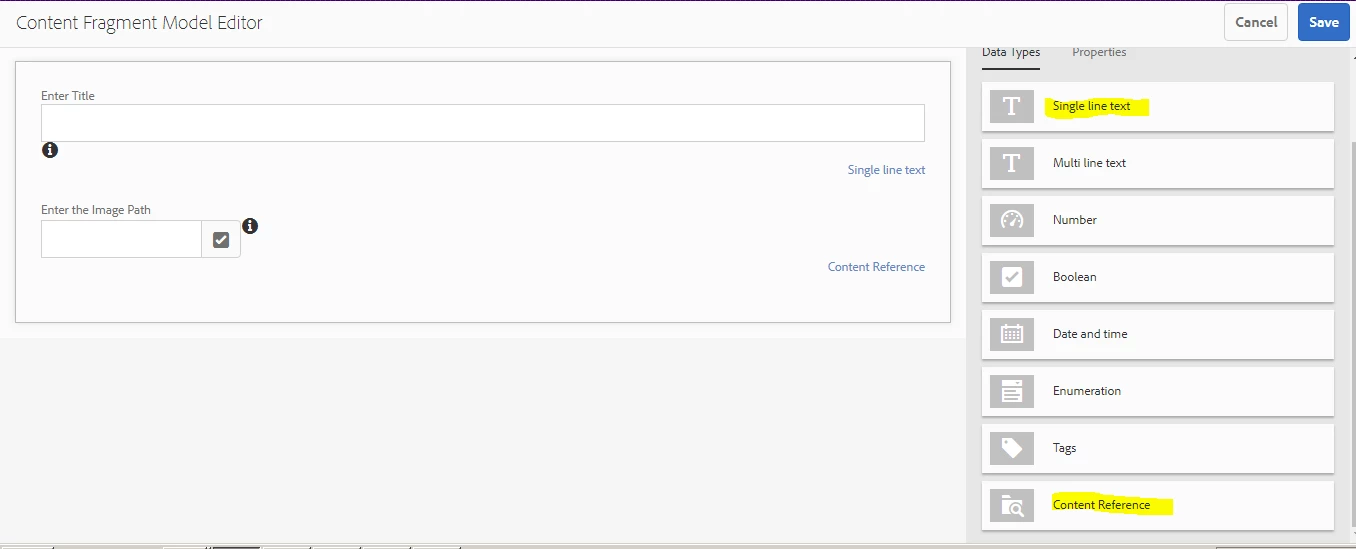
I want both the Text and the Image to be dispalyed on the page not just one element.

The following is the path of the model on crx/de level :
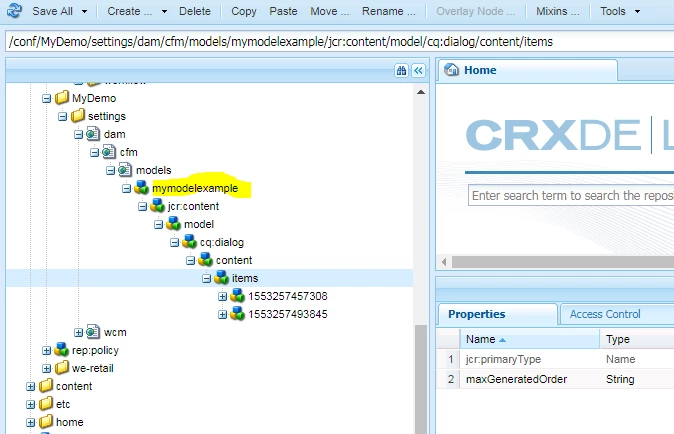
Any inputs on a way to customize these element properties?

Regards,

Bernadine Soman

smacdonald2008Feike VisserJörg Hoh

This post is no longer active and is closed to new replies. Need help? Start a new post to ask your question.

2 replies

smacdonald2008
Level 10
March 22, 2019

I am not aware of any way to customize the widgets available with a content fragment model. I will check internally to see if anyone has thoughts on this.

berni7473Author
Level 2
March 26, 2019

Yeah, Please do let me know if there is any approach available for this. I have been facing this issue for a long time now.

Regards,

Bernadine Soman

arunpatidar
Community Advisor
Community Advisor
March 26, 2019

Hi,

I created custom cf model and tried , for me weretail CF component is ok to use to select one or multi element. 

With OOTB foundation component you can see the option to select one element.

With we-retail component you can see the option to select one or multi element.

Arun Patidar
arunpatidar
Community Advisor
Community Advisor
March 22, 2019

Hi,

You can customise your content fragment component as like we-retail or you can use we-retail components

Arun Patidar
berni7473Author
Level 2
March 26, 2019

Hi Arun,

The above solution is only valid if we use a normal content fragment. Here you can add your own elements, however what I have created is a Custom Content Fragment Model (and as mentioned above in the two diagrams with only two fields) for my Content Fragment. So when I select that I do not get any of these options in the content fragment dialog.

Regards,

Bernadine Soman