Solved
Custom Component Multiple Parsys with Sly List
I recently tried to create my first component for our employee overview.
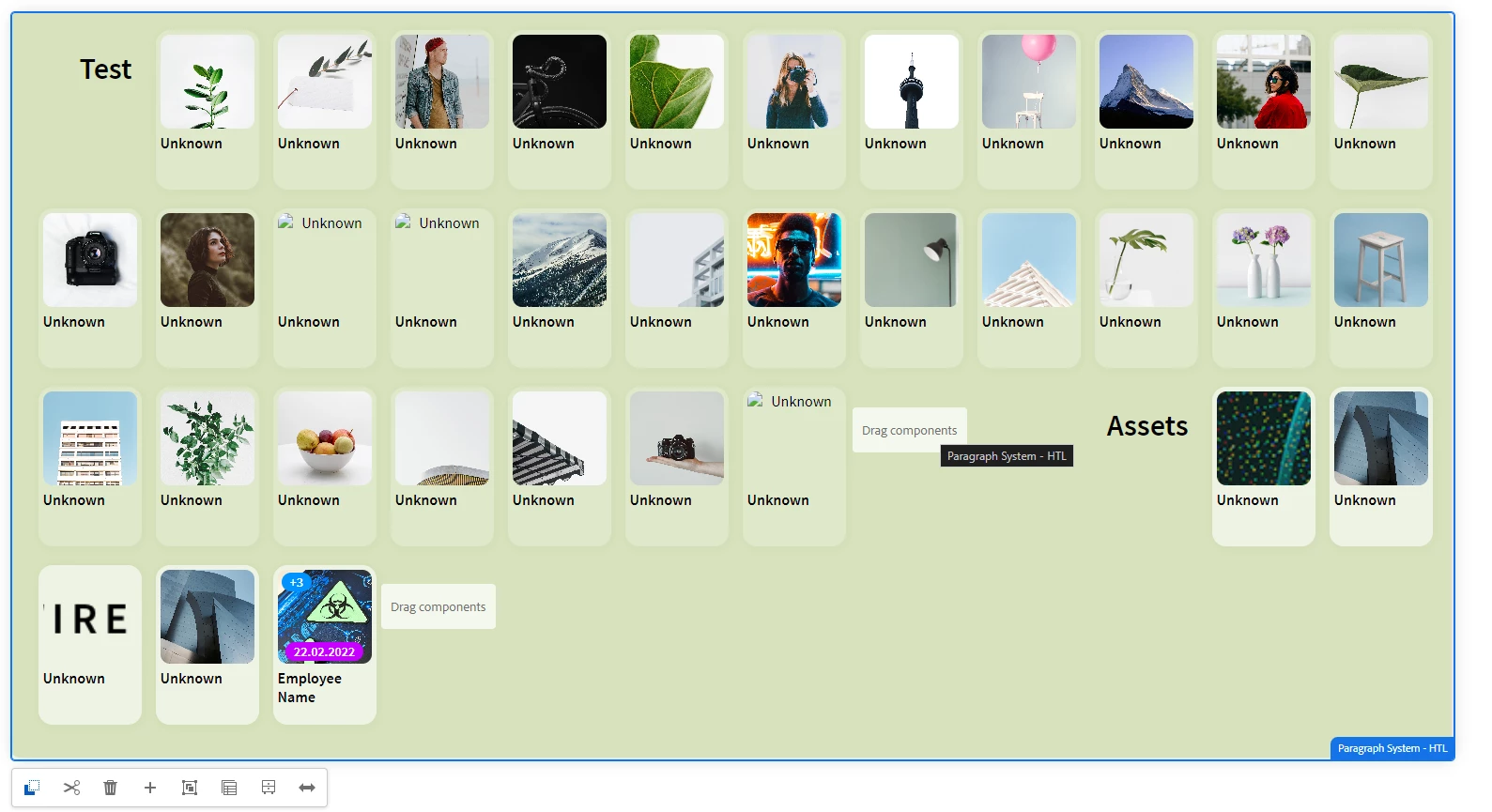
For this, I list all departments as well as all employees in them.
At the end of each department, it should be possible to use other components.
Therefore, I looked into Parsys and tried to implement the whole thing using the following code:
<div class="department-container" style="background-color:${model.componentColor @ context='styleToken'};">
        <sly data-sly-include="/libs/wcm/core/components/init/init.jsp" data-sly-unwrap/>
        <sly data-sly-list.department="${model.departments}">
        <h1 class="department-name">${department.name}</h1>
            <sly data-sly-list.employee="${model.fetchEmployeeInfo}">
                <div class="employee-card" data-sly-test="${employee.department == department.name}" style="background-color:${department.color @ context='styleToken'};">
                    <div class="img-container">
                        <div class="blue-badget" data-sly-test="${employee.badgeteins}">
                            <div>
                                <h6 class="img-text">${employee.badgeteins}</h6>
                            </div>
                        </div>
                        <div class="entry-badget" data-sly-test="${employee.entry}">
                            <div>
                                <h6 class="img-text">${employee.entry}</h6>
                            </div>
                        </div>
                        <img src="${employee.image}" alt="${employee.name}">
                    </div>
                    <h3>${employee.name}</h3>
                </div>
            </sly>
            <sly data-sly-resource="${ department.name @ resourceType='wcm/foundation/components/parsys'}" style="margin: 10px;"></sly>
        </sly>
    </div>
My component itself is provided with the property isContainer,
and all Parsys Components got dynamically assigned names based on the Sly List
The whole thing works so far, however, only the last Parsys Component can be added. All others are not selectable
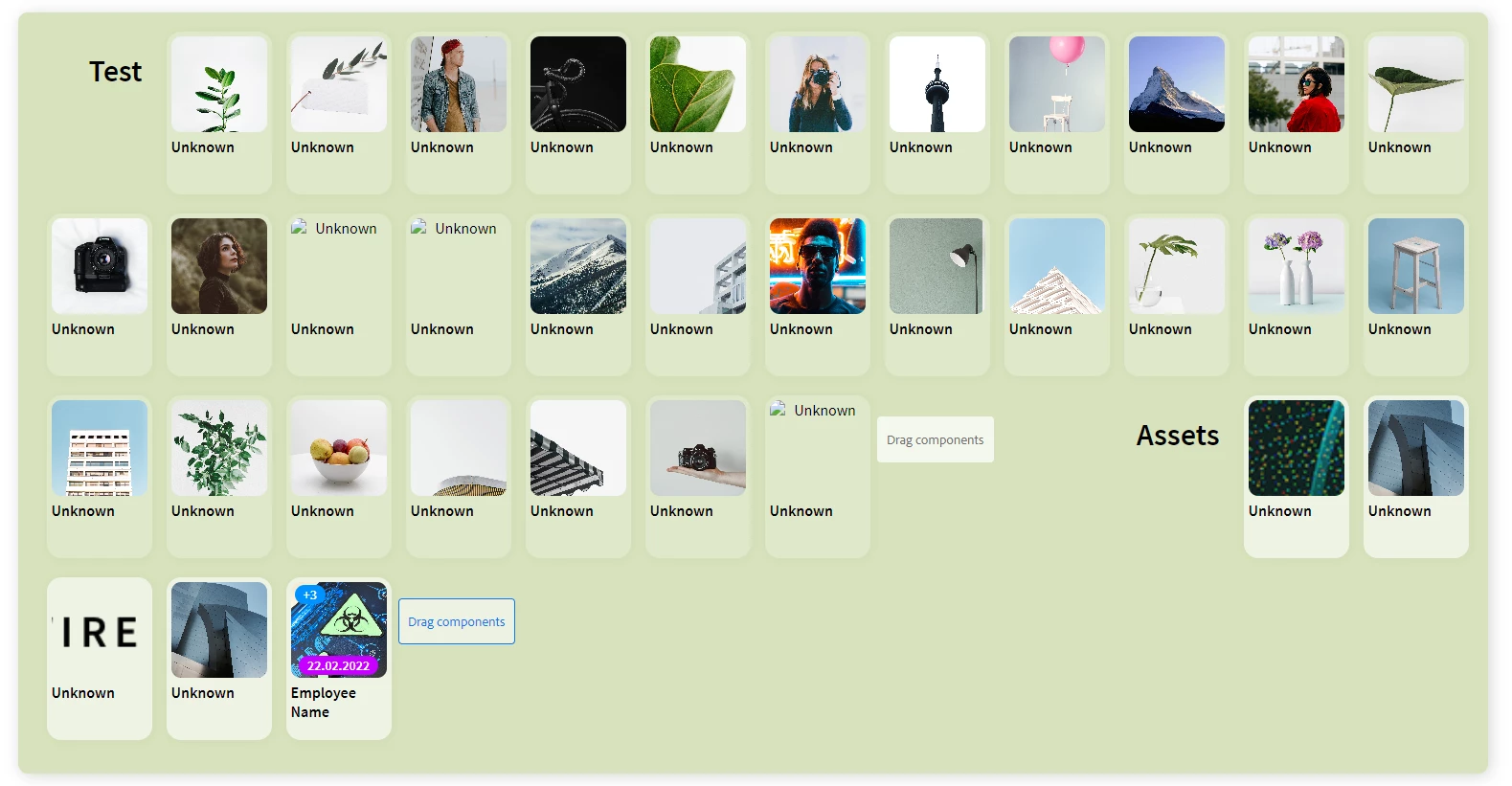
Also the main body of my Component is included in a container as Parsys