CSRF (/libs/granite/csrf/token.json) Call is loading from Edge Disc Cache | Community
Skip to main content
akhilraj
Level 5
May 24, 2023
Solved

CSRF (/libs/granite/csrf/token.json) Call is loading from Edge Disc Cache

  • May 24, 2023
  • 2 replies
  • 2901 views

Hi,


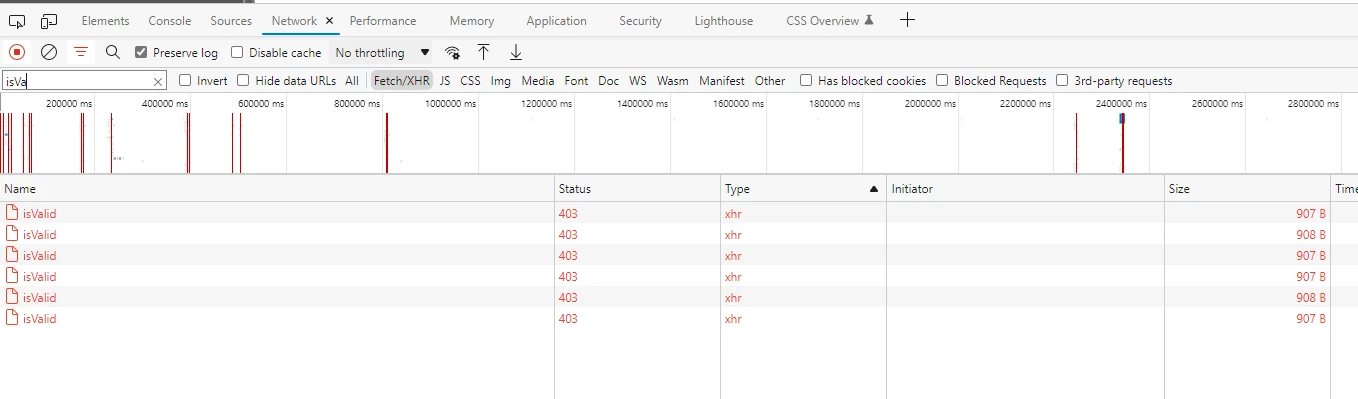
After we enabled SAML authentication, all our post calls were failing with 403.

We resolved it by adding "granite.csrf.standalone" clientlib into template level.


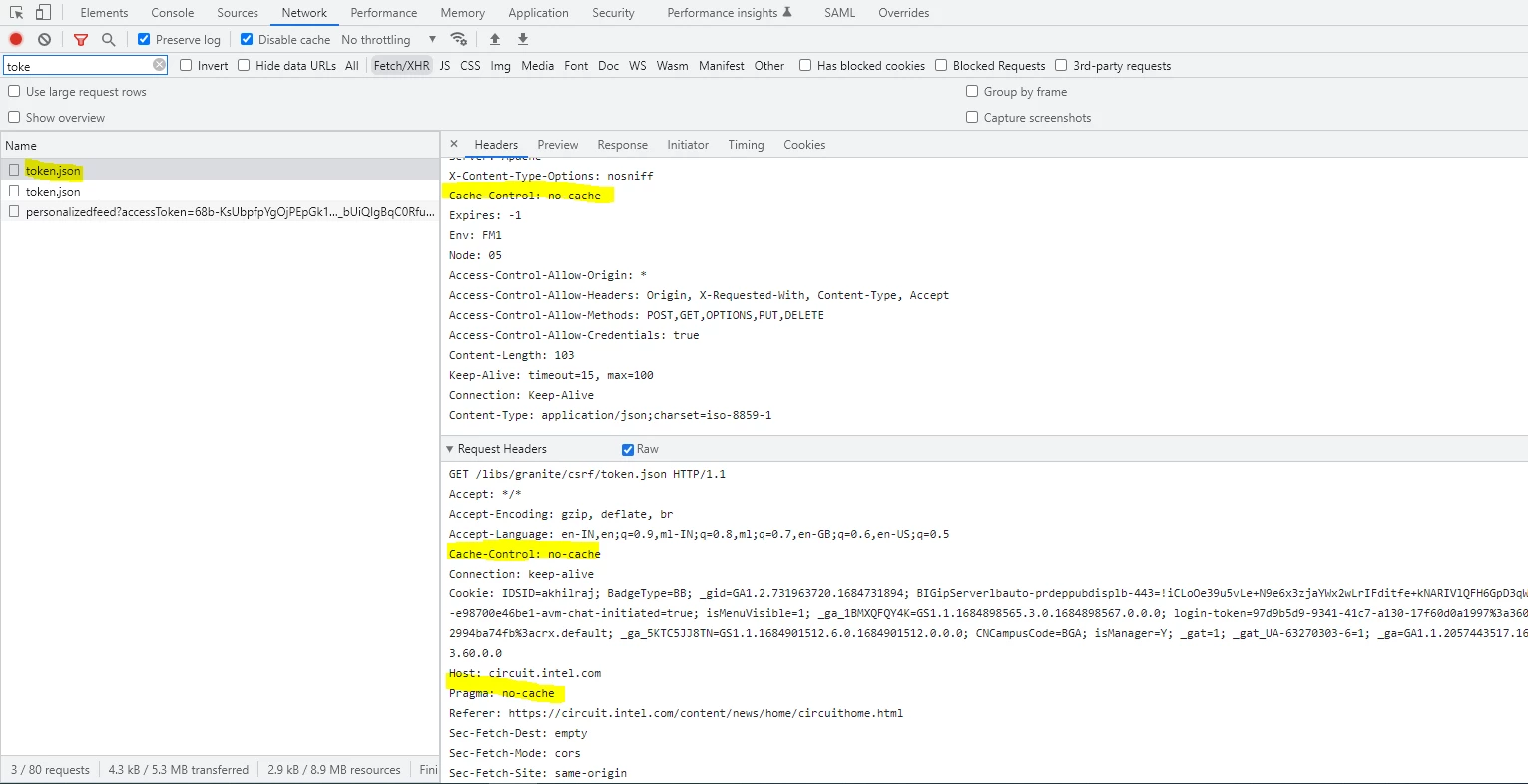
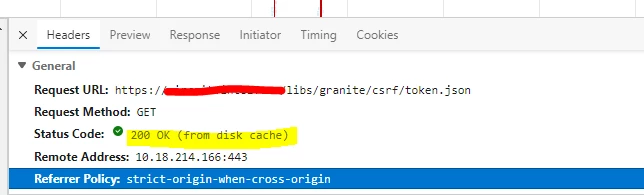
But now in EDGE browser, after some idle time, CSRF token generation API(/libs/granite/csrf/token.json_ loading from Edge browser cache and not giving actual token as response.

Because of this all POST calls are failing with 403 until we clear cache manually.


Is there any way we can block this API loading from Disc cache(Browser) ?
 

Response:

Post Call:
 

Expected Response:

 

This post is no longer active and is closed to new replies. Need help? Start a new post to ask your question.
Best answer by akhilraj

Hello @akhilraj 


Can you please verify the value of Cache-control header in the request? For us, its set as no-cache and its not loaded from disk cache


- Do you have an AEM 6.5 or a Cloud Instance?

- If Cloud, could you have possibly used 

Define DISABLE_DEFAULT_CACHING

Please try setting the Cache-control header as nocache and check.


Thanks @aanchal-sikka for the information.

Actually, when it was loading from server no-cache was available for cache-control.

But when it is loading from disc it was not available.


And we have fixed the issue now.


Root Cause:

The issue appears to be caused by token.json file cached on the nodes where the issue is observed We have added the rule to disable caching of token.json on publish dispatchers and removed the cached file. 


/0003

      {

      #Deny caching of CSRF token.json

      /glob "/libs/granite/csrf/token.json"

      /type "deny"

      }


token.json cache was available for few dispatchers and it caused the issue. Post clearing dispatcher cache under /srv/www/cache/publish/libs/granite/csrf'  resolved the issue.

2 replies

nitesh_kumar-1
Adobe Employee
Adobe Employee
May 24, 2023

Hi @akhilraj ,


You could make use of cache configuration to control it for specific path(s).


Cache-Control: no-cache


https://developer.mozilla.org/en-US/docs/Web/HTTP/Headers/Cache-Control 


Also, validate dispatcher configuration.

Under the /cache /rules section of your publish-farm.any, add a rule to block the dispatcher from caching the token.json file. 

https://experienceleague.adobe.com/docs/experience-manager-dispatcher/using/configuring/configuring-dispatcher-to-prevent-csrf.html?lang=en 


Hope this helps!


Regards,

Nitesh

akhilraj
akhilrajAuthor
Level 5
May 24, 2023

Hi @nitesh_kumar-1 ,


We have this configuration already present.

But in EDGE browser after some time out, then it is loading from Browser cache only. and not giving proper response

somen-sarkar
Community Advisor
Community Advisor
May 24, 2023

Hi @akhilraj ,

So the issue is happening only for Edge browser ? How is the behaviour in Chrome, mozilla etc ?

Thanks,

Somen

aanchal-sikka
Community Advisor
Community Advisor
May 24, 2023

Hello @akhilraj 


requesting you to please validate if all configurations are done as per https://github.com/AdobeDocs/experience-manager-dispatcher.en/blob/main/help/using/configuring-dispatcher-to-prevent-csrf.md


You can also exclude paths for validation using the approach suggested on https://www.albinsblog.com/2023/03/what-is-csrf-how-is-csrf-protection-enabled-in-aem.html

Aanchal Sikka
akhilraj
akhilrajAuthor
Level 5
May 24, 2023

Same we enabled in lower environment and verifying