Creating a new page without top navigation bar | Community
Skip to main content
PascaleC
Level 2
January 23, 2025
Solved

Creating a new page without top navigation bar

  • January 23, 2025
  • 4 replies
  • 1353 views

Hello 


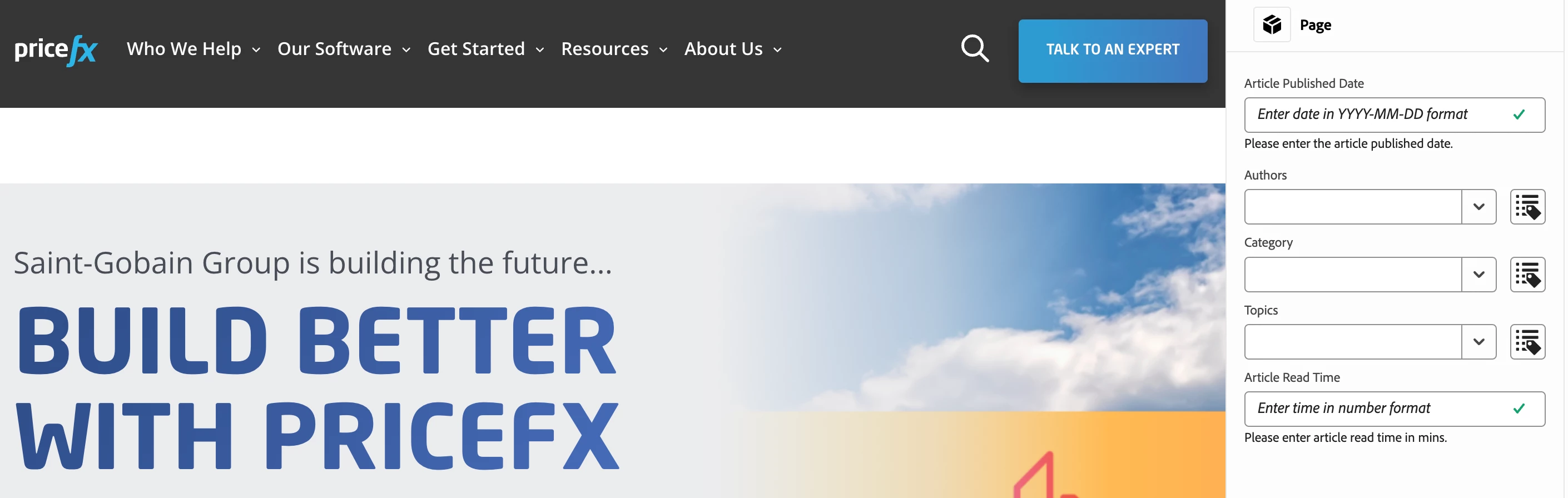
I am trying to create a new page on the website, but it's not indexed to any of the menu items and I would like to remove the navigation bar completely from the page to avoid people clicking on other parts of the website. 


Is that something we can do? 


Thanks

Pascale

Best answer by arunpatidar

Hi @pascalec 

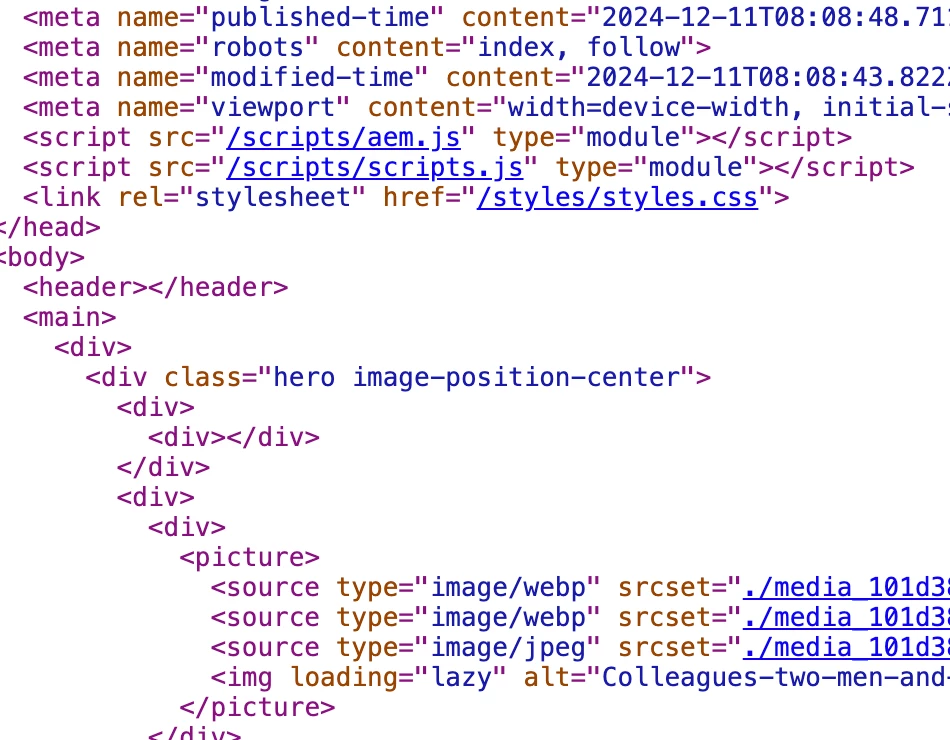
I think you are using X-walk and there header tag is added by default. and based on this tag, Nav content is loaded.

You can ask agency to provide option in the page properties to not load nav.


4 replies

viveksachdeva
Community Advisor
Community Advisor
January 23, 2025

Hi Pascale,


Just so I undertand your question, the new page that you have is not part of the menu and hence you want to remove navigation when user is viewing this page, right?


This is totally achievable. There are different ways of doing this:

- If you are using a different template for these pages, you can remove navigation from the structure of the template. That way it will not be there in any of the page created from this template.

- If you are using same template for these pages as well, you could add a authorable field in page property, to allow authors to disable navigation from the page. You could then use this property in navigation component to hide it as needed.


Let me know if this helps! 🙂


Cheers!

PascaleC
PascaleCAuthor
Level 2
January 23, 2025

Thanks for the quick response! I guess I'm struggling to see where i could find such a property. I should mention that I am not a developer and we had an agency build the website for us. Is that something that they would have had to do? 


Pascale Comaty
viveksachdeva
Community Advisor
Community Advisor
January 23, 2025

If you give agency that requirement, they would have been able to do it. Assuming you do not have that agency now, you could try creating a new template by following https://experienceleague.adobe.com/en/docs/experience-manager-65/content/sites/authoring/siteandpage/templates

While configuring you can exclude navigation from there

SreenivasBr
Level 4
January 23, 2025

If you are using core components component for navigation, I think "Hide in Navigation" page property will help in hiding a page from navigation.

PRATHYUSHA_VP
Community Advisor
Community Advisor
January 23, 2025

Hi @pascalec 


Yes, you can use sightly / Javascript to hide the navigation bar completely from the page you want to create. It can be based on template condition / property check on page template level


Hope this helps


Thanks


PascaleC
PascaleCAuthor
Level 2
January 23, 2025

Thanks for the reply! I'm afraid I don't have access to the javascript as it site with the agency, we will have to ask them to do it. 

But thanks! 

Pascale Comaty
arunpatidar
Community Advisor
arunpatidarCommunity AdvisorAccepted solution
Community Advisor
January 24, 2025

Hi @pascalec 

I think you are using X-walk and there header tag is added by default. and based on this tag, Nav content is loaded.

You can ask agency to provide option in the page properties to not load nav.


Arun Patidar
kautuk_sahni
Community Manager
Community Manager
January 27, 2025

@pascalec Did you find the suggestions helpful? Please let us know if you require more information. Otherwise, please mark the answer as correct for posterity. If you've discovered a solution yourself, we would appreciate it if you could share it with the community. Thank you!

Kautuk Sahni
PascaleC
PascaleCAuthor
Level 2
January 27, 2025

I am not able to know if it would work because our agency contract has expired but I'm assuming that it's the only way to go about it 


Pascale Comaty