Solved
Create custom data type in content fragment model
Hi
I am currently working on creating a custom data type within a content fragment model. I have duplicated the data types under the following path:
/apps/settings/dam/cfm/models/formbuilderconfig/datatypes/items/tagTextPairs
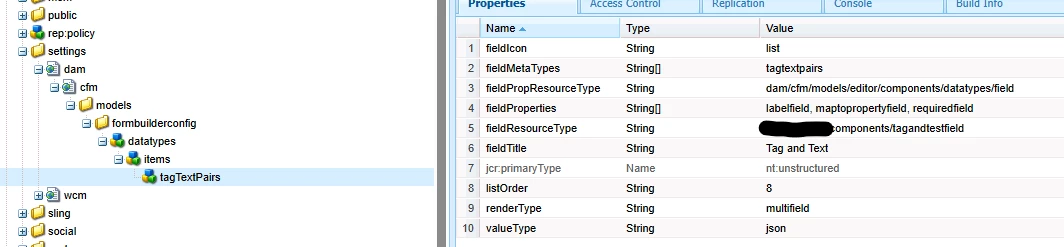
Additionally, I have created the corresponding component.
<?xml version="1.0" encoding="UTF-8"?>
<jcr:root
    xmlns:sling="http://sling.apache.org/jcr/sling/1.0"
    xmlns:cq="http://www.day.com/jcr/cq/1.0"
    xmlns:nt="http://www.jcp.org/jcr/nt/1.0"
    xmlns:jcr="http://www.jcp.org/jcr/1.0"
    jcr:primaryType="nt:unstructured"
    jcr:title="Tag and Text"
    sling:resourceType="cq/gui/components/authoring/dialog">

    <tagandtext
        jcr:primaryType="nt:unstructured"
        composite = "{Boolean}true"
        sling:resourceType="granite/ui/components/coral/foundation/form/multifield">
        <field
            jcr:primaryType="nt:unstructured"
            sling:resourceType="granite/ui/components/coral/foundation/container"
            jcr:title="tagandtext"
            name="./tagandtext">
            <items jcr:primaryType="nt:unstructured">
                <taxtName
                    jcr:primaryType="nt:unstructured"
                    sling:resourceType="granite/ui/components/foundation/form/textfield"
                    fieldLabel="taxtName"
                    name="./taxtName"/>
                <tagName
                    jcr:primaryType="nt:unstructured"
                    sling:resourceType="cq/gui/components/coral/common/form/tagfield"
                    fieldLabel="tagName"
                    name="./tagName"/>
            </items>
        </field>
    </tagandtext>
</jcr:root>
Although the new data type is visible within the model, I am experiencing issues saving the model.
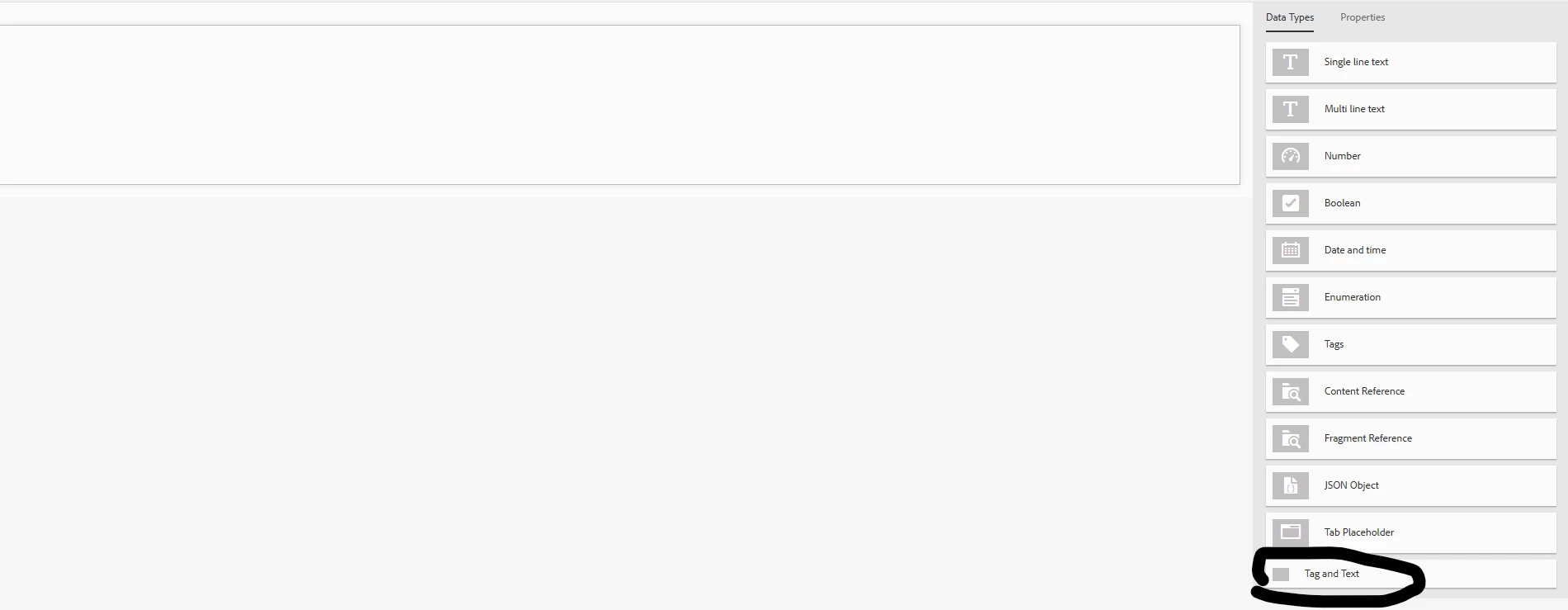
and I don't see any properties in the new data type:
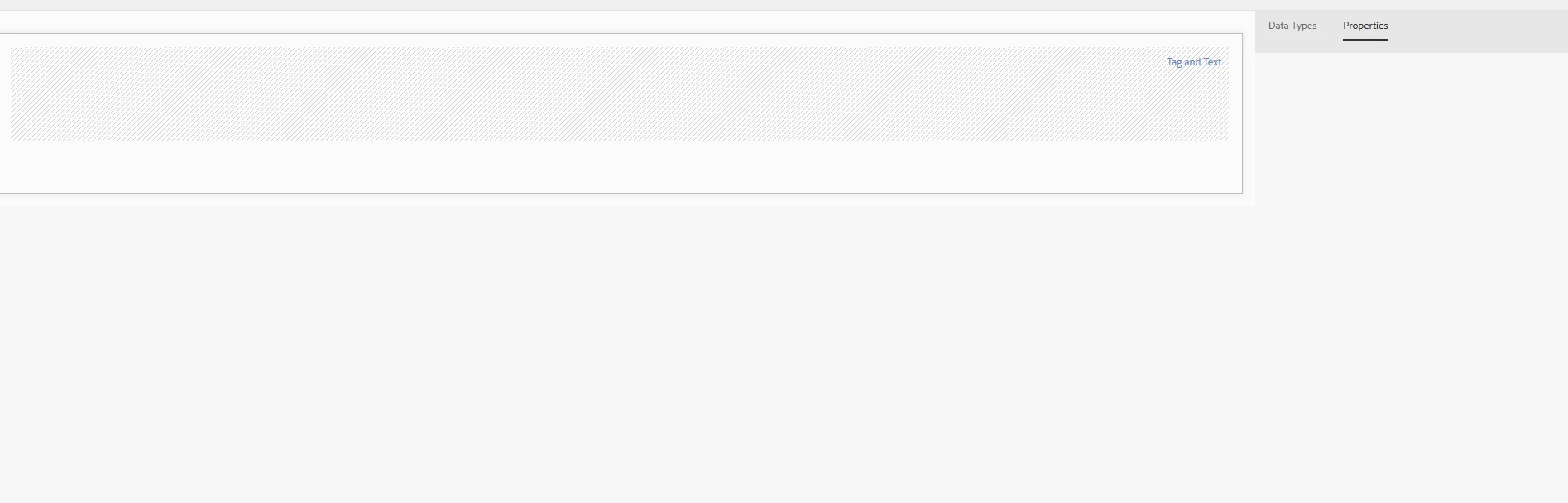
Could you please help me identify what might be going wrong?