Content not visible in editor mode | Community
Skip to main content
Level 2
January 9, 2018
Question

Content not visible in editor mode

  • January 9, 2018
  • 8 replies
  • 3089 views

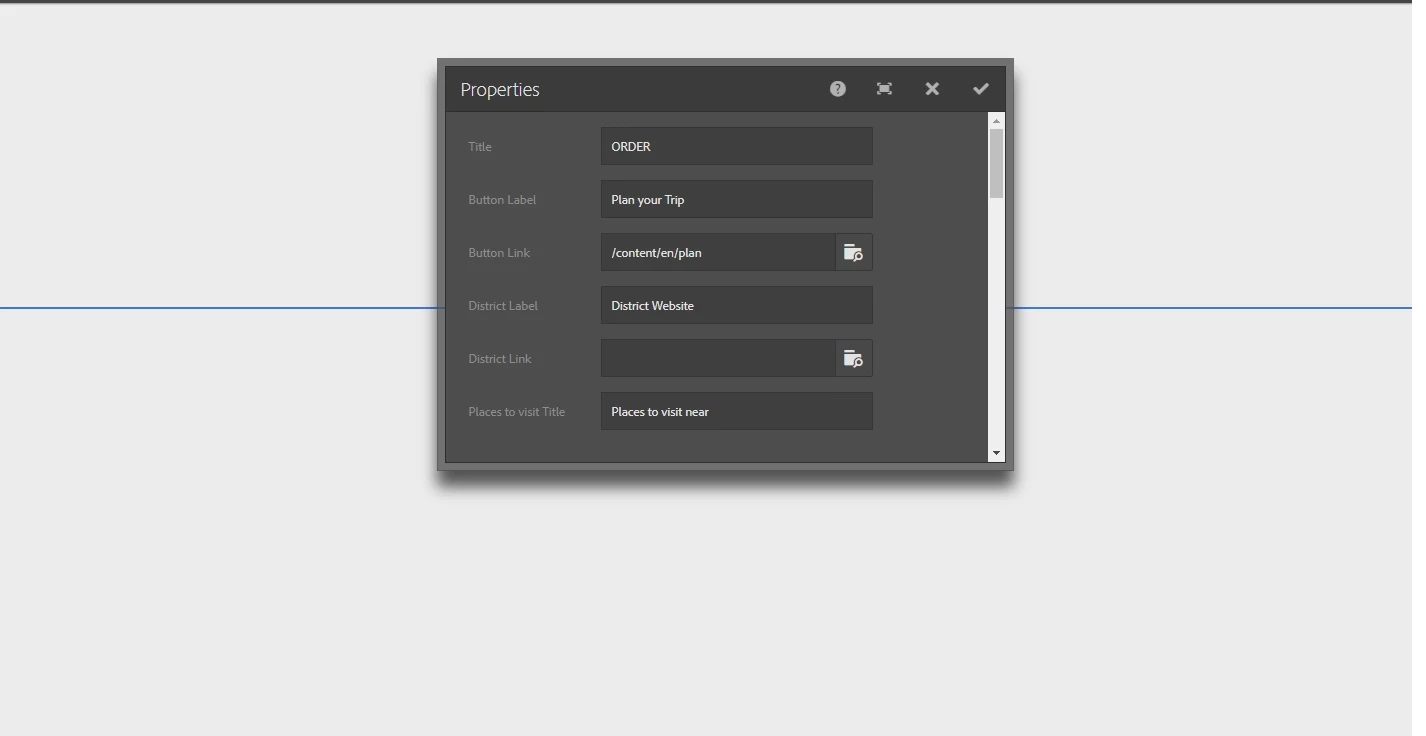
I'm facing issues in editor mode, my content is not visible in editor mode. Earlier i was having error in console

i.e `Uncaught TypeError: Cannot read property 'componentConfig' of undefined`. I resolved this error by following these steps

1. Go to /system/console/configMgr

2. under "Apache Sling Main Servlet"

3. change Number of Calls per Request to 15000

Now I don't have any console error but my content is still not visible in editor mode
This post is no longer active and is closed to new replies. Need help? Start a new post to ask your question.

8 replies

edubey
Level 10
January 9, 2018

You will be getting exception in error.log. Best place to start from here I think

Level 2
January 9, 2018

I'm not getting any exceptions, my content is visible in publish mode & wcmmode=disabled but it is not visible in editor mode

edubey
Level 10
January 9, 2018

1. is it happening for all components?

2. Can you share component html code snippet?

Level 2
January 9, 2018

1. Some of the components are not working.

2. sample snippet

<div class="slide slide-5" data-sly-use.plan="DestinationPlanModel">

    <div class="innerSlider5">

        <div data-sly-test="${wcmmode.edit}">

            <h2>${component.title}</h2>

        </div>

        <div class="visitTab">

            <h2>${properties.title}</h2>

            <a href="${plan.buttonLink.href}"><span>${properties.buttonLabel}</span></a>

            <div class="external-link">

                <a href='${plan.districtLink.href}' target='_blank'>${properties.districtLabel}</a>

            </div>

        </div>

        <div class="placeTab">

            <h3 id="nearstr">${properties.subTitle}</h3>

            <ul data-sly-list.destination="${plan.nearDestinationsList}">

                <li>

                    <div class="palceImage">

                        <img class="b-lazy"

                             src="/etc/designs/site/clientlib-site/img/common/box-loader.gif"

                             data-src="${destination.image}" alt="">

                        <a href="${destination.link.href}">icon</a></div>

                    <p>${destination.title}<br><span>${destination.text}</span></p></li>

            </ul>

        </div>

        <!-- placeTab end -->

        <div class="cq-placeholder" data-emptytext="${component.title}" data-sly-test="${wcmmode.edit}">

        </div>

    </div>

</div>

Level 2
January 9, 2018

I noticed, content is not visible because of Iframe height. When i changed the height it worked fine but height is calculated automatically.
Any suggestions?

Hemant_arora
Level 8
January 9, 2018

Are you able to see a proper parsys or it is that too rendering very small ? Please check the code in your page component . You may also check the path of init.jsp in case parsys is also displaying too small

Level 2
January 9, 2018

parsys is rendering fine

Hemant_arora
Level 8
January 9, 2018

Can you share the package of your component and let me know which version of AEM are you using ?