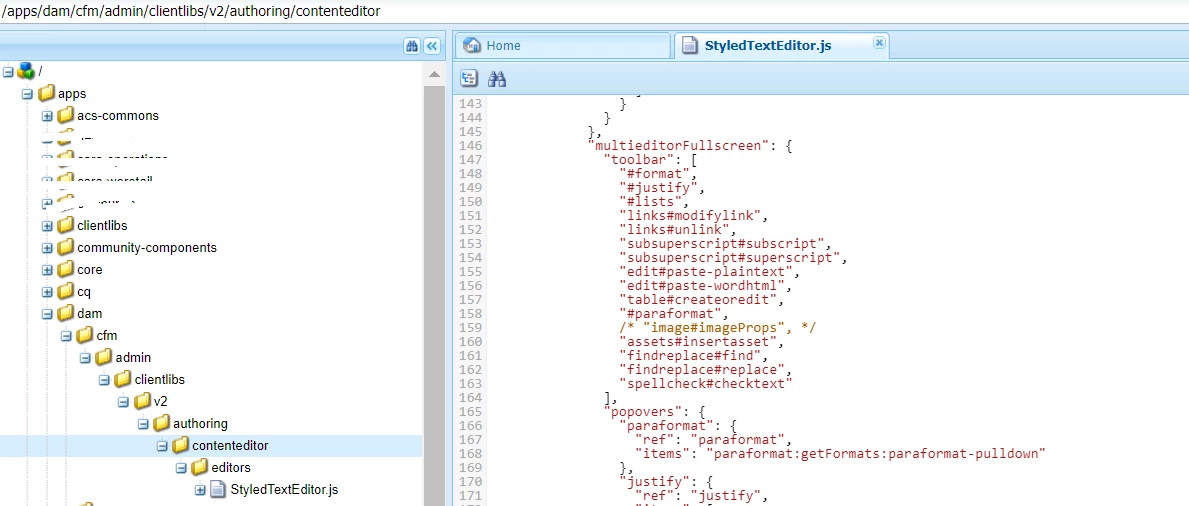
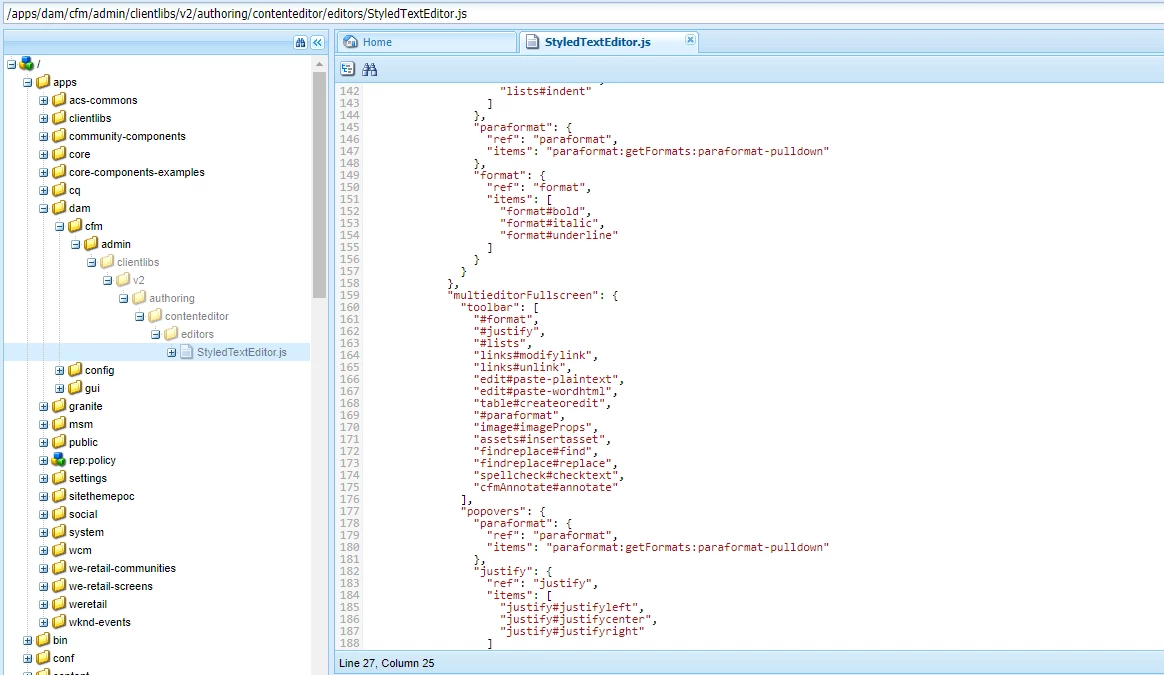
One quickest way to add subscript & superscript to CF Content Editor by editing /libs/dam/cfm/admin/clientlibs/v2/authoring/contenteditor/editors/StyledTextEditor.js
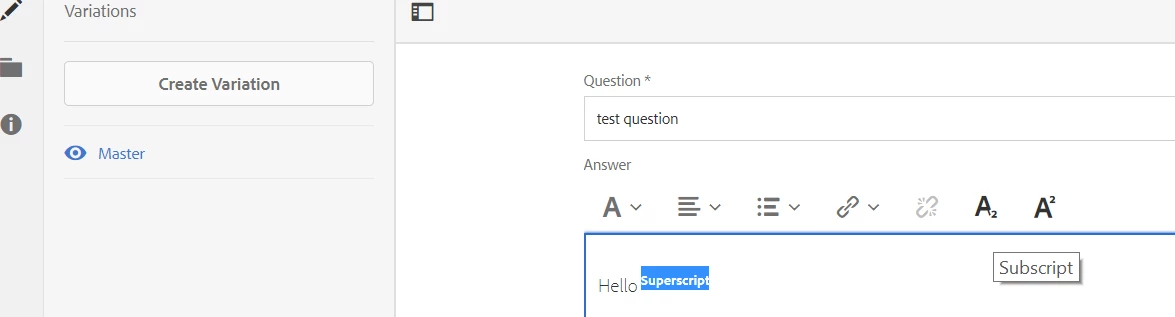
Here's my updates that adds these two plugins for both normal and full screen mode editors -
1. "inline": {
"toolbar": [
"#format",
"#justify",
"#lists",
"links#modifylink",
"links#unlink",
"subsuperscript#subscript",
"subsuperscript#superscript"
],
2. "multieditorFullscreen": {
"toolbar": [
"#format",
"#justify",
"#lists",
"links#modifylink",
"links#unlink",
"subsuperscript#subscript",
"subsuperscript#superscript",
"edit#paste-plaintext",
"edit#paste-wordhtml",
"table#createoredit",
"#paraformat",
/* "image#imageProps", */
"assets#insertasset",
"findreplace#find",
"findreplace#replace",
"spellcheck#checktext"
],
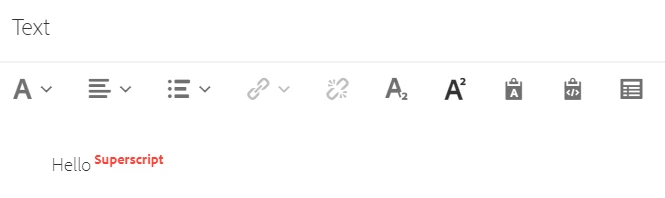
Full Screen Mode -
Someone from Adobe or Customizations Master Sreekanth to comment on this or take this little further so that many devs can get advantage of this information.