Component unavailable? | Community
Skip to main content
Level 4
September 21, 2022
Solved

Component unavailable?

  • September 21, 2022
  • 2 replies
  • 976 views

Hi,


I am following the WKND tutorial and learning how to build custom components. I have created a component definition and sync'd it to AEM, but the component is not recognized by the system.  What could be the cause of this?


At this step, the component is not available in my local instance.


This I have tried/observed:

- I have confirmed that the .content.xml calls out the proper Component Group, and that my .xml files and folders match the tutorial.  I have gone through the tutorial 3 times with the same result.

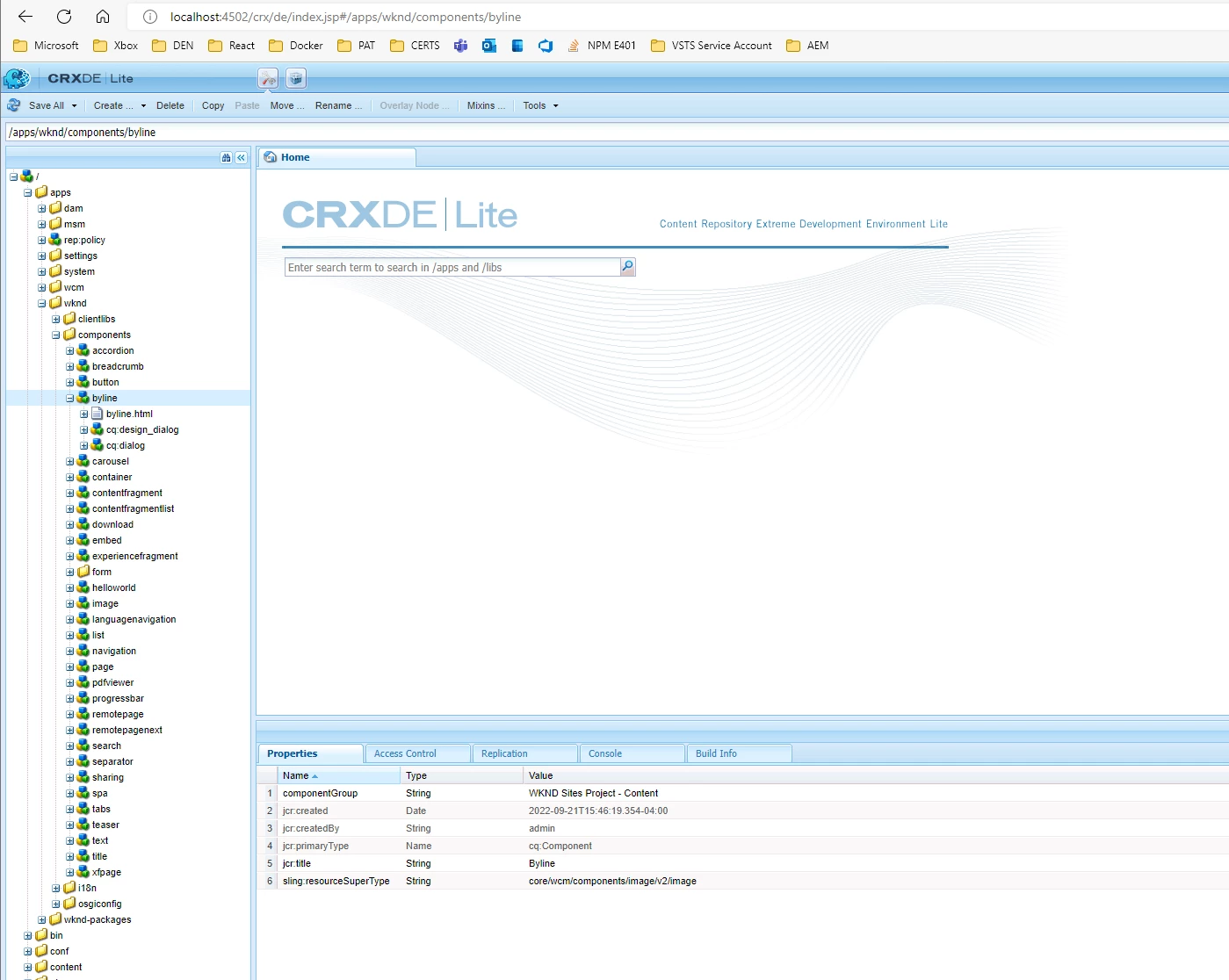
- I can see the component specification in CRXDE Lite, so AEM Sync worked and pushed the component to my local instance

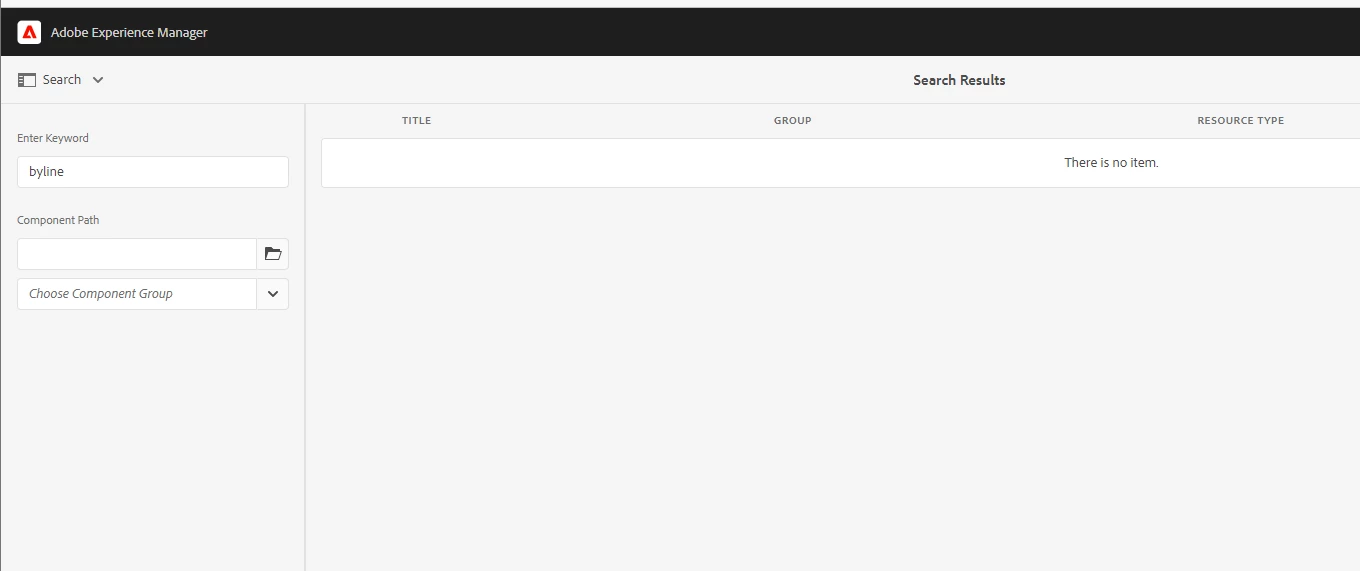
- Tools > General > Components - the component is not listed here

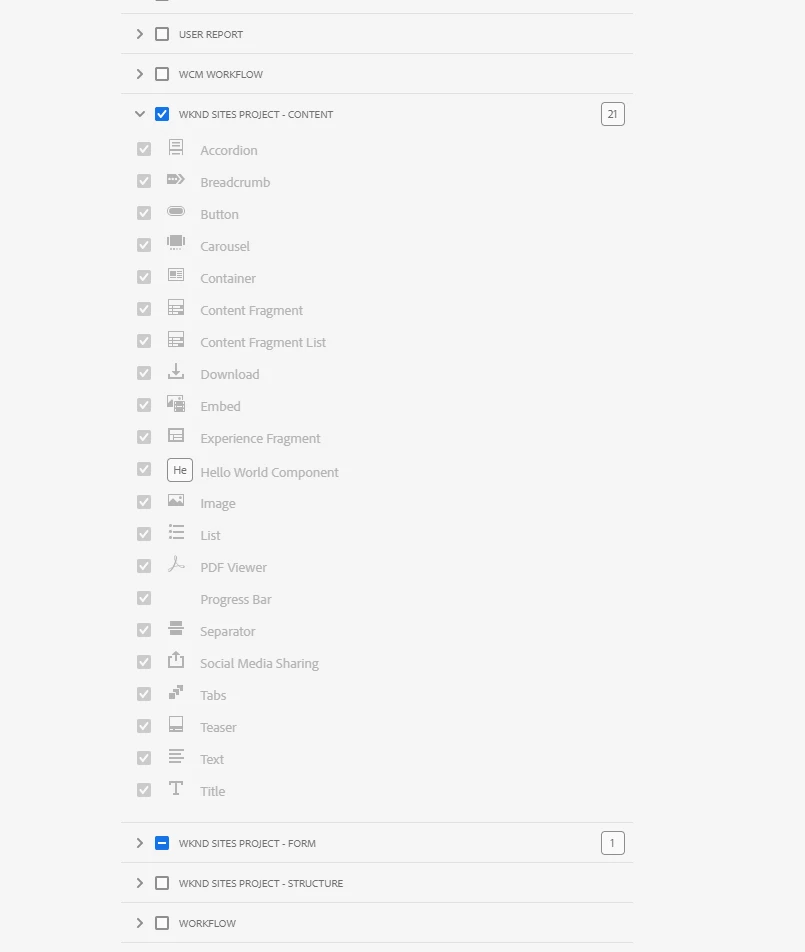
- Checking the policy on the page template's container, I do not see the component listed


On a side note- is there an easier or preferred way to add components?  The JCR syntax seems like a steep learning curve and fragile.

This post is no longer active and is closed to new replies. Need help? Start a new post to ask your question.
Best answer by poojac_2204

It seems the component group you have added in policy and the group of component that you have created is different.


allowed one:  WKND SITES PROJECT - CONTENT (It is not listing the byline component)

desired component's group: WKND Sites Project - Content


Can you change the casing of the group name to capital and then try?

2 replies

Level 4
September 21, 2022

I tinkered with the byline.html file from the tutorial, and observed that if I remove `<sly data-sly-call="${placeholderTemplate.placeholder @ isEmpty=true}"></sly>`, then the component begins working.


Is this a coincidence?  Or is this a typo in the HTL and any HTL errors prevents the component from working?

poojac_2204Accepted solution
Level 4
September 22, 2022

It seems the component group you have added in policy and the group of component that you have created is different.


allowed one:  WKND SITES PROJECT - CONTENT (It is not listing the byline component)

desired component's group: WKND Sites Project - Content


Can you change the casing of the group name to capital and then try?