Component is not showing in page but showing in content tree | Adobe Higher Education
Skip to main content
Nandheswara
Level 4
September 27, 2022
Resuelto

Component is not showing in page but showing in content tree

  • September 27, 2022
  • 3 respuestas
  • 3343 visualizaciones

Hi all

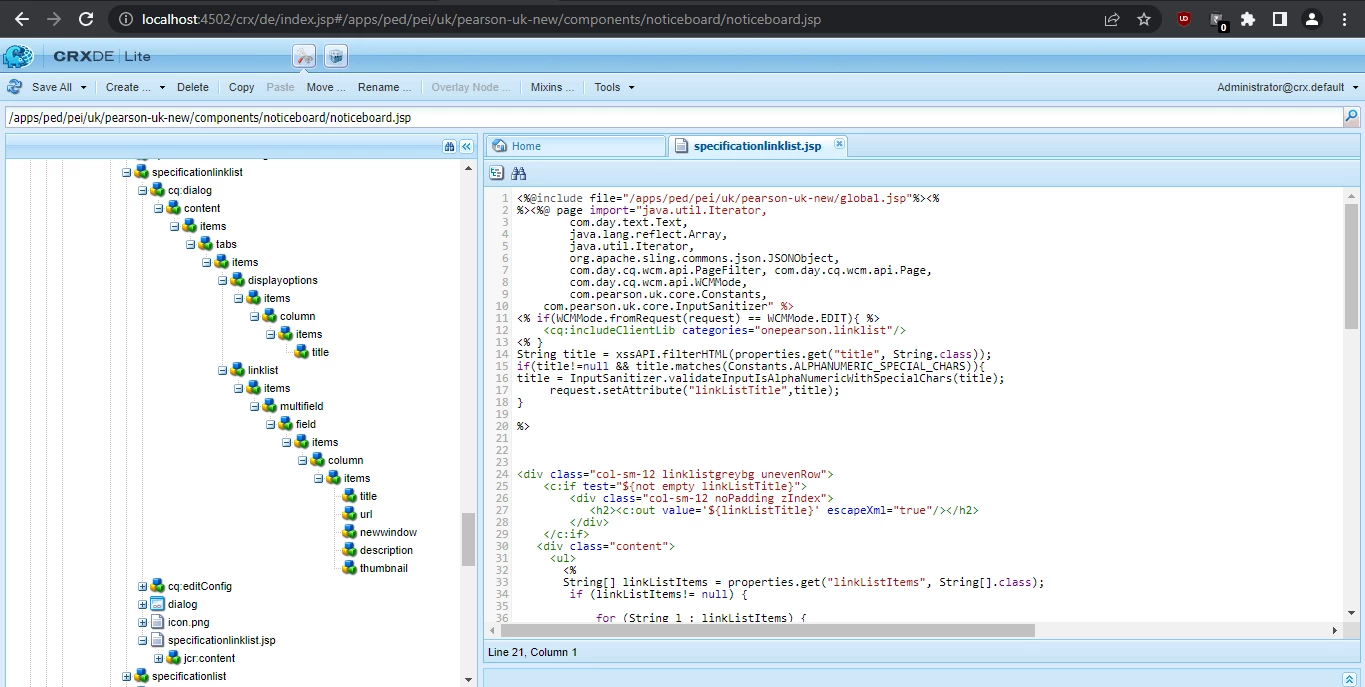
I am using AEM 6.4 and currently doing Classic ui to touch ui dialog migration

My Component is not showing in touch ui page once i drop my component in page means its showing in content tree only all the component functionality is working fine but only one thing is if we need to author the dialog means we go to content tree and select the component and after that only we can edit so i need to select my component in page itself and author it

Can you suggest some idea to fix it
Este tema ha sido cerrado para respuestas.
Mejor respuesta de arunpatidar

Then it is a css issue.Please check with front end team then can help
In Author mode there are extra divs and classed added and that might be overriding with your project css.


make sure you have all the tags properly closed as well.

3 respuestas

Level 4
September 27, 2022

Hi @nandheswara ,


This might happen if you do not have an empty placeholder for the component when its not configured.

This is required in Touch Ui dialog.


You can add this in the first line 


<div data-sly-test="${!properties.title && wcmmode.edit}" class="cq-placeholderdata-emptytext="Component name"></div>


Thanks,

Sweta

Nandheswara
Level 4
September 27, 2022

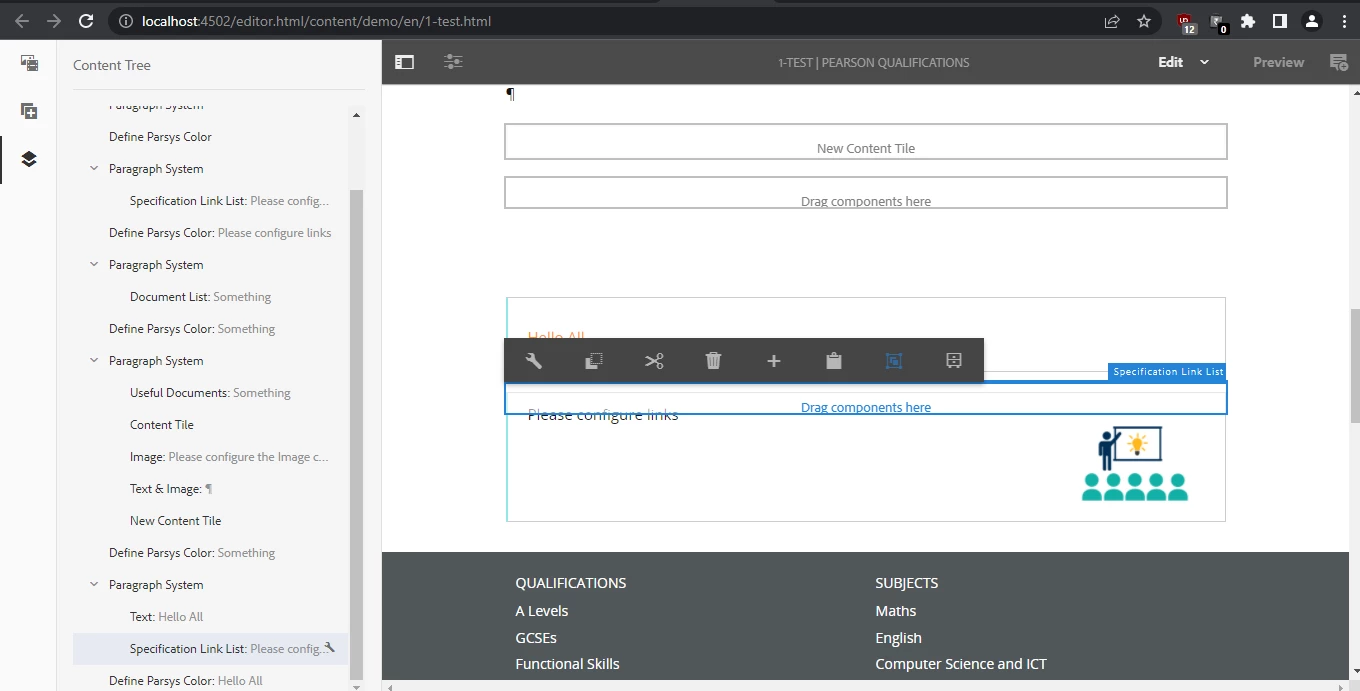
After adding the Placeholder, the component is overlaying with parsys like this 

can you suggest some idea to fix it

Level 4
September 27, 2022

There seems to be some issue with the rendering condition. I can see the placeholder and the title 'hello' both displaying. 

Ideally when the title is configured as per the condition then the placeholder should not display and vice versa.


arunpatidar
Community Advisor
Community Advisor
September 27, 2022

Hi @nandheswara 

This could be because of no placeholder for empty component or there is a problem with backend(jsp) logic.

If you can see the component is rending in view as publish mode then logic seems ok but only plcaeholder is missing.

Arun Patidar
Nandheswara
Level 4
September 27, 2022

Component is working fine in published mode and also after adding the Placeholder to that component, the component is overlaying with parsys like this 

 can you suggest some ideas to resolve this

arunpatidar
Community Advisor
arunpatidarCommunity AdvisorRespuesta
Community Advisor
September 27, 2022

Then it is a css issue.Please check with front end team then can help
In Author mode there are extra divs and classed added and that might be overriding with your project css.


make sure you have all the tags properly closed as well.

Arun Patidar
Level 4
September 27, 2022

You can add some empty text in your component's jsp to have it some height when dropped

<p data-emptytext="Author here" class="cq-placeholder"></p>