com.itextpdf.text,version=[5.5,6) -- Cannot be resolved | Community
Skip to main content
February 7, 2018
Solved

com.itextpdf.text,version=[5.5,6) -- Cannot be resolved

  • February 7, 2018
  • 4 replies
  • 6957 views

Hello everyone,

I am trying to generate PDF using com.itextpdf.text API. I have added its maven dependency in my POM. Build is successful but when i install it,its in installed state and i get error com.itextpdf.text,version=[5.5,6) -- Cannot be resolved.

Project is created using Archtype 12.

Dependency added:

<dependency>

    <groupId>com.itextpdf</groupId>

    <artifactId>itextpdf</artifactId>

    <version>5.5.13</version>

</dependency>

I have tried with different versions but its not resolved in any case.

Could you please suggest solution for it?

Thanks,

Megha

This post is no longer active and is closed to new replies. Need help? Start a new post to ask your question.
Best answer by smacdonald2008

See the heading titled "How can i work with 3rd party JARs when i create an OSGi bundle" in this blog -- http://scottsdigitalcommunity.blogspot.ca/2017/02/adobe-aem-tips-and-tracks-that-are-not.html

Scott's Digital Community: Adobe Experience Manager FAQs and other Tips

To work with third party JARS like this one - two steps need to be taken:

1 - when building the OSGi bundle - make sure you reference the correct dependency (which you did)

2 - you need to make sure that there is an OSGi bundle in AEM that exports that API. In the blog above- we show you how to wrap the SIMPLE JSON JAR into an OSGi bundle then deploy as an example (you did not perform this step)

4 replies

smacdonald2008
smacdonald2008Accepted solution
February 7, 2018

See the heading titled "How can i work with 3rd party JARs when i create an OSGi bundle" in this blog -- http://scottsdigitalcommunity.blogspot.ca/2017/02/adobe-aem-tips-and-tracks-that-are-not.html

Scott's Digital Community: Adobe Experience Manager FAQs and other Tips

To work with third party JARS like this one - two steps need to be taken:

1 - when building the OSGi bundle - make sure you reference the correct dependency (which you did)

2 - you need to make sure that there is an OSGi bundle in AEM that exports that API. In the blog above- we show you how to wrap the SIMPLE JSON JAR into an OSGi bundle then deploy as an example (you did not perform this step)

smacdonald2008
February 7, 2018

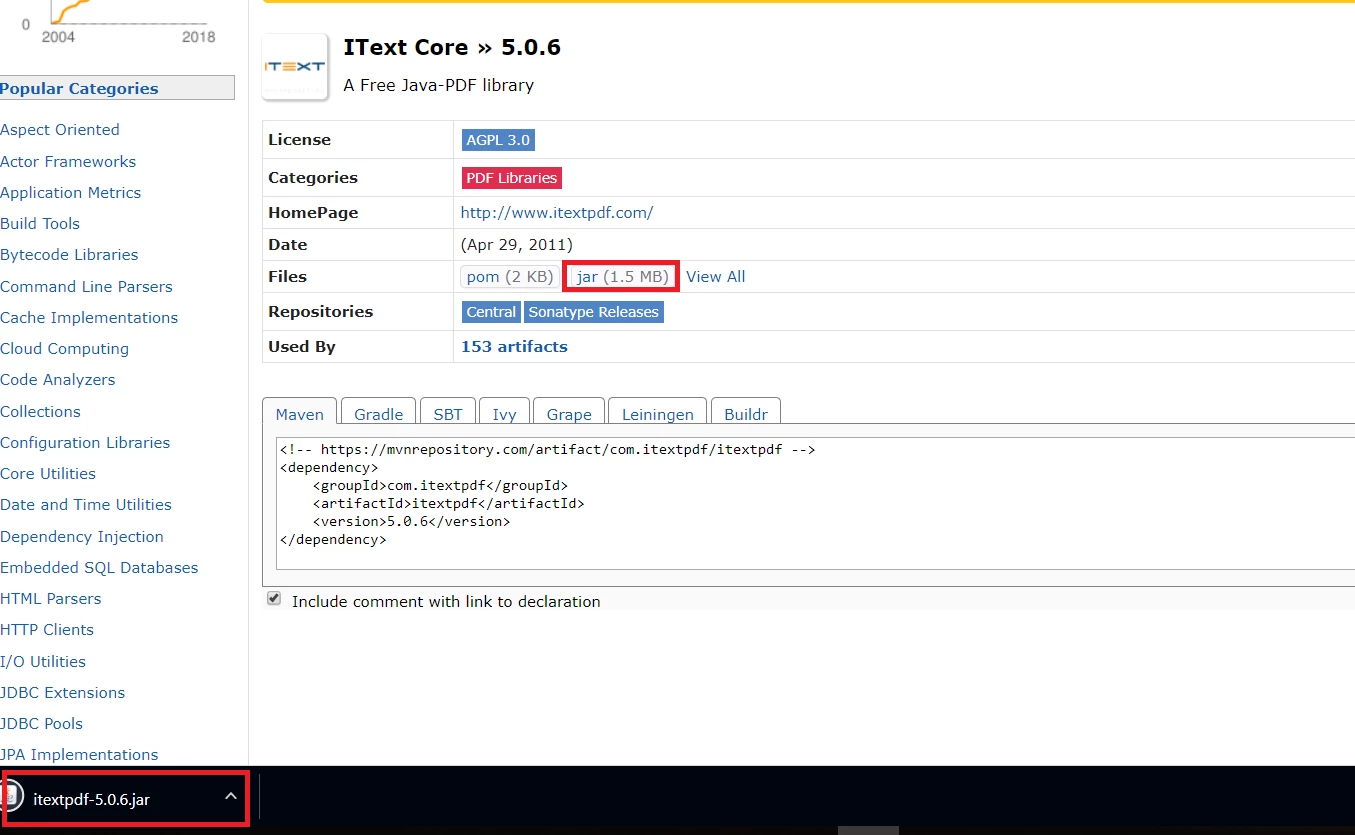
So what you need to do is download the JAR and then wrap it into an OSGi bundle like we do for the SIMPLE JSON JAR in the article - you can use an Eclipse plug-in project for that purpose. Follow the steps in the article.

February 7, 2018

Thank you Scott. Its working now.

smacdonald2008
February 7, 2018

I am glad to hear that!!!