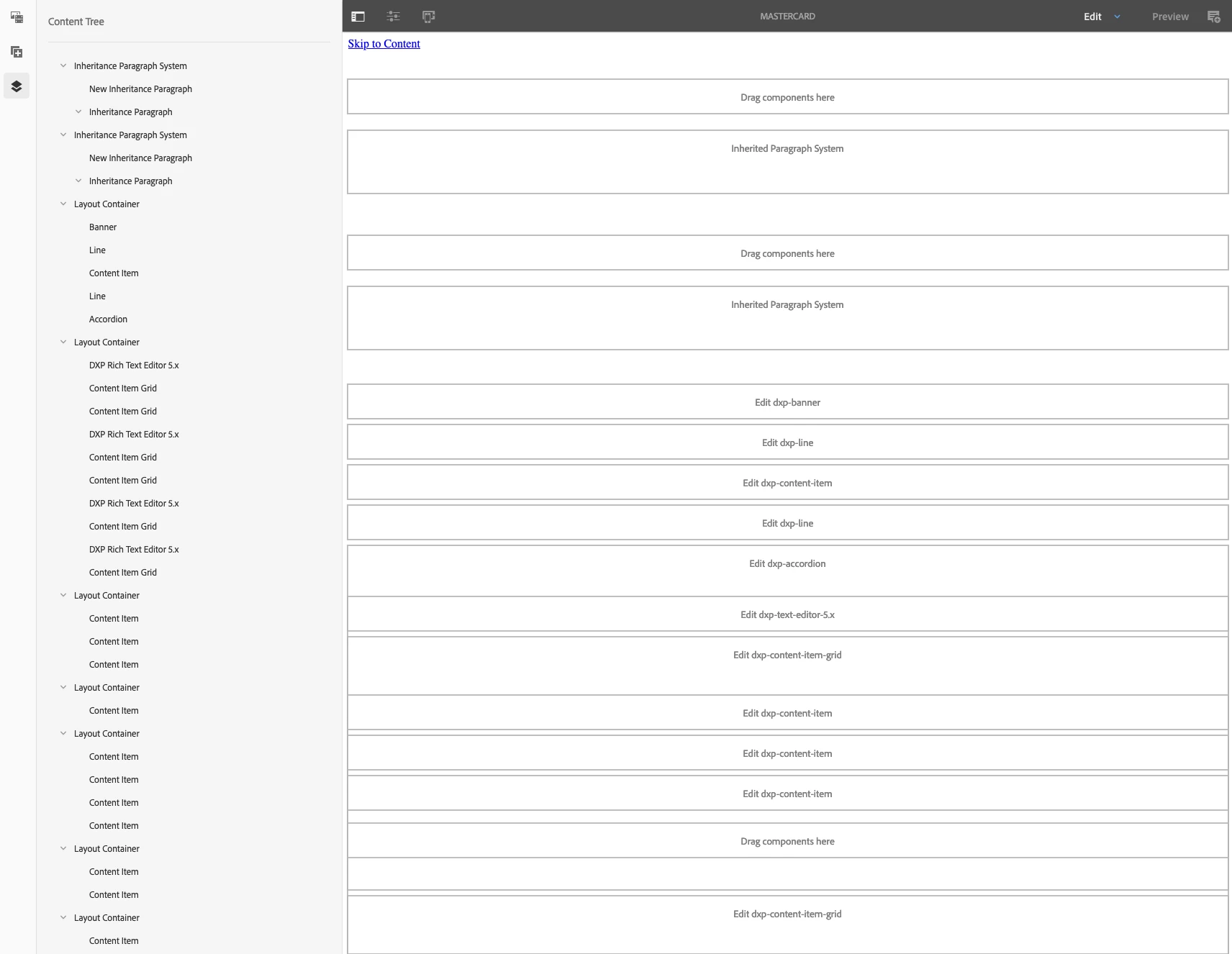
CMS component WYSIWYG preview at page-level
I am a content editor for multiple sites and they've now turned off page preview in edit mode for performance. This is understandable given the size of the organization and pages they manage, however it has considerably increased my pain and time efficiency. Meaning, all I see is component titles on any given page. While this is probably OK for simpler pages, one particular page is an accordion style documentation of images and text. I can use the content tree on the left to navigate SLIGHTLY better, but if there are dozens and dozens of components, its a painful process to find the exact one I need to edit (screen below).
Is there a way from the user end to turn on the preview for a single page, on the user end? Or, potentially from the admin side as I can have them grant this. Alternatively, is there a way to filter components by the content in which they contain? That way I could search based on an image file name, or a string of text?