Classic UI to Touch UI Migration: html5smartimage replacement
Hey all,
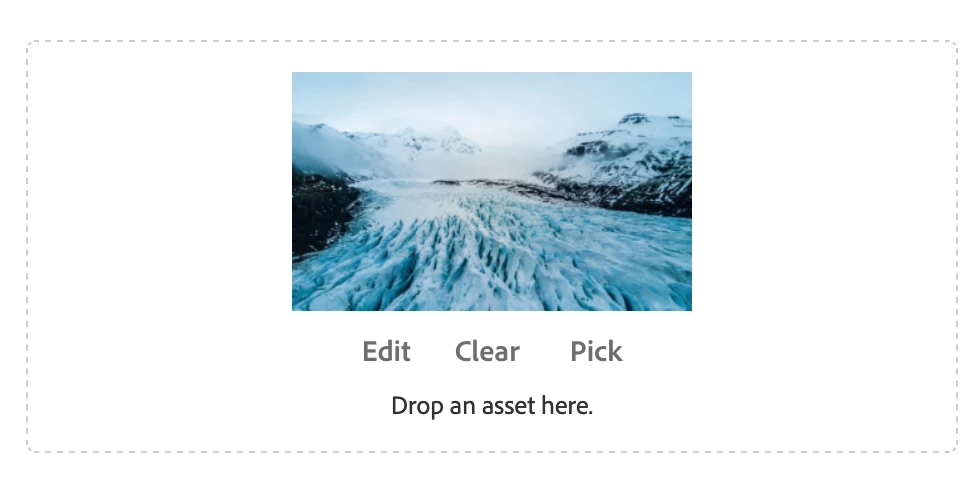
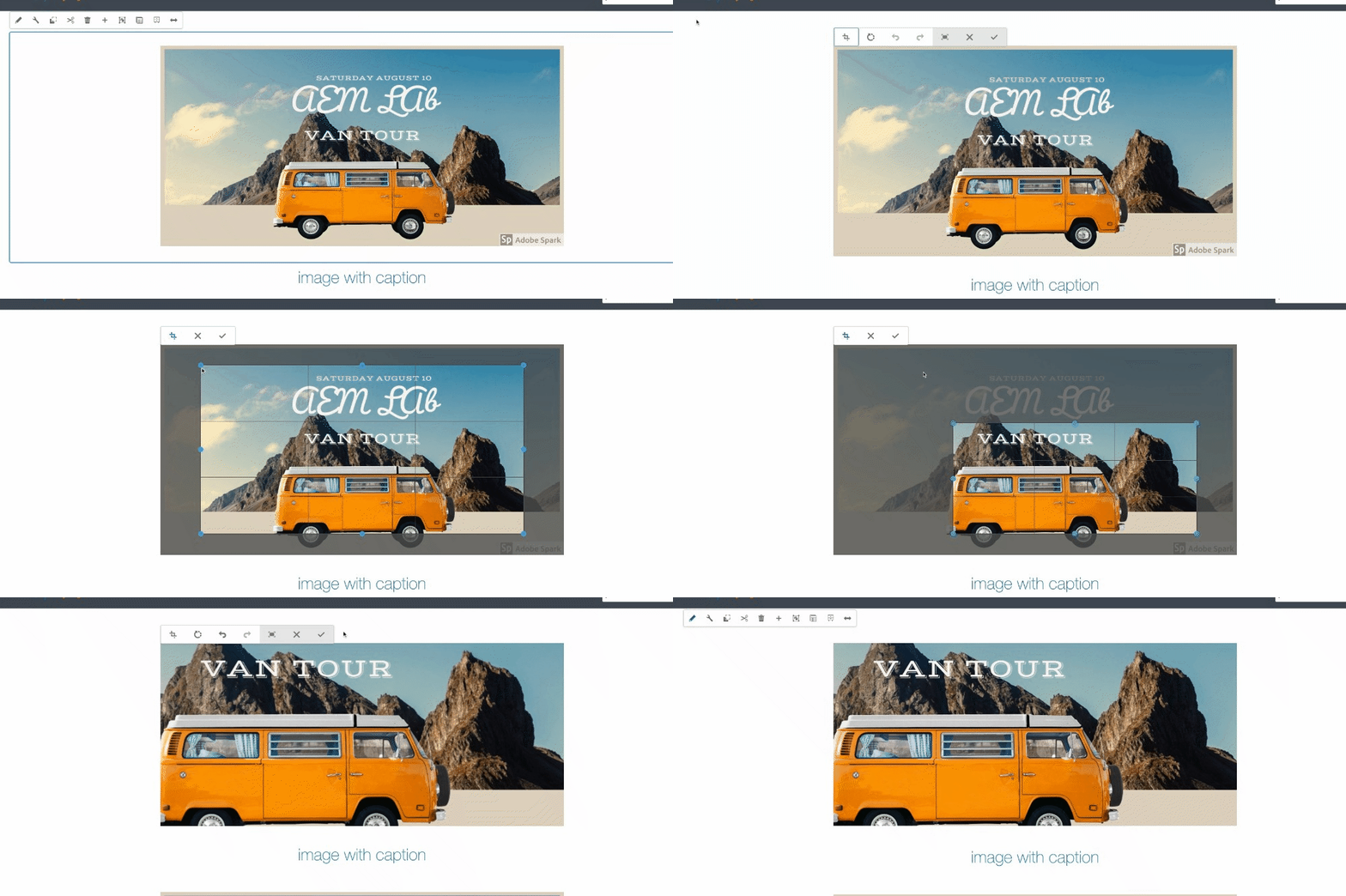
During our migration from Classic UI to Touch UI, we're creating Touch UI dialogs and interfaces for all our components. Many of our Classic UI components made use of the "html5smartimage" ExtJS xtype to accept image input from the DAM and give authors the ability to set and change cropping within the dialog, on the page. An equivalent component does not appear to exist in the Touch UI suite of tools (Coral 2, Coral 3, CCL), nor does it seem to have a one-to-one replacement.
From my research so far:
1. Many external blogs and posts suggest the use of the "fileupload" from the cq library with various settings adjusted, but this does not meet our needs (listed below)
2. I also found suggestions to make use of the Core Components Image component - However, we need to be able to crop and adjust the image in the properties dialogs, so the inplaceediting of the Image component cant be used there.
3. This poor soul was never answered.
Our needs are:
1. Users should be able to supply images from the DAM to the input field
2. Users should be able to crop images in-place without modifying the original DAM image, saving the modifications to the page
3. Users should NOT be able to upload images directly from their computer
As a stand-in to allow for the use of DAM images, we're currently making use of the pathfield (granite/ui/components/coral/foundation/form/pathfield) to accept a DAM image for use on the page, but in any cases where a pre-existing component made use of an image customization, the customizations are lost and not displayed on the component.
What is the best solution for this? Is there a way to modify the "cq/gui/components/authoring/dialog/fileupload" field to meet these needs, or is there a different solution that others have used for this? I'm at a loss.
I've also got a Day Care support ticket open for this... but the community forum was faster than support last time, so here I am again.
Thank you all for your time!