Cannot find parsys component in wknd tutorial. | Community
Skip to main content
arjuns71585267
Level 4
March 13, 2019
Solved

Cannot find parsys component in wknd tutorial.

  • March 13, 2019
  • 6 replies
  • 3563 views

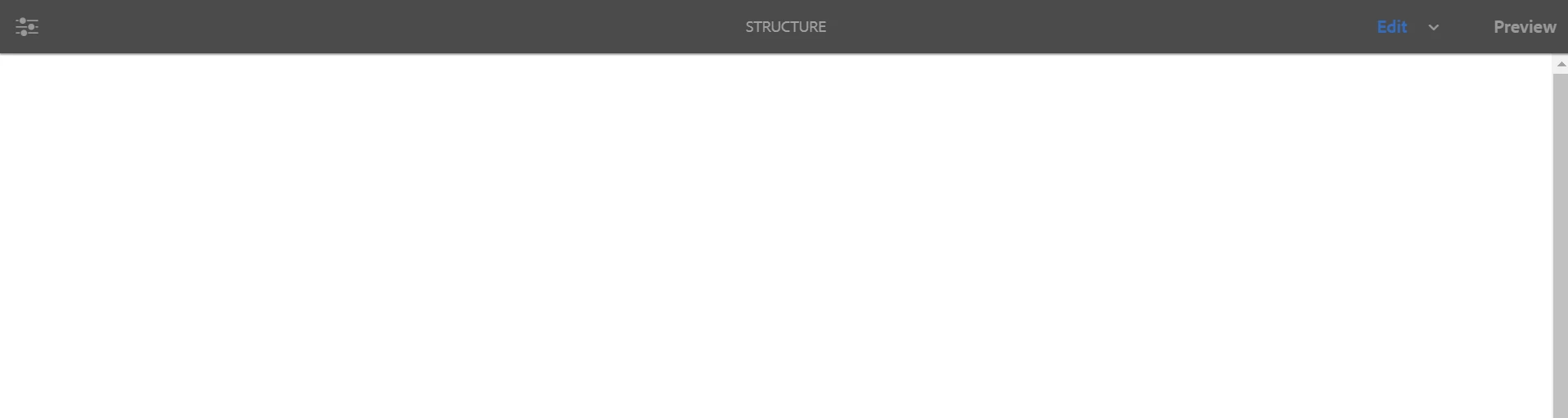
I am following the wknd tutorial part two and I am not able to find the parsys component on the template I created for the article page. The screenshots are included. what is the possible reason? I have checked the supertype reference of the page and it is pointing to the correct location.

Tutorial Link:Getting Started with AEM Sites Chapter 2 - Creating a Base Page and Template
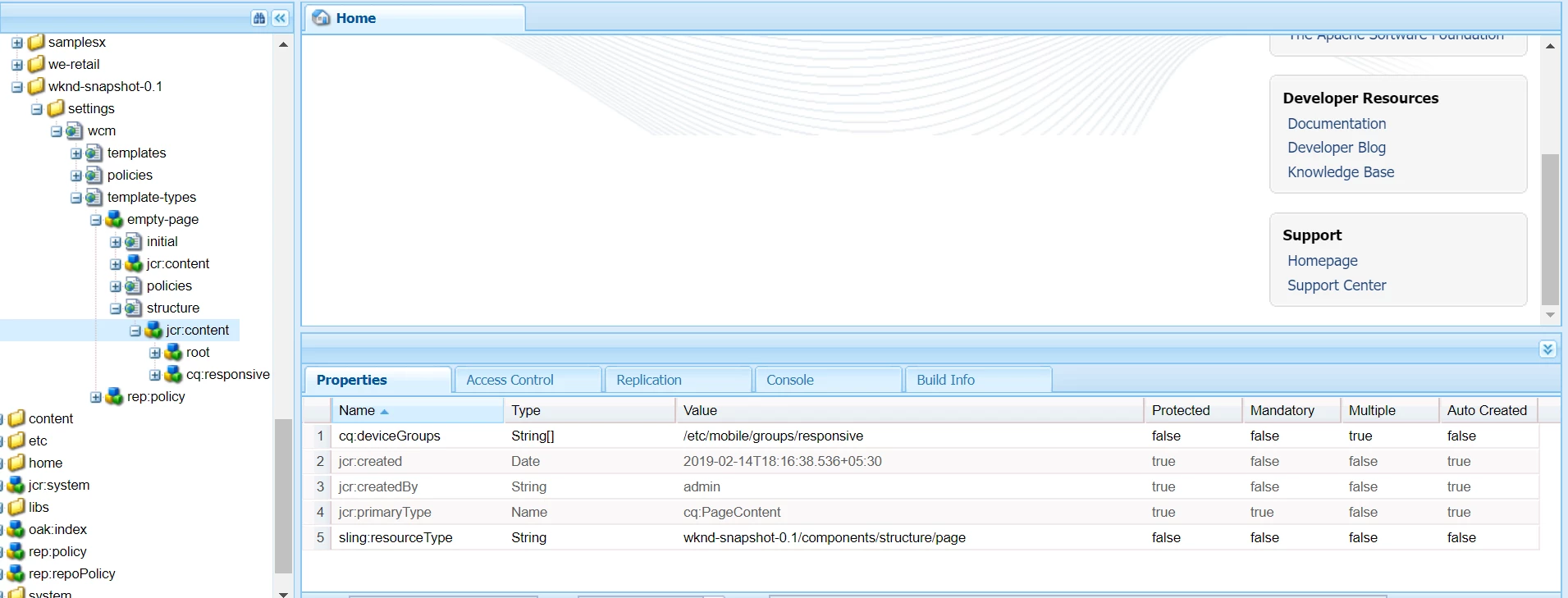
also there is no link for other template options other than the edit mode.
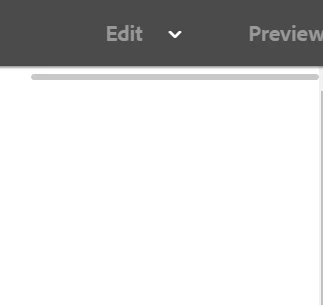
Please help.

This post is no longer active and is closed to new replies. Need help? Start a new post to ask your question.
Best answer by arunpatidar

try to add init.jsp in head section of the page component

e.g.

<div data-sly-include="/libs/wcm/core/components/init/init.jsp"></div>

6 replies

Prince_Shivhare
Community Advisor
Community Advisor
March 13, 2019

I can check in the second screenshot there is a single line. can you please confirm what is that?

because sometimes parsys comes like that only. I will tell you how to enable that. over the mouse on it and click then check if you are getting + icon.

arjuns71585267
Level 4
March 13, 2019

I am getting an empty page only, not even a line.

On the third screenshot you can see a line it comes instead of the mode like this

Prince_Shivhare
Community Advisor
Community Advisor
March 13, 2019

Can you please try downloading the package from article and try again?

I tried it previously and it was working for me.

arjuns71585267
Level 4
March 13, 2019

I tried creating it from scratch rather than download.

Prince_Shivhare
Community Advisor
Community Advisor
March 13, 2019

Yes, It is good to go step by step but when we are not getting output what is written in helpx so I usually download the package and checks if an issue is still coming or not...

arunpatidar
Community Advisor
arunpatidarCommunity AdvisorAccepted solution
Community Advisor
March 13, 2019

try to add init.jsp in head section of the page component

e.g.

<div data-sly-include="/libs/wcm/core/components/init/init.jsp"></div>

Arun Patidar