Can we enable style system in static template? | Community
Skip to main content
Level 3
June 22, 2020
Solved

Can we enable style system in static template?

  • June 22, 2020
  • 3 replies
  • 2446 views

We have a requirement to create new components for one of my projects and utilize the style system. The client is currently using static templates for all of their pages, is there any way we can enable style system in static templates..
Is it possible, or is it only available in editable templates?

This post is no longer active and is closed to new replies. Need help? Start a new post to ask your question.
Best answer by Vaibhavi_J

Hi @ramaem12 


Style system is available for editable template. On static template this feature is not available. 

You can use one of the option below. 

1.Migrate the static template to editable template and make use of the feature

2.Go for custom implementation on static template. 

I would suggest option one but it depends on the number of existing pages you need to migrate from static to editable template. 

3 replies

Vaibhavi_J
Vaibhavi_JAccepted solution
Level 7
June 22, 2020

Hi @ramaem12 


Style system is available for editable template. On static template this feature is not available. 

You can use one of the option below. 

1.Migrate the static template to editable template and make use of the feature

2.Go for custom implementation on static template. 

I would suggest option one but it depends on the number of existing pages you need to migrate from static to editable template. 

ramaem12Author
Level 3
June 27, 2020

For option 2 would you suggest me some of the options,

I followed below approach to enable the style system in Static templates.

For Enabling Style system I added below design dialogue in my component.

<styletab
jcr:primaryType="nt:unstructured"
sling:resourceType="granite/ui/components/coral/foundation/include"
path="/mnt/overlay/cq/gui/components/authoring/dialog/style/tab_design/styletab"/>

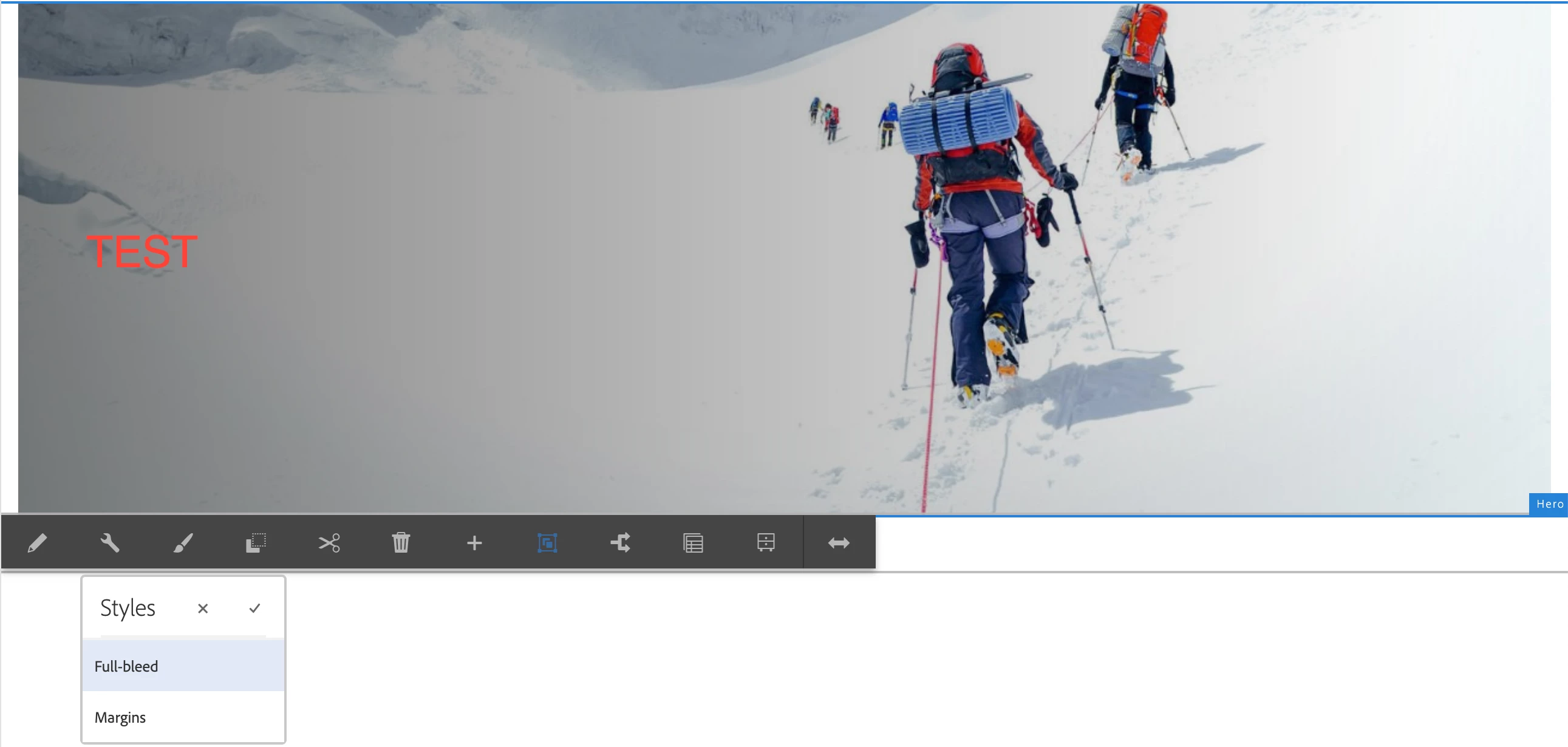
1) It is working perfectly in editable templates.

working behavior of my Component in editable template.
 

2) But it is not working in the Static template. I followed the below procedure to enable the style system in my component.
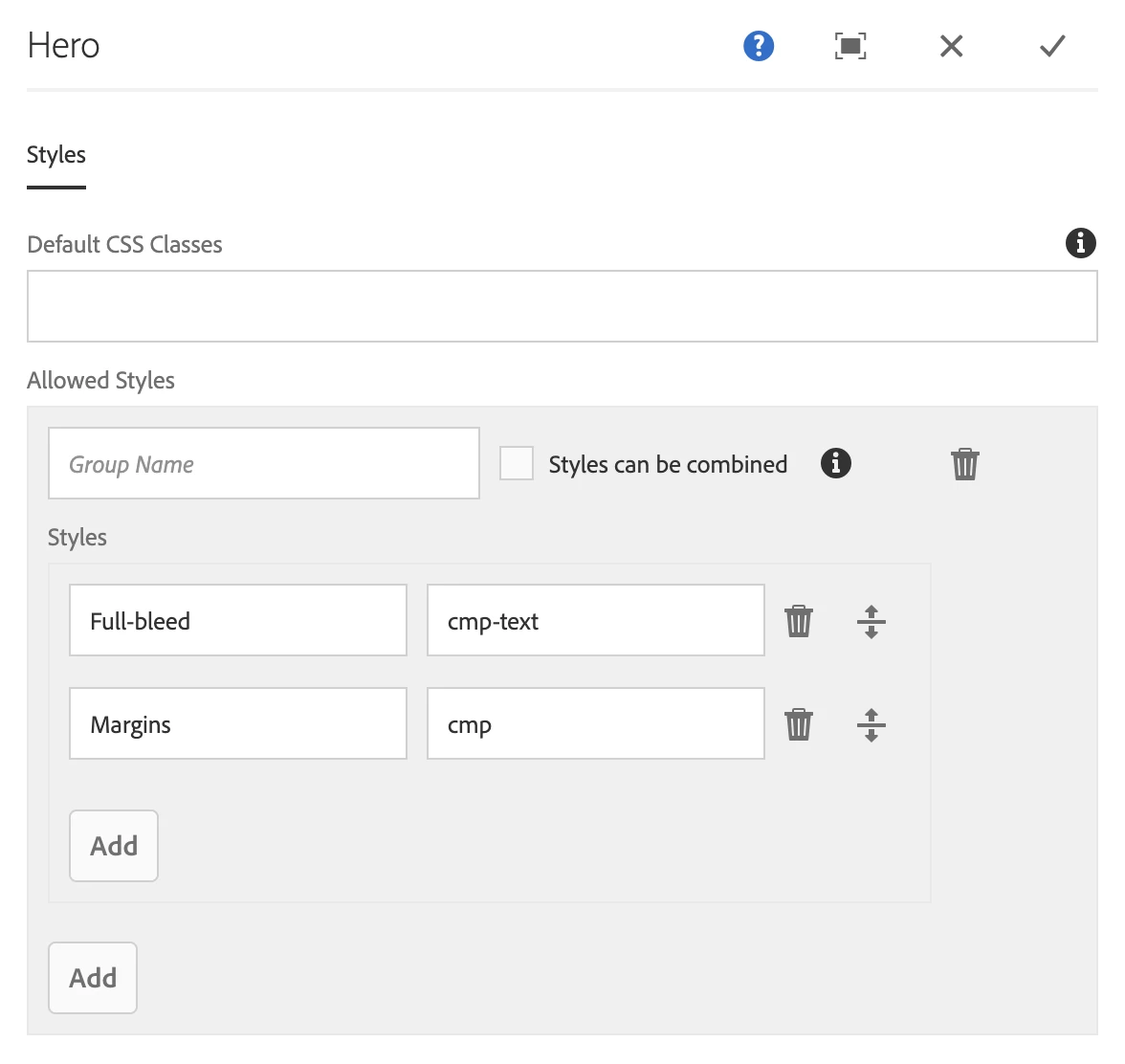
 

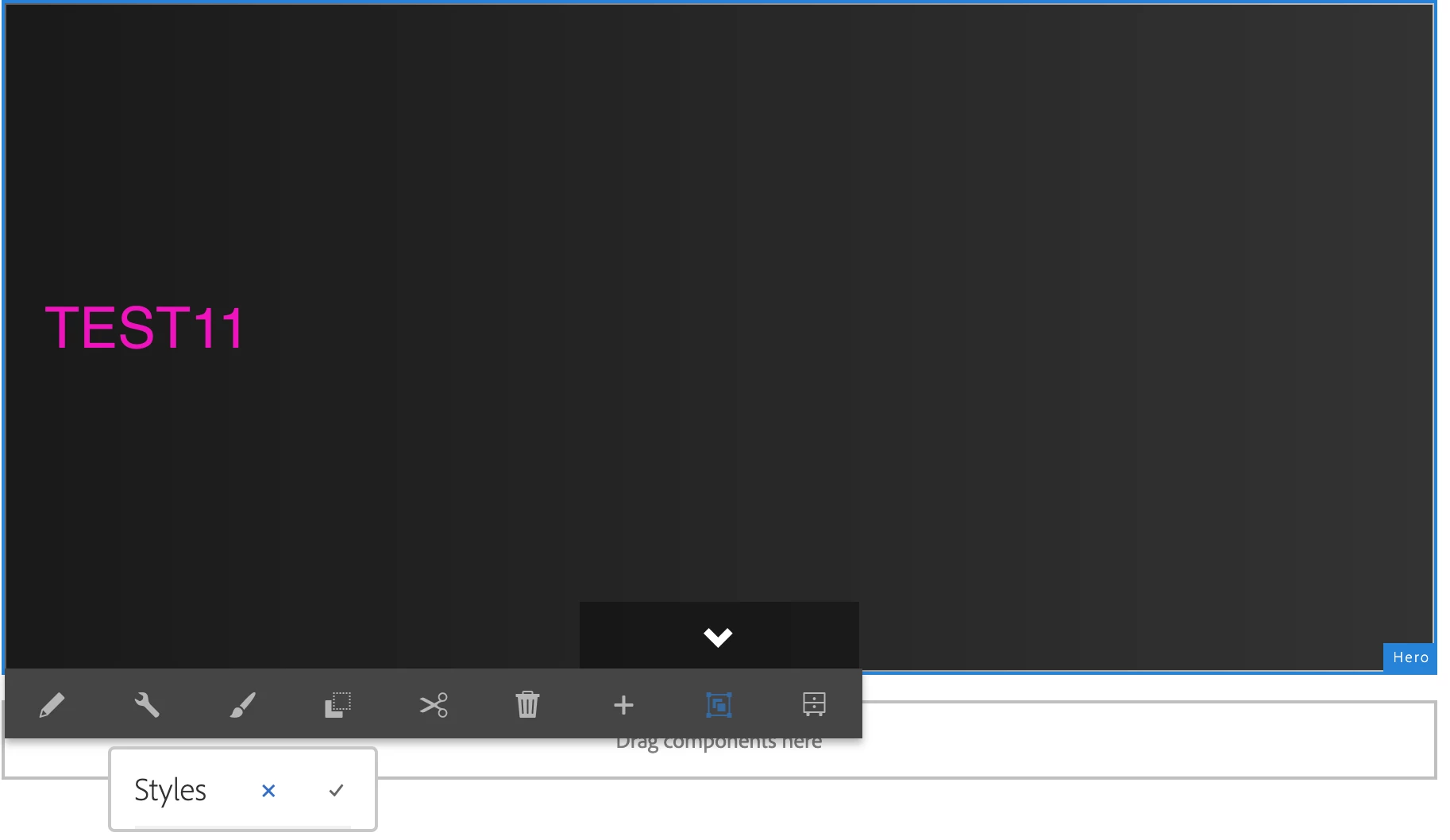
After I added the above values in my component design mode, I can see the brush icon in the static template, but I cannot see the values of Quote Block and Test2 in authoring mode.

Anmol_Bhardwaj
Community Advisor
Community Advisor
March 7, 2022

@ramaem12 :  were you able to make it work with Option#2?

vanegi
Adobe Employee
Adobe Employee
June 23, 2020

Style system is a feature of editable template to allow developers and template editors to create multiple visual variations of a component, see [0]. You can always migrate old static template to editable template to make use of this feature.


[0]: https://docs.adobe.com/content/help/en/experience-manager-65/developing/components/style-system.html

Ankur_Khare
Community Advisor
Community Advisor
June 28, 2020

No you can't you need to migrate static template to editable template then you can use style system.