Can't Load /etc/clientlibs/granite/jquery.min.js and /etc/clientlibs/granite/coralui2.min.css | Community
Skip to main content
willym12724535
Level 2
June 27, 2019
Solved

Can't Load /etc/clientlibs/granite/jquery.min.js and /etc/clientlibs/granite/coralui2.min.css

  • June 27, 2019
  • 21 replies
  • 10723 views

Hello,

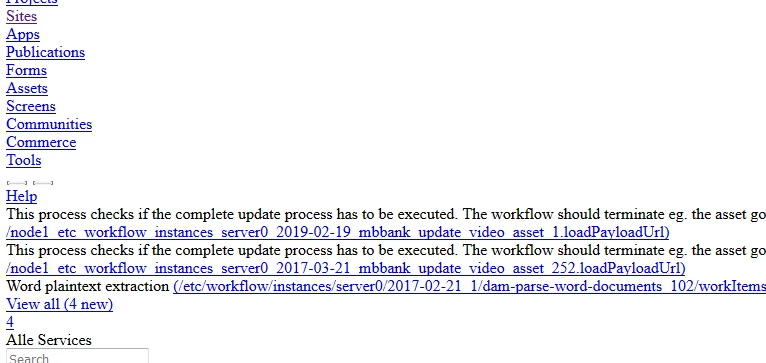
there are two files(/etc/clientlibs/granite/jquery.min.js and /etc/clientlibs/granite/coralui2.min.css) I can not download in the AEM Author System. The page is not seen well. Someone tell me the cause?
This post is no longer active and is closed to new replies. Need help? Start a new post to ask your question.
Best answer by antoniom5495929

Hi Willy,

Thanks for the info.

Could you try to make the test directly on the AEM instance? Without using the Apache/Dispatcher?

It could be related to the filters configuration into the Dispatcher.

Let us know.

Thanks,

Antonio

21 replies

antoniom5495929
Level 7
June 27, 2019

Hi,
have you some error code during the loading of this clientlibs into the browser?
Thanks,
Antonio

willym12724535
Level 2
June 27, 2019

Hi Antonio,

thank for the reply,

no I do not receive an error except on the two URLs that are enumerated (See also attached document)

Thanks,

Willy

antoniom5495929
Level 7
June 27, 2019

Hi,

just a simple test, could you try to test it without minify enabled?

Let me know.

Thanks,

Antonio

willym12724535
Level 2
June 27, 2019

Hi,

On Opera

/etc/clientlibs/granite/jquery.js and /etc/clientlibs/granite/coralui2.css

The website is not accessible´may be temporarily unavailable or permanently moved to a new web address.

ERR_CONTENT_DECODING_FAILED

/etc/clientlibs/granite/coralui2.min (test)

404 - File or directory not found.

The resource you are looking for might have been removed, had its name changed, or is temporarily unavailable.

Thanks,

Willy

Adobe Employee
June 27, 2019

Compiled js and css and minified versions of those live on the file system in a folder outputcache.

  • Search in the AEM instance home folder with command below:

        find launchpad/felix -path "*/bundle*/data/outputcache" -type d   

  • Delete "outputcache" folder

See the following for more details :

How to force a recompilation of all Sling scripts jsps, java, and sightly in AEM 6.4

Adobe Employee
June 27, 2019

Maybe these are blocked at the dispatcher, are you testing without dispatcher?

antoniom5495929
Level 7
June 27, 2019

Hi Willy,

which AEM version are you using?

Are you using a dispatcher in front of the instance?

Thanks,

Antonio

willym12724535
Level 2
June 27, 2019

Hi Antonio,

which AEM version are you using? AEM 6.4

Are you using a dispatcher in front of the instance? Yes

Thanks,

Willy

antoniom5495929
antoniom5495929Accepted solution
Level 7
June 27, 2019

Hi Willy,

Thanks for the info.

Could you try to make the test directly on the AEM instance? Without using the Apache/Dispatcher?

It could be related to the filters configuration into the Dispatcher.

Let us know.

Thanks,

Antonio

willym12724535
Level 2
June 27, 2019

Thank you I will test this case