Bundle - Cannot be resolved dependecies | Community
Skip to main content
February 4, 2019
Solved

Bundle - Cannot be resolved dependecies

  • February 4, 2019
  • 5 replies
  • 3836 views

I'm dealing with these errors in my bundle.

I'm on aem 6.4

I've done the following:

  1. Checked the IDE for any errors before the deploy
  2. Changed the Core Bundle version
  3. Updated those dependencies with a newer version
  4. Right click on root POM -> Maven - > Generate Sources and Update Folders


What else can I do?

This post is no longer active and is closed to new replies. Need help? Start a new post to ask your question.
Best answer by Gaurav-Behl

Your bundle requires "commons.net" version to be from 3.3-4 (exclusive) but AEM/Felix is unable to provide the same version. Hence, include "commons.net" bundle with either version from 3.3-4 and package it within your source code bundle. You may check if the same bundle is available in Felix with a different version or not?

Alternatively, if you don't need this bundle then add "!org.apache.commons.net.util" in the <Import-Package> of <maven-bundle-plugin>

Similar approach goes for "commons-validator". Provide either version from 1.6 to 2 or otherwise, block this dependency to be included in your import statements as applicable.

Maven Repository: commons-net » commons-net

Maven Repository: commons-validator » commons-validator

OR   // based on your use case

<groupId>org.apache.felix</groupId>

<artifactId>maven-bundle-plugin</artifactId>

<extensions>true</extensions>

<configuration>

<instructions>

<Import-Package>!org.apache.comons.net.util,!org.apache.commons.validator.routines,*</Import-Package>

</instructions>

</configuration>

5 replies

Gaurav-Behl
Gaurav-BehlAccepted solution
February 4, 2019

Your bundle requires "commons.net" version to be from 3.3-4 (exclusive) but AEM/Felix is unable to provide the same version. Hence, include "commons.net" bundle with either version from 3.3-4 and package it within your source code bundle. You may check if the same bundle is available in Felix with a different version or not?

Alternatively, if you don't need this bundle then add "!org.apache.commons.net.util" in the <Import-Package> of <maven-bundle-plugin>

Similar approach goes for "commons-validator". Provide either version from 1.6 to 2 or otherwise, block this dependency to be included in your import statements as applicable.

Maven Repository: commons-net » commons-net

Maven Repository: commons-validator » commons-validator

OR   // based on your use case

<groupId>org.apache.felix</groupId>

<artifactId>maven-bundle-plugin</artifactId>

<extensions>true</extensions>

<configuration>

<instructions>

<Import-Package>!org.apache.comons.net.util,!org.apache.commons.validator.routines,*</Import-Package>

</instructions>

</configuration>

February 4, 2019

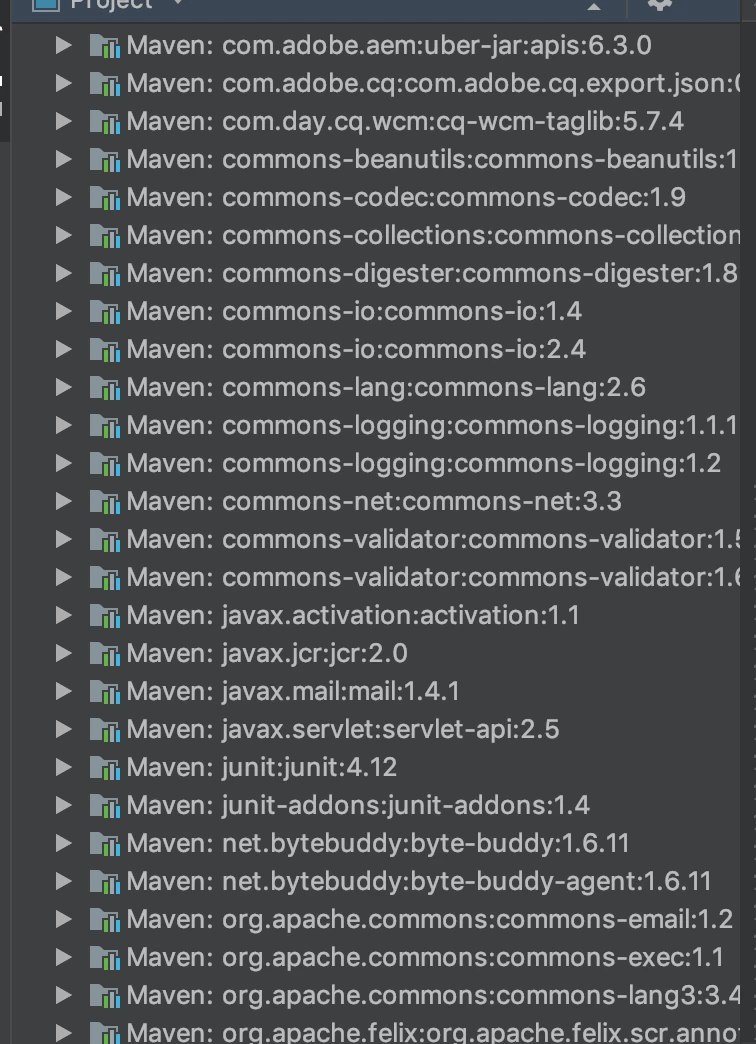
I'm using the following dependencies: a~

<dependency>
  <groupId>commons-validator</groupId>
  <artifactId>commons-validator</artifactId>
  <version>1.6</version>
</dependency>
<dependency>
  <groupId>commons-net</groupId>
  <artifactId>commons-net</artifactId>
  <version>3.3</version>
</dependency>

And the following import statements:

import org.apache.commons.validator.routines.EmailValidator;

import org.apache.commons.net.util.SubnetUtils;

I don't see what is wrong with these.

Gaurav-Behl
February 4, 2019

That's for compile time dependencies

Are these jars being packaged inside your code bundle to be available in Felix when your bundle is activated? You may unzip your bundle and validate.

February 4, 2019

Do I need to unzip them?

Gaurav-Behl
February 4, 2019

unzip the 'core' bundle of your package..