BPA report lists more critical issues than valid | Community
Skip to main content
Level 3
July 23, 2024
Solved

BPA report lists more critical issues than valid

  • July 23, 2024
  • 1 reply
  • 1192 views

hi all,


we ran a BPA report on AEM 6.5.18 for migrating to cloud for our project.

The BPA report lists non-compatible content as follows - 

Say we made a change on node "test" present under /a/b/c/test


The BPA reports the issue for the nested child as follows - 

/a, /a/b, /a/b/c, /a/b/c/test - A single node change leading to 4 separate critical issues on BPA.

Is that correct?


We are overlaying /libs/dam/gui/content/assetdetails to /apps and modified couple of actions.

But the action nodes being listed are far more than the ones which are modified.


thanks in advance,
This post is no longer active and is closed to new replies. Need help? Start a new post to ask your question.
Best answer by Rohan_Garg

okay, the bpa report lists the below path for non-compatible changes - 

/apps/dam/gui/content/assetdetails/jcr:content/actions/viewproperties/granite:rendercondition


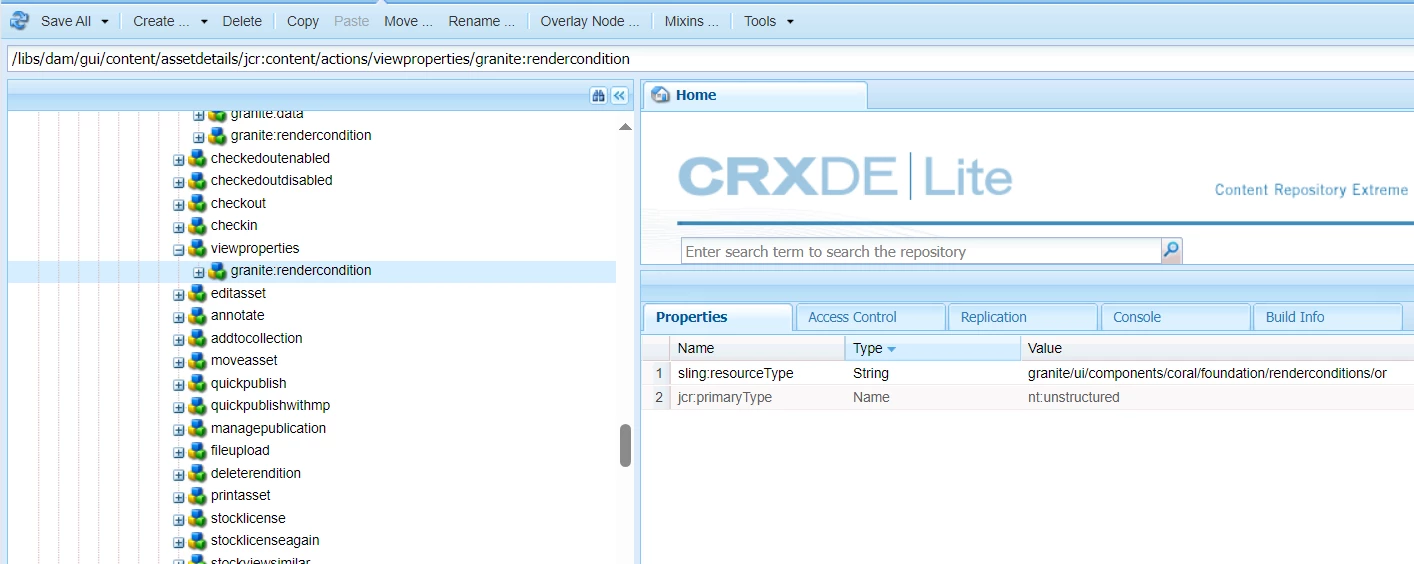
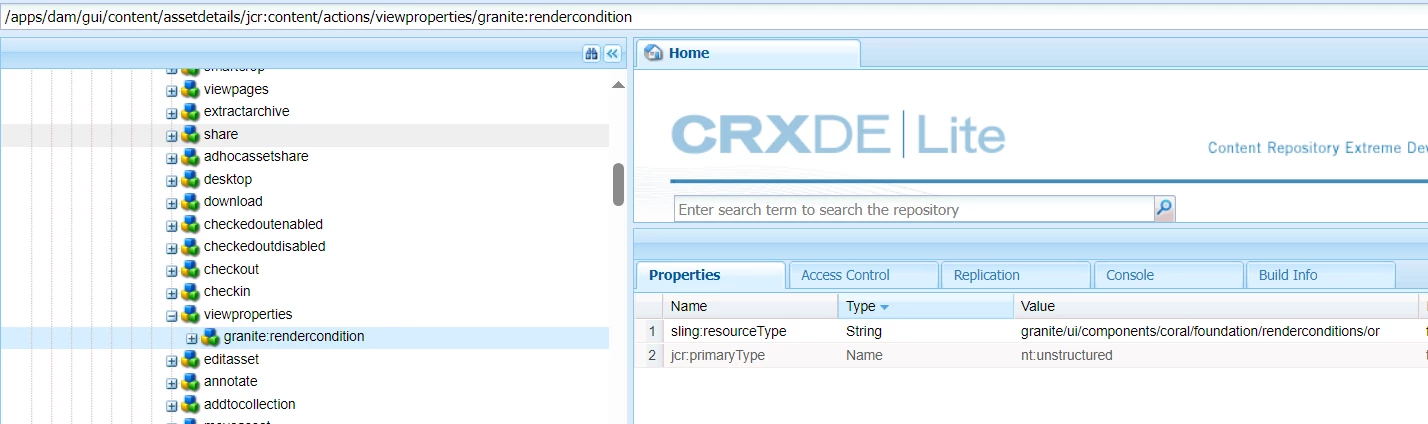
If we navigate to the current path and check it against libs then there is no difference - 

/apps - 

/libs - 


@gallaghan6 - The BPA will report any or all nodes in the /apps which have reference to /libs be it sling:resourceSuperType or overlay which points to some other nodes of /libs. Ideally if the overlay nodes have no difference then they should be taken off.
Ideally backtracing your changes to the requirement and then customizing it for the latest Cloud SDK should be the way to go.
Hope this helps!

1 reply

bhavigoyal
Level 4
July 23, 2024

Are you using sling:resourceSuperType?

Level 3
July 24, 2024

no, its overlay only

bhavigoyal
Level 4
August 1, 2024

okay, the bpa report lists the below path for non-compatible changes - 

/apps/dam/gui/content/assetdetails/jcr:content/actions/viewproperties/granite:rendercondition


If we navigate to the current path and check it against libs then there is no difference - 

/apps - 

/libs - 


Also, Please check the version of BPA.
And,
And if you are overlaying just change the resource type to the path of /libs as in the AEMaaCS all the components are available under /libs.


Change sling:resourceType of component under /apps like:-
/libs/dam/gui/content/assetdetails because if we overlay from libs it should work..

I think changing the sling:resourceType to libs might work...