
Blank screen / 404 when trying to access some assets on AEM 6.3
I'm seeing a blank screen when accessing an asset on Adobe Experience Manager (AEM) 6.3
When we try to access the asset like below, we are seeing a blank screen:https://localhost:4502/content/dam/promo-tiles/indy500-v4-1135-1920x1920%20(1).jpg
.jpg)
Snippet from error log:
25.05.2018 13:15:59.980 *ERROR* [192.150.10.208 [1527268559974] GET /content/dam/promo-tiles/indy500-v4-1135-1920x1920%20(1).jpg HTTP/1.1] com.adobe.acs.commons.util.ResourceDataUtil Error creating the String representation for: /content/assets-project/errors/404.html org.apache.sling.api.resource.ResourceNotFoundException: Resource at '/content/assets-project/errors/404.html' not found: No resource found
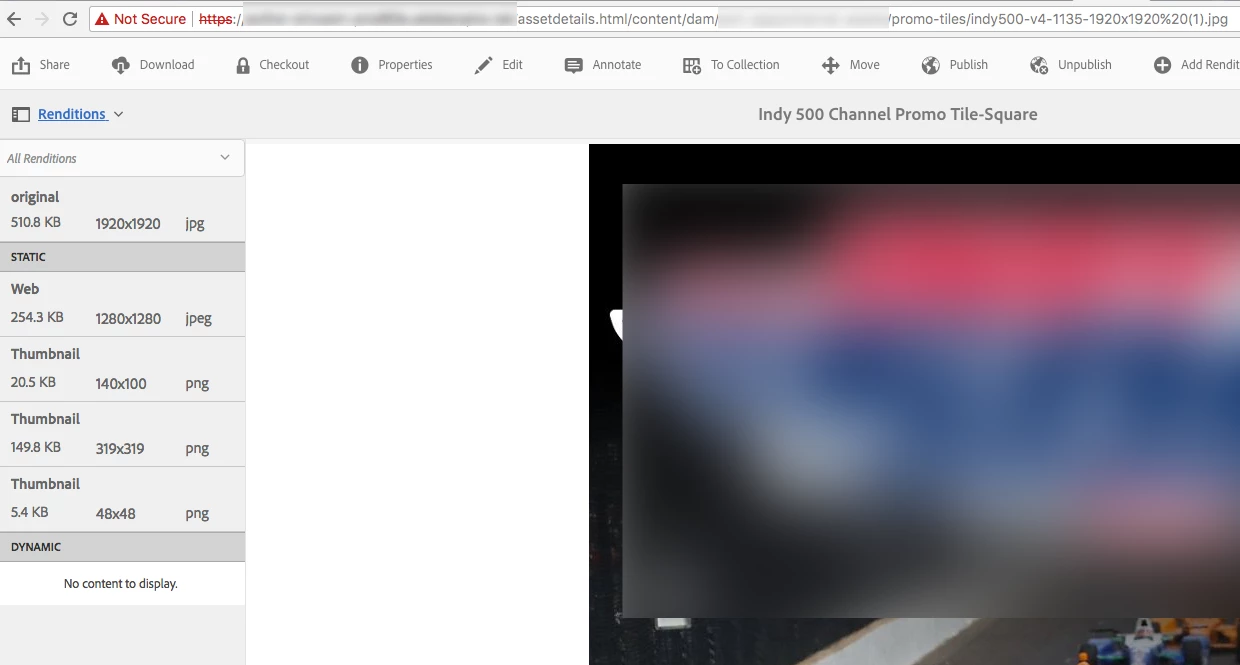
The same asset can be viewed to manage properties and also in the folder..https://localhost:4502/assetdetails.html/content/dam/promo-tiles/indy500-v4-1135-1920x1920%20(1).jpg
.jpg)
We can also access the assets' json
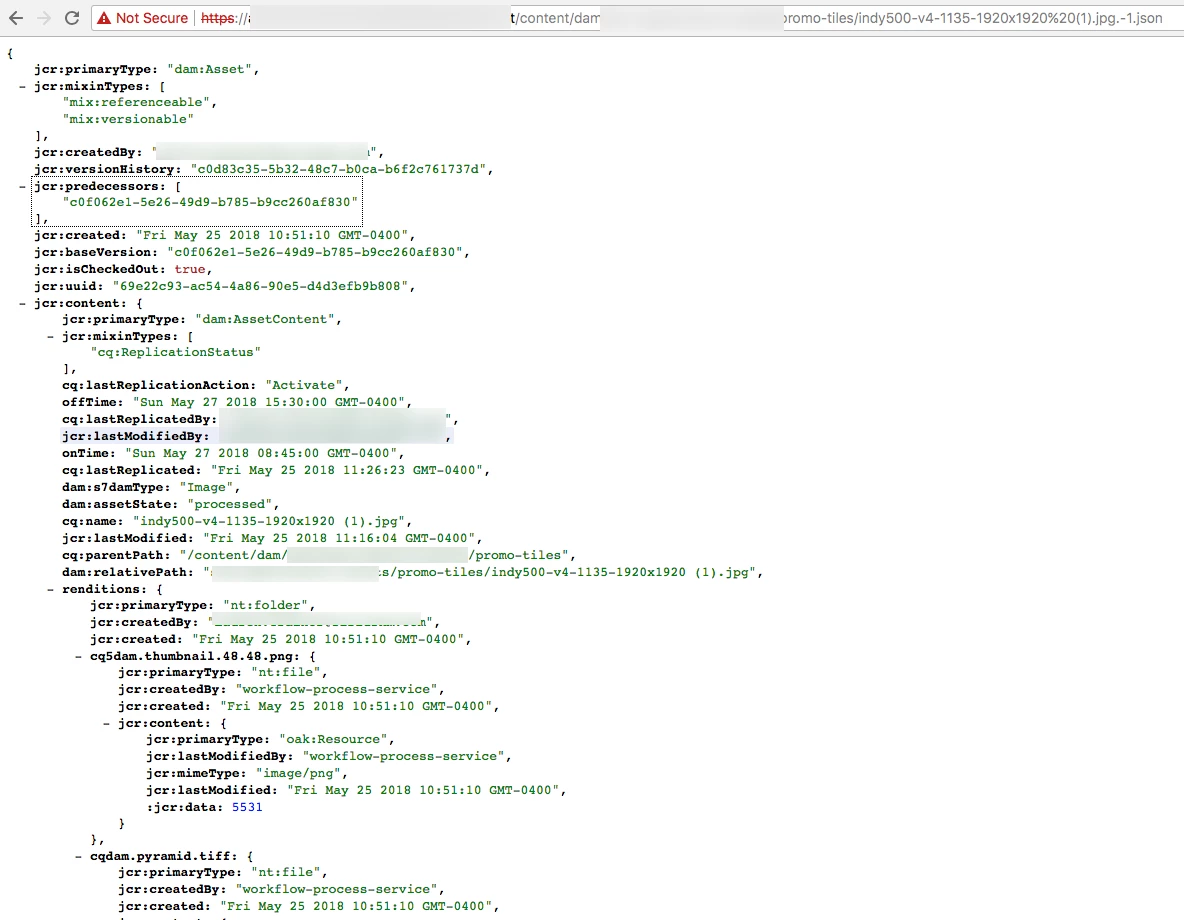
What maybe the cause? And this happens only for few assets and not all.