Blank Page in Edit Mode After Creating AEM Project | Community
Skip to main content
January 18, 2025

Blank Page in Edit Mode After Creating AEM Project

  • January 18, 2025
  • 6 replies
  • 1480 views

Hi everyone,

I created an AEM project using the following Maven command:
mvn -B org.apache.maven.plugins:maven-archetype-plugin:3.2.1:generate -D archetypeGroupId=com.adobe.aem -D archetypeArtifactId=aem-project-archetype -D archetypeVersion=35 -D appTitle="WKND Sites Project" -D appId="wknd" -D groupId="com.adobe.aem.guides.wknd" -D aemVersion="6.5.0" -D includeDispatcherConfig=n

The project was successfully generated, and I built and deployed it to my local AEM instance (version 6.5.0). However, when I open the page in Edit Mode, I only see a blank page instead of the default components.
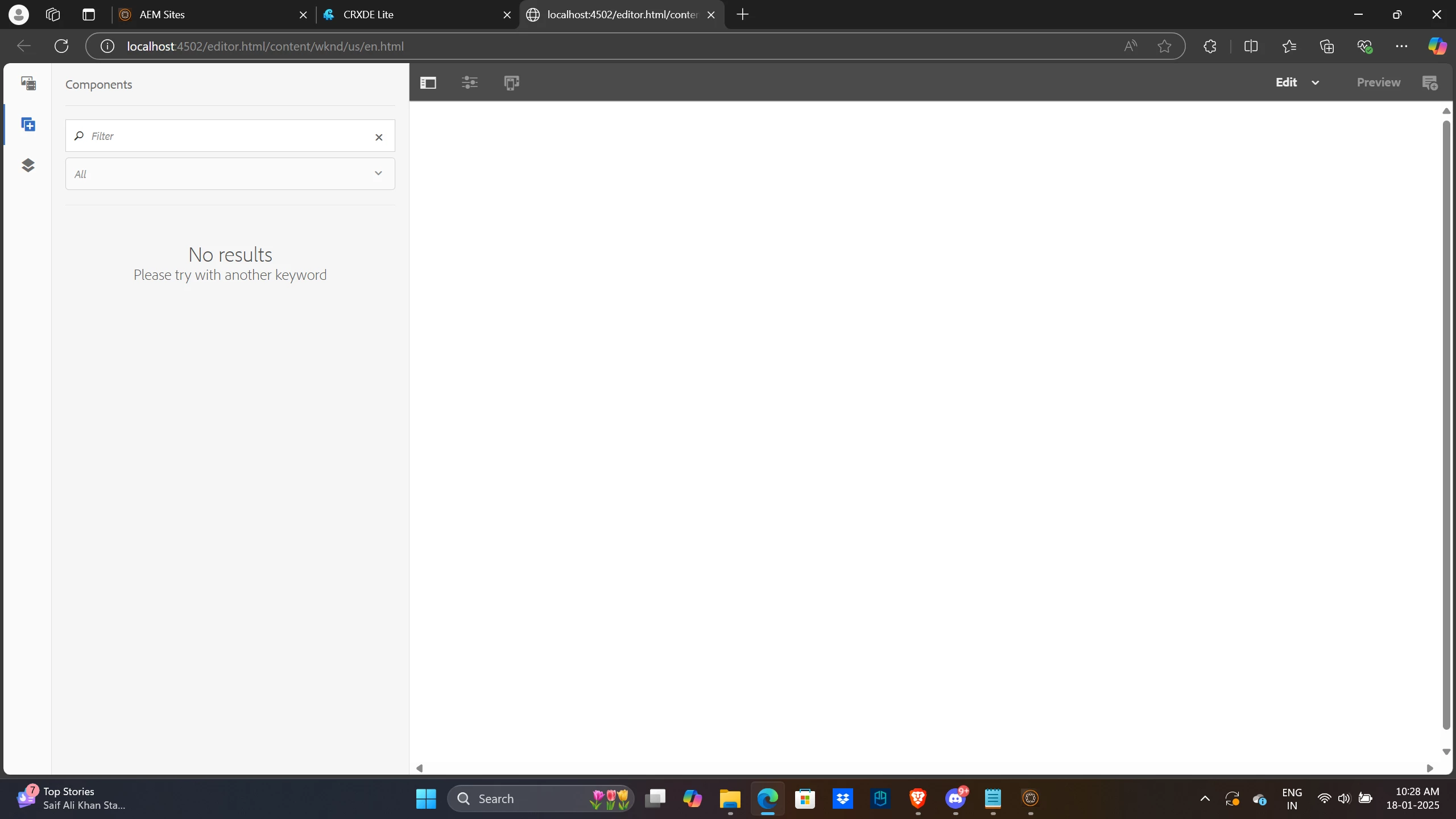
 

Thanks.

This post is no longer active and is closed to new replies. Need help? Start a new post to ask your question.

6 replies

MukeshYadav_
Community Advisor
Community Advisor
January 18, 2025

Hi @pruthvira ,

Check if all the bundle are in active state or not at http://localhost:4502/system/console/bundles

If not which bundle is not active and corresponding error message

Thanks


pruthviraAuthor
January 18, 2025

I see this bundle in Installed state


Anudeep_Garnepudi
Community Advisor
Community Advisor
January 22, 2025

These are all provided dependencies. Did you try restarting your instance after build? If not try restarting your instance and see.

Level 2
January 18, 2025

Hi @pruthvira,


There seems to be a requirement mismatch between the AEM version in your maven command - aemVersion="6.5.0"

and the Adobe Experience Manager Core WCM Components Core Bundle (com.adobe.cq.core.wcm.components.core) deployed in your instance - "2.17.12".


Checking this documentation: https://github.com/adobe/aem-core-wcm-components/blob/main/VERSIONS.md - it is clear that for core-wcm-components version 2.17.12, atleast AEM SP version 6.5.6+ is required.


You can try installing the latest AEM Service Pack from the software distribution portal: https://experience.adobe.com/#/downloads/content/software-distribution/en/aem.html and see if that resolves your issue.


Hope this helps,

Vinay

pruthviraAuthor
January 18, 2025

Hi Vinay,

Thank you for the response. Currently, I am using AEM version 6.5.0 as part of my learning process and due to company restrictions, I am unable to upgrade to a higher service pack. Is there any possible way to resolve that errors.

Thanks


Level 2
January 18, 2025

It is recommended to upgrade to the latest AEM SP whenever possible but you could try to downgrade the archetype version in the project generation command as a temporary workaround. Archetype versions - [18-23] should be compatible with AEM version 6.5.0


Here's a table of the archetype versions and their compatible AEM versions for reference: https://github.com/adobe/aem-project-archetype/blob/develop/VERSIONS.md 


Note: Older archetypes might differ in project structure and you might run into other issues when generating/building/deploying the project onto your AEM instance. Therefore, it is not generally recommended and I would lean towards upgrading your AEM instance with the latest service pack installation.

AmitVishwakarma
Community Advisor
Community Advisor
January 19, 2025

To fix the blank page in Edit Mode:

  1. Check Components: Ensure components are correctly placed in /apps and properly configured.
  2. Inspect JavaScript/CSS: Look for errors in the browser's developer tools (F12).
  3. Verify Permissions: Ensure the user has the necessary permissions for editing and viewing content.
  4. Check Templates: Confirm the page uses the correct template with necessary components.
  5. Review AEM Logs: Check error logs for more details on the issue.
  6. Clear Dispatcher Cache: If using a dispatcher, clear its cache.
  7. Activate Content: Ensure the content is activated and replicated properly.

These steps should help resolve the blank page issue.

Harwinder-singh
Community Advisor
Community Advisor
January 20, 2025

@pruthvira Most likely the project bundle is in installed state. Can you check that ?

BrianKasingli
Community Advisor and Adobe Champion
January 22, 2025

This is just an idea, but have you initialized your AEM with Java 21? Java 21 is not supported right now for AEM 6.5, but will be supported in the future. Try to use Java 11 instead.

kautuk_sahni
Community Manager
Community Manager
January 27, 2025

@pruthvira Did you find the suggestions helpful? Please let us know if you require more information. Otherwise, please mark the answer as correct for posterity. If you've discovered a solution yourself, we would appreciate it if you could share it with the community. Thank you!

Kautuk Sahni