Hi @jakecham,
Kindle refer to the below steps to embed core components if it's first time in your project.
1. Add dependencies to parent pom xml
<dependencyManagement>
  <dependencies>
    ...
    <dependency>
      <groupId>com.adobe.cq</groupId>
      <artifactId>core.wcm.components.all</artifactId>
      <type>zip</type>
      <version>2.20.0</version>
    </dependency>
  </dependencies>
</dependencyManagement>
2. Add dependencies to your target maven module.
In this example, we will target all/pom.xml
<dependencies>
    ...
    <dependency>
        <groupId>com.adobe.cq</groupId>
        <artifactId>core.wcm.components.core</artifactId>
        <scope>provided</scope>
    </dependency>
</dependencies>
3. Configure com.day.jcr.vault’s <subPackages><subPackage> to target maven module
In this example, we will target all/pom.xml
<plugin>
    <groupId>com.day.jcr.vault</groupId>
    <artifactId>content-package-maven-plugin</artifactId>
    <extensions>true</extensions>
    <configuration>
        ...
        <subPackages>
            <subPackage>
                <groupId>com.adobe.cq</groupId>
                <artifactId>core.wcm.components.all</artifactId>
                <filter>true</filter>
            </subPackage>
        </subPackages>
        <targetURL>http://${crx.host}:${crx.port}/crx/packmgr/service.jsp</targetURL>
    </configuration>
</plugin>
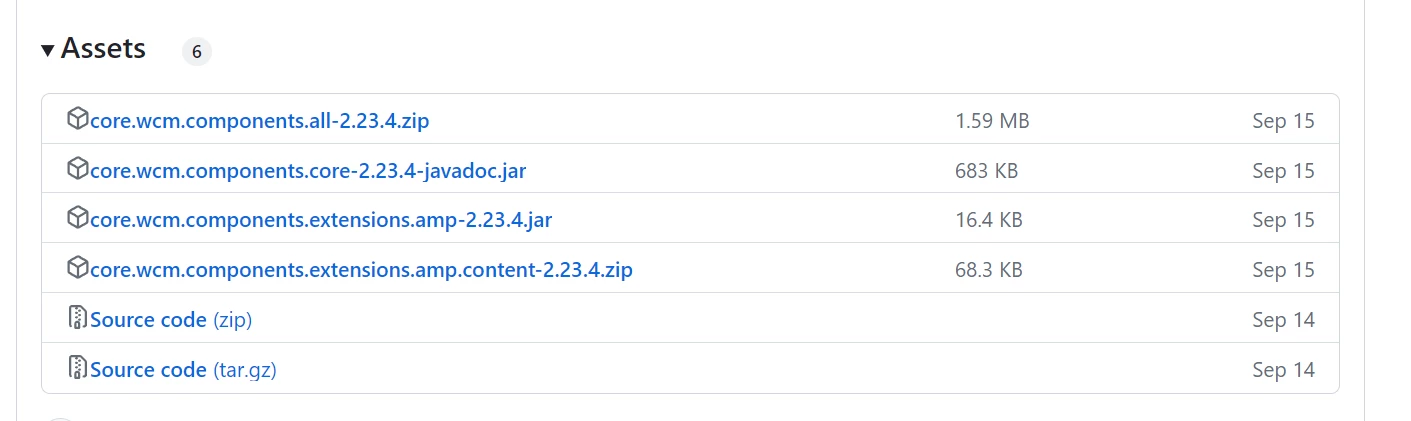
When you said to update, presumably it should be already in your project's pom in this case, find out the pom's as mentioned above and update to the latest version of core components as per need: https://github.com/adobe/aem-core-wcm-components/releases
Hope that helps!
Regards,
Santosh