you can handle this in multiple ways.
1. Using sling framework, make use of redirect feature in the page properties – advance properties and select the page to redirect to a desired location.
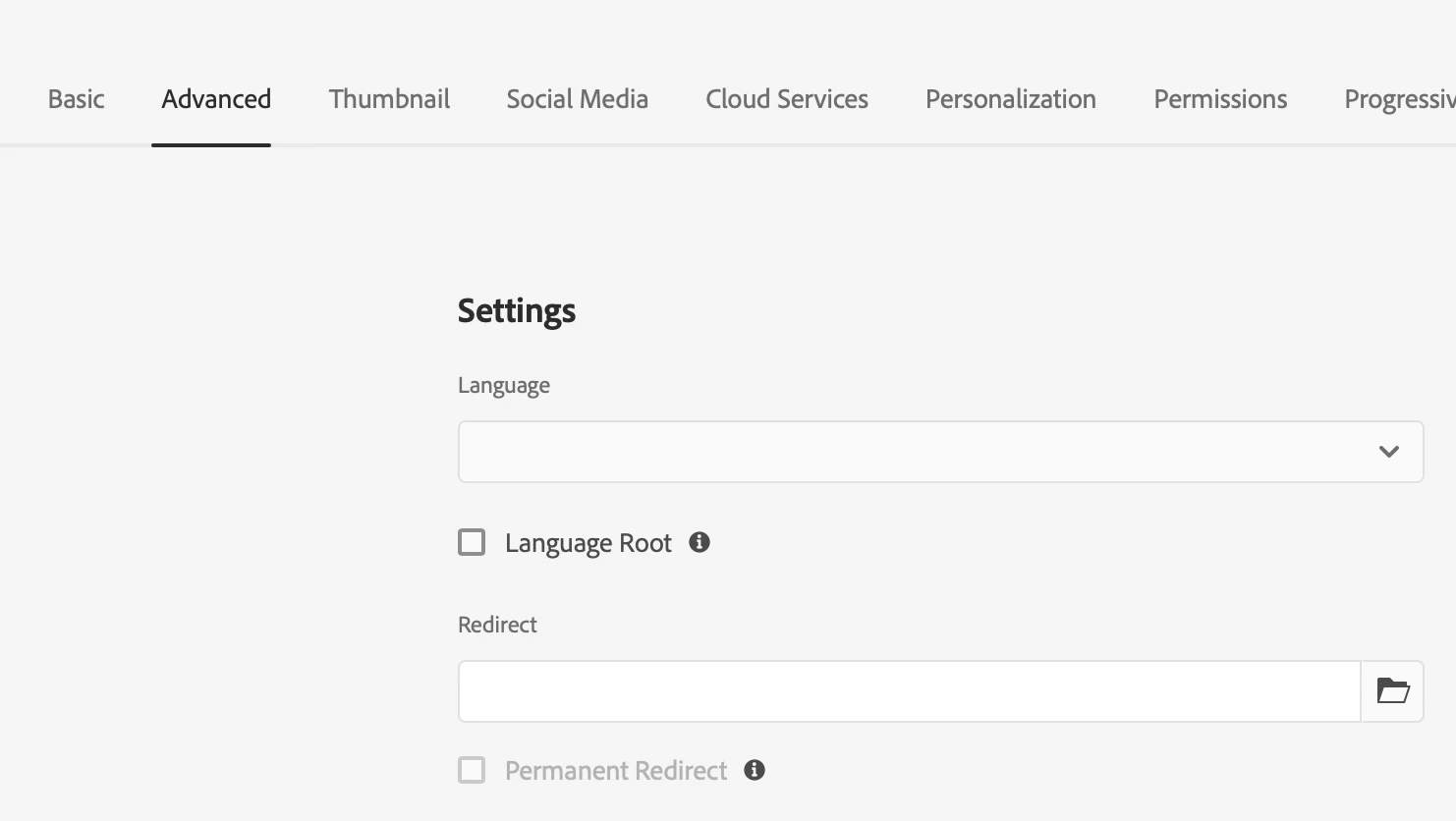
2. Using dispatcher rewrite rules, (Note: here you need a code build in order to change the values in future). Example rewrite rule:
# Redirect rule for parents pages navigating to home page
RewriteRule "^/(product|product/|product.html|notice|notice/|notice.html|errors|errors/|errors.html|mod|mod/|mod.html|administration|administration/|administration.html|experts|experts/|experts.html|support|support/|support.html)$" / [R,L]
the above rule was written in an intension to redirect all parent level (or level 1 pages) pages, which don't have content to the home page.
3. Using sightly/Java, you can still get a list of child pages and then the redirection needs a script to work, I don't think there is much of a direct approach. Speaking of which, make use of standard HTML meta tag and feed in the values through sightly.
<html>
   <head>
      <title>HTML Meta Tag</title>
      <meta http-equiv = "refresh" content = "3; url = https://www.someabcs.com" />
   </head>
   <body>
      <p>Redirecting to another URL</p>
   </body>
</html>
in the above html, replace the url with the sightly/sling model returned first child page of your desired template.
These are the things I could think at this moment.
I hope it helps, thank you.
Regards,
Sravan