Hi,
Granite Renderer works only when the resource is getting rendered(page load).
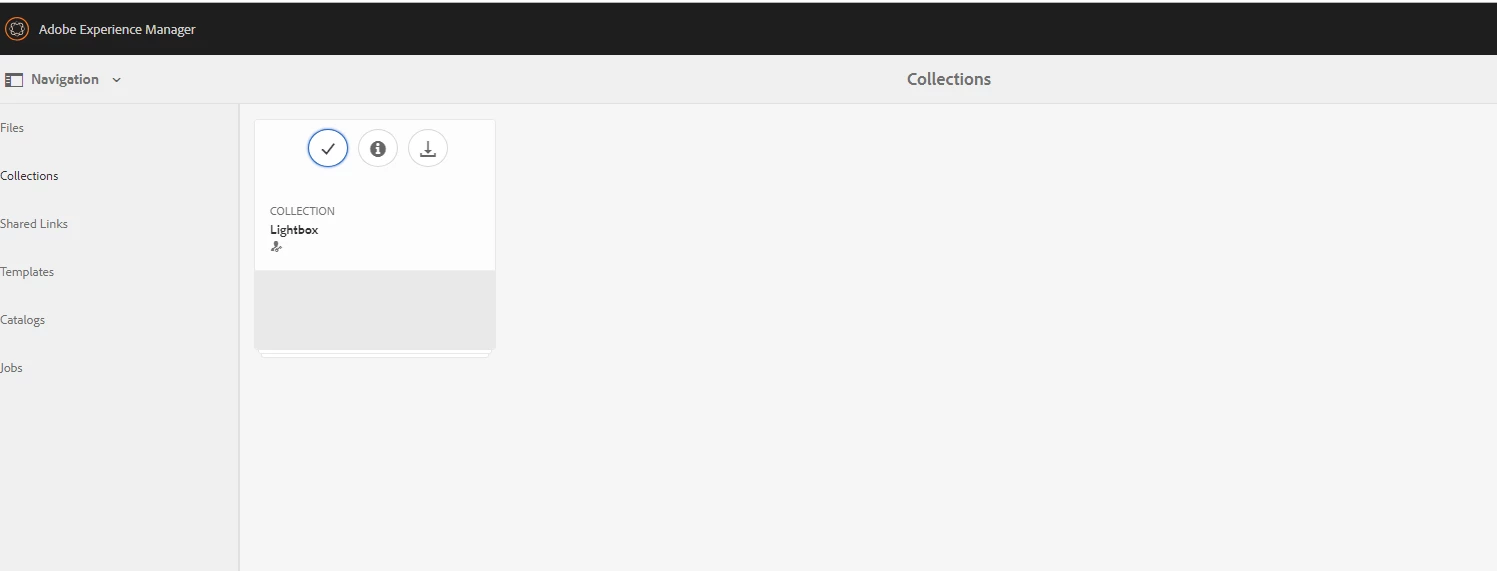
In your case, you can write a servlet, which will be triggered when you select the collection then check the selected collection items created and modified by user and return true and false and based on that hide delete button.
// on select event get collection item
$(document).on("click", ".'coral-masonry-item.foundation-collection-item coral-quickactions>button[title="Select"]', listviewSelector, colummnviewSelector", function () {
var item = $(this).closest('.foundation-collection-item').attr('data-foundation-collection-item-id')
console.log(item);
// ajax call to servlet
$.get('/bin/dam/collections/checkUser?item='+item, // url
function (data, textStatus, jqXHR) { // success callback
alert('status: ' + textStatus + ', data:' + data);
// hide delete button
if(data.flag=="false"){
$('.granite-collection-selectionbar coral-actionbar-primary coral-actionbar-item>button.cq-damadmin-admin-actions-delete-activator').addClass('foundation-collection-action-hidden');
}
});
});
This is a sample code for card view you need to do same for list and column view as well by adding correct selectors
listviewSelector
colummnviewSelector