Apply CSS and JS for whole site using content fragments | Adobe Higher Education
Skip to main content
Level 4
February 11, 2023
Resuelto

Apply CSS and JS for whole site using content fragments

  • February 11, 2023
  • 2 respuestas
  • 1126 visualizaciones

I have created a site in AEM as a Cloud Service and want to implement CSS and JS at global level. Means, we can change values in content fragment and then it will change for the whole site. Is there a way to do this?

And if not this then is there a way that we can handle global js and css from author's end?
Este tema ha sido cerrado para respuestas.
Mejor respuesta de Nirmal_Jose

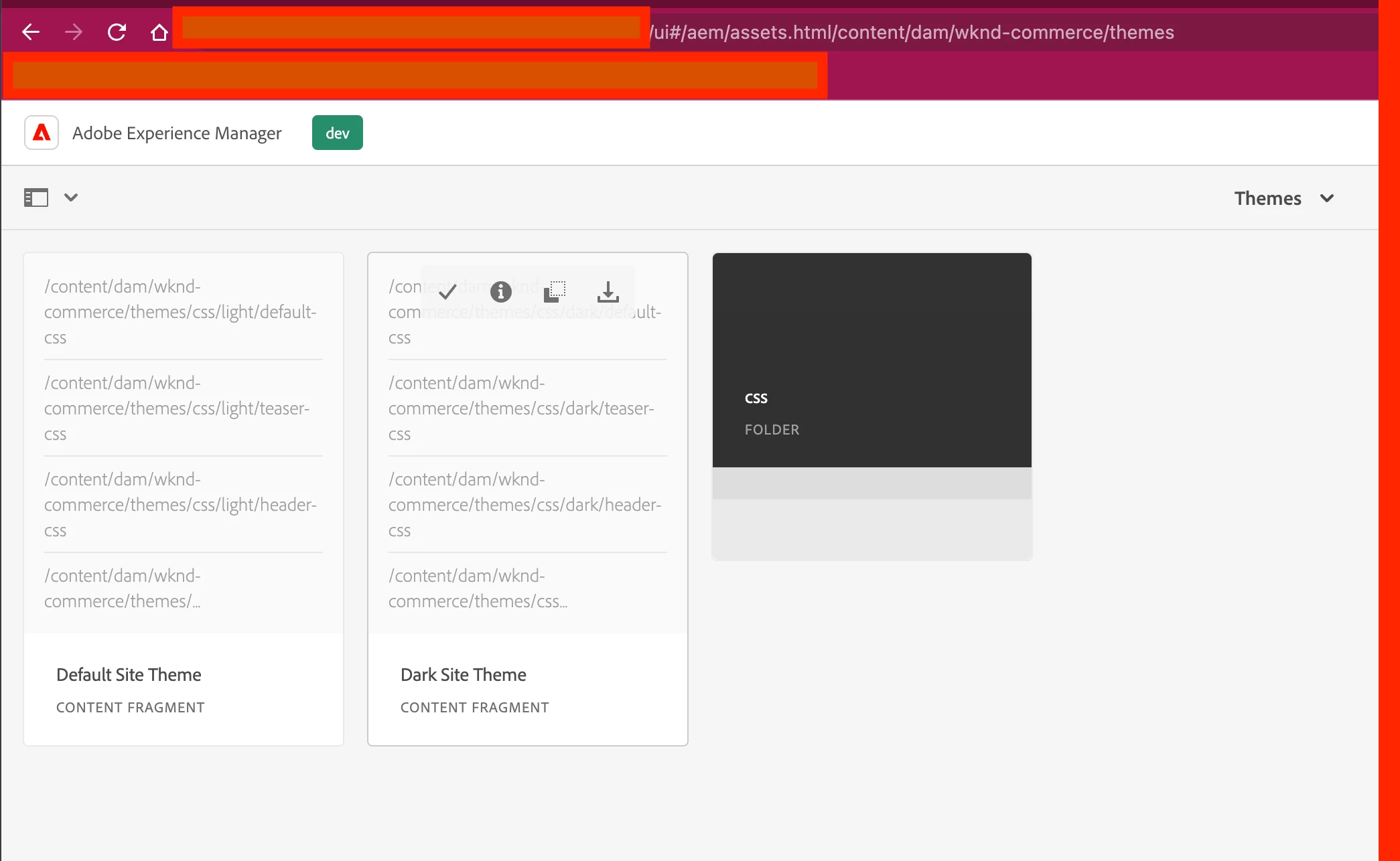
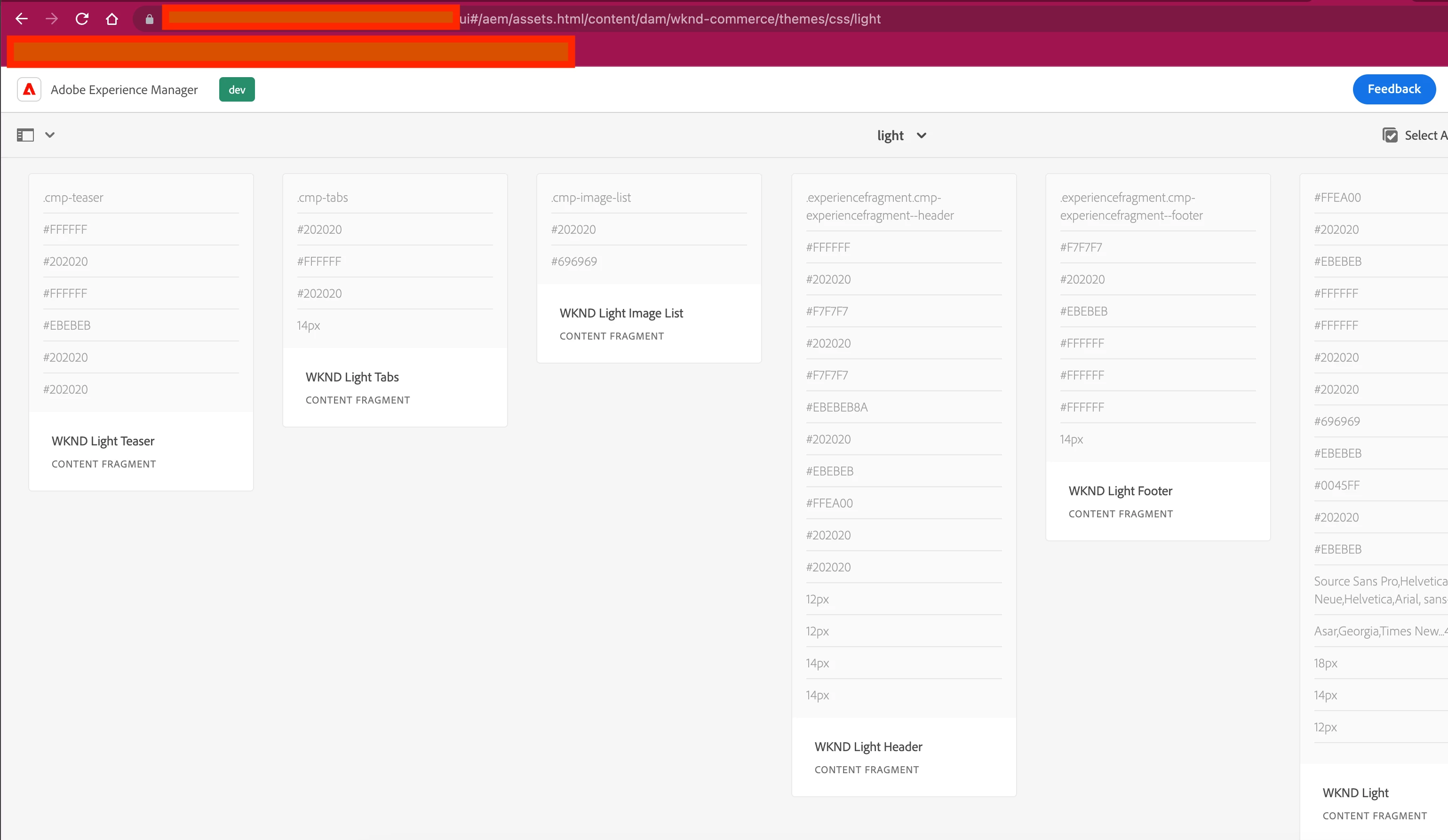
This sound very much like the theme capability. 

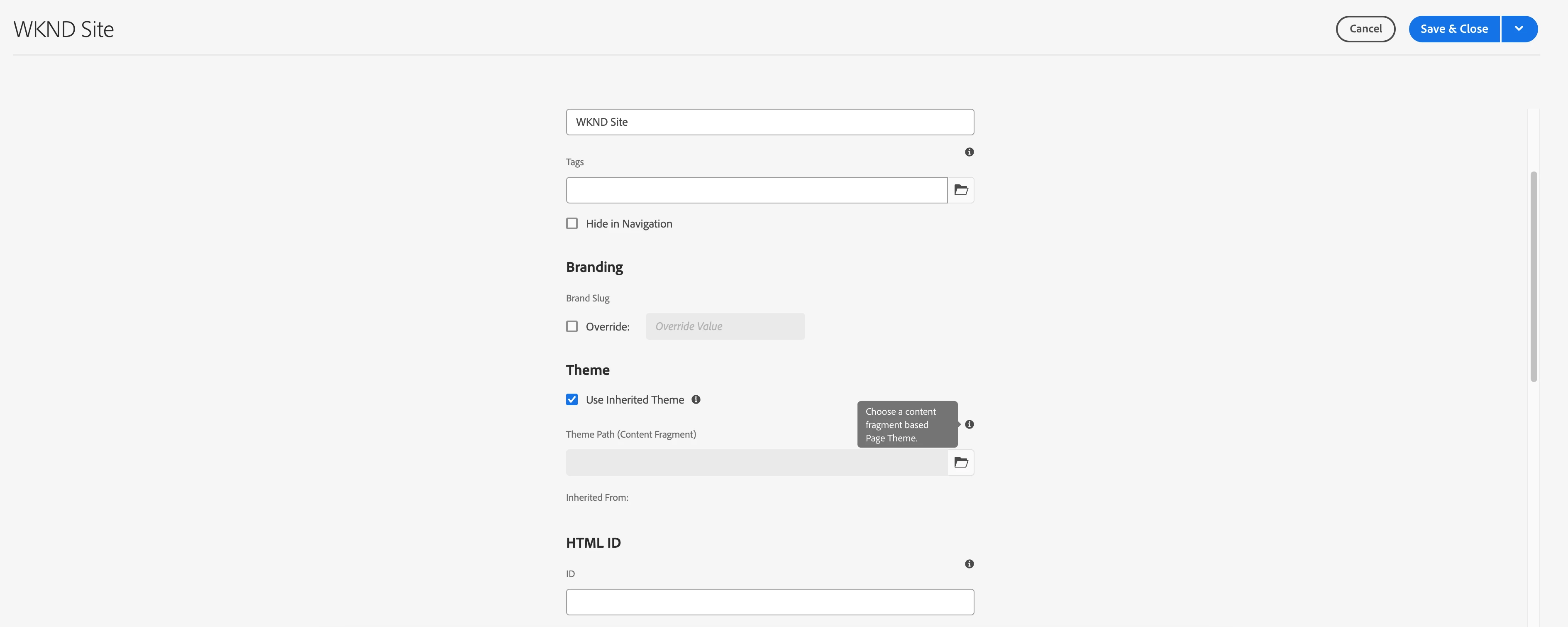
If you try page properties of a wknd root website, you can see a Theme subsection as below


As the info icon says, you can choose a content fragment based Page theme. 

As you are on CS, please use Wknd Commerce >0.0.8 Reference demo to build a website ( Follow [1] for detailed steps ) and it already has an implementation as exactly you mentioned. 


[1] - https://docs.mktossl.com/docs/experience-manager-cloud-service/content/onboarding/demo-add-on/create-site.html?lang=en

2 respuestas

Ritesh_Mittal
Community Advisor and Adobe Champion
February 11, 2023

Hi @nikita24tailor ,


Ideally business author should not change the script so there is no point to have this feature available to them.


For CSS, I am assuming the requirement is to have different styles for same component. We have OOTB feature called style system for that.


Style System allows a template author to define style classes so that a content author is able to select them when editing the component on a page. These styles can be alternative visual variations of a component, making the component more flexible.


We also have embed component to add inline css, js, html to the page that can be considered for small use cases.


Please refer below links-


Embed component-


https://experienceleague.adobe.com/docs/experience-manager-core-components/using/wcm-components/v1-components/embed.html?lang=en


Style system-


https://experienceleague.adobe.com/docs/experience-manager-65/authoring/siteandpage/style-system.html?lang=en


https://experienceleague.adobe.com/docs/experience-manager-learn/getting-started-wknd-tutorial-develop/project-archetype/style-system.html?lang=en


Hope it helps!


Thanks,

Ritesh Mittal

Nirmal_Jose
Adobe Employee
Nirmal_JoseAdobe EmployeeRespuesta
Adobe Employee
February 11, 2023

This sound very much like the theme capability. 

If you try page properties of a wknd root website, you can see a Theme subsection as below


As the info icon says, you can choose a content fragment based Page theme. 

As you are on CS, please use Wknd Commerce >0.0.8 Reference demo to build a website ( Follow [1] for detailed steps ) and it already has an implementation as exactly you mentioned. 


[1] - https://docs.mktossl.com/docs/experience-manager-cloud-service/content/onboarding/demo-add-on/create-site.html?lang=en