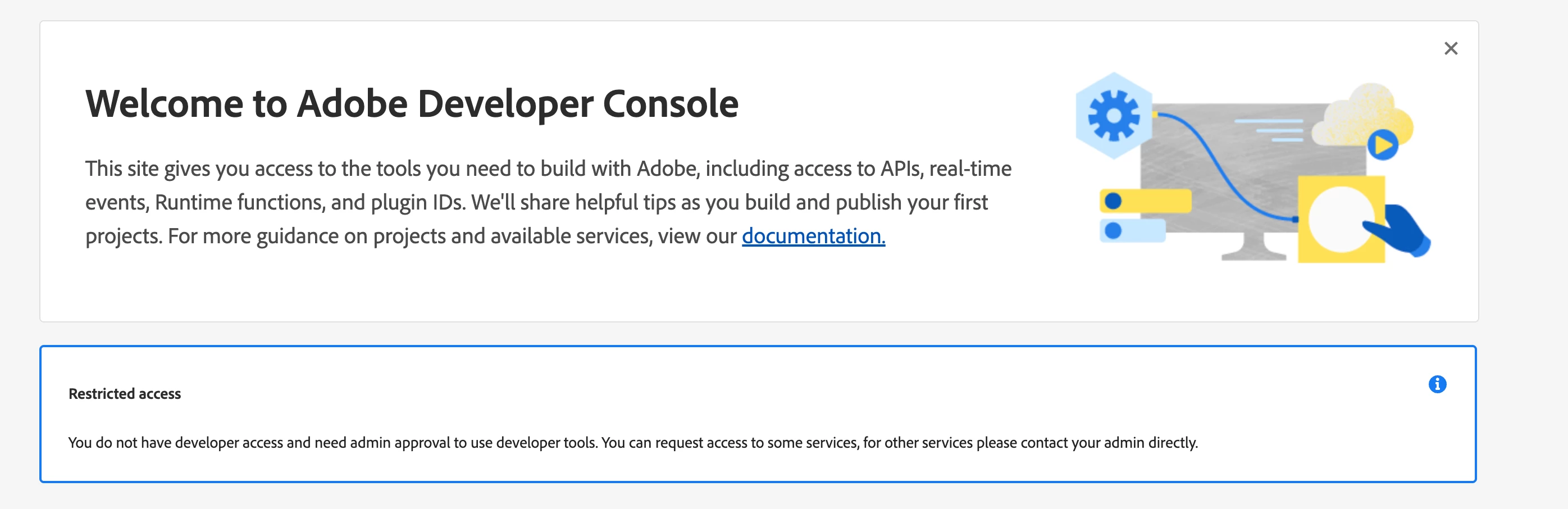
The reason "No results..." shows is likely because your Adobe I/O CLI is not currently authenticated with an Adobe IMS account that has access to any organizations, or you have no active entitlements for organizations in the Adobe Developer Console.
Run these commands to logout and login fresh:
aio auth logout
aio auth loginEnsure you complete the Adobe IMS login in the browser and confirm the CLI session is valid.
BTW you can verify in your Adobe Admin Console (https://adminconsole.adobe.com) that your Adobe ID is still part of an organization with permissions for Adobe I/O and relevant entitlements. Check for access to Adobe Experience Cloud and Cloud Manager profiles if relevant.
After logging in, you can list orgs explicitly:
aio console:org:listIf this returns no organizations, it's a strong sign your account lacks org membership or permissions.
Also, you can clear the CLI config tokens by removing ~/.aio or use:
aio config:unset ims.org
aio auth logout
aio auth login