[AEM6.5] Exclude particular folder from search in http://localhost:4502/aem/search.html | Community
Skip to main content
August 1, 2024
Solved

[AEM6.5] Exclude particular folder from search in http://localhost:4502/aem/search.html

  • August 1, 2024
  • 4 replies
  • 1117 views

Hi Team,

I need one guidance in excluding particular folder in content search.


I have content placed under /content/project-content/../..
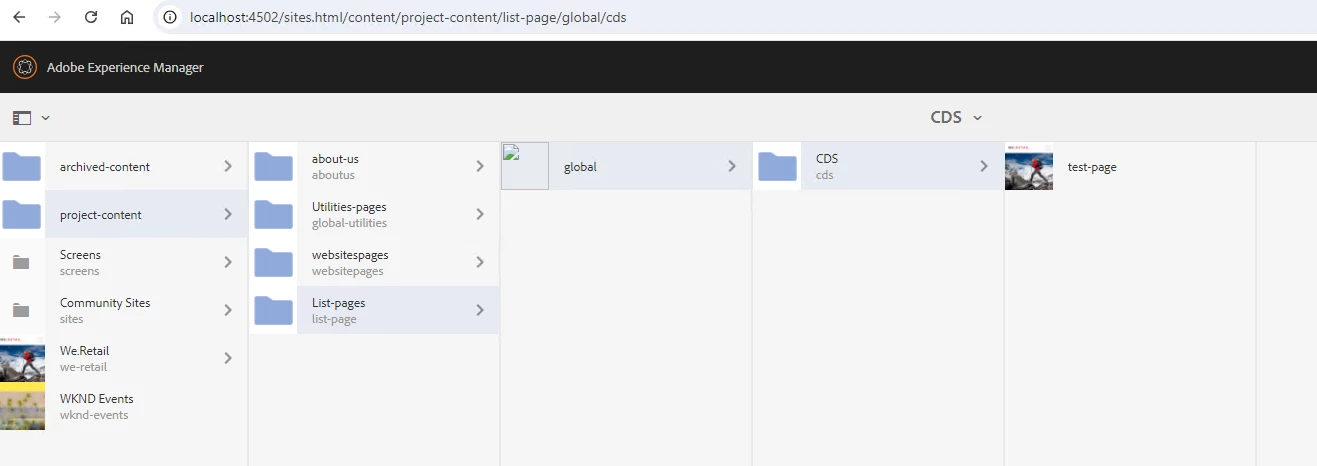
 

and the archived content of that placed under /content/archived-content/../..
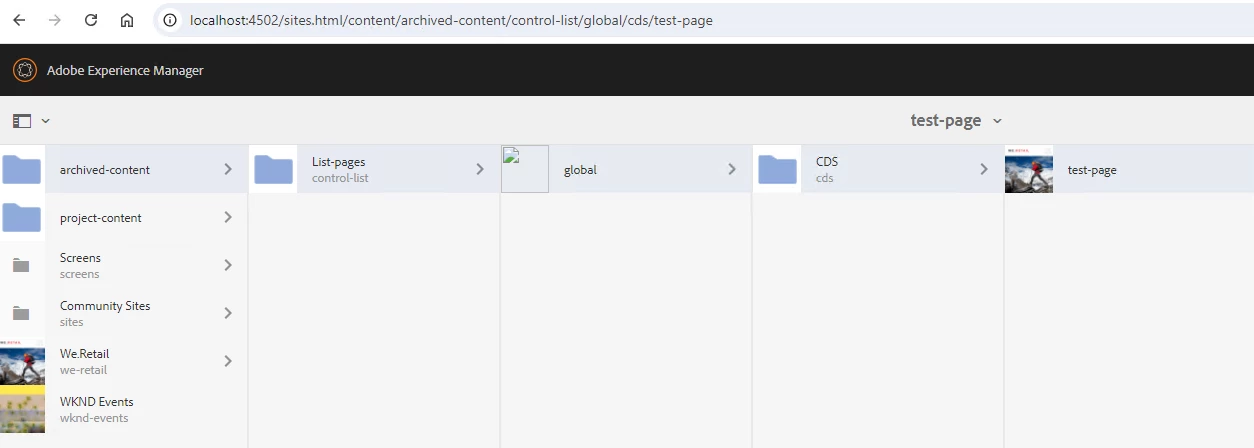
 

When I search http://localhost:4502/aem/search.html for specific content it shows the content placed anywhere.

Where as I don’t want to see the content when I do search which is placed under /content/archived-content/../..
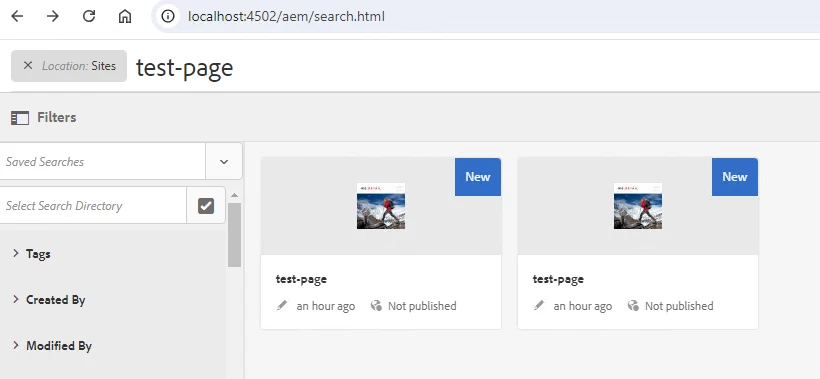


means search should exclude the content under /content/archived-content/../..  that means from above image only 


we can do this by using filter, but I want to exculde only one folder from search which is /content/archived-content/../.. 
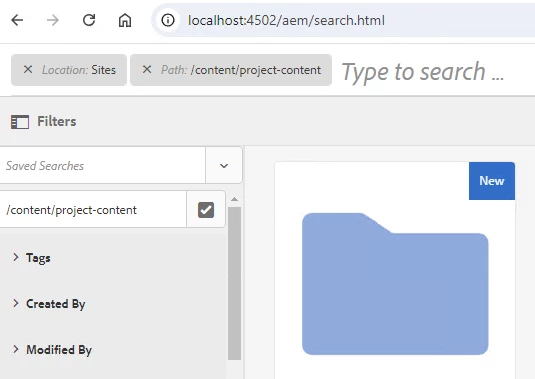
 

please let me know any optimize suggestion of achieving the same.


Thanks

 

@kautuk_sahni  @lukasz-m  @arunpatidar  @estebanbustamante 

This post is no longer active and is closed to new replies. Need help? Start a new post to ask your question.
Best answer by arunpatidar

Hi @chaithra1998 
You mentioned that folders, so our assumption was the dam, thats why we recommended to exclude from dam index but you need to add same change in the page index. /oak:index/cqPageLucene 


4 replies

arunpatidar
Community Advisor
Community Advisor
August 1, 2024
August 1, 2024

Hi @arunpatidar 

Thank you for your reply but I would like to hid the content, the pages from particular hirearchy

arunpatidar
Community Advisor
arunpatidarCommunity AdvisorAccepted solution
Community Advisor
August 1, 2024

Hi @chaithra1998 
You mentioned that folders, so our assumption was the dam, thats why we recommended to exclude from dam index but you need to add same change in the page index. /oak:index/cqPageLucene 


Arun Patidar
EstebanBustamante
Community Advisor and Adobe Champion
August 1, 2024

Hi,


The search is based on the properties (metadata) and paths indexed by the damAssetLucene index, by default there is a list of specific metadata indexed, you can find those details here: https://experienceleague.adobe.com/en/docs/experience-manager-cloud-service/content/assets/manage/se... . So adjust it at your convenience.


Hope it helps

Esteban Bustamante
August 1, 2024

Thank you @estebanbustamante 


Thank you for your reply but I would like to hide the content, the pages from particular hirearchy

kautuk_sahni
Community Manager
Community Manager
August 1, 2024

@chaithra1998 Did you find the suggestions from users helpful? Please let us know if you require more information. Otherwise, please mark the answer as correct for posterity. If you've discovered a solution yourself, we would appreciate it if you could share it with the community. Thank you!

Kautuk Sahni
Shashi_Mulugu
Community Advisor
Community Advisor
August 2, 2024

@chaithra1998 you cab even remove read permission for that path to concerned user.. 


As informed by @arunpatidar @estebanbustamante search results will be picked by respective content type index and apply acl on top of it.. so if the user doesn't have read access to those paths, they won't be displayed in results..

