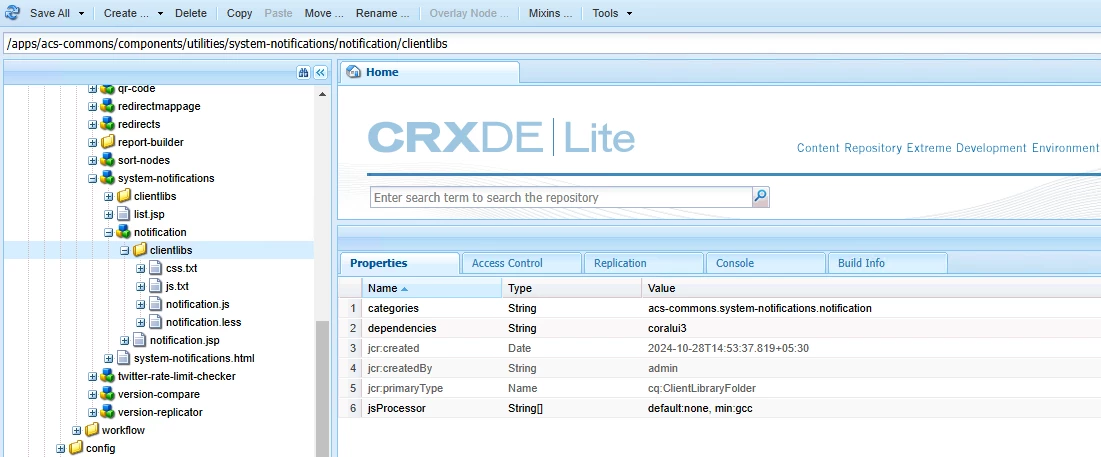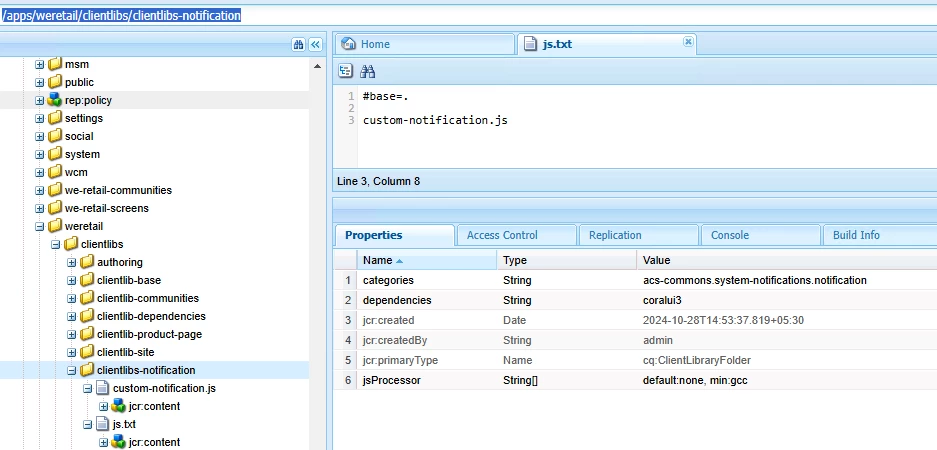
[AEM6.5]Add custom JS functionality to OOB ACS Commons Notification.
Hi Team,
I need help invoking my custom JS to ACS Commons System Notification.
{I am using AEM SP21, ACS Commons 6.0.8}
Currently, I am facing an issue with System Notifications. I cannot Dismiss them; they always reappear when I switch within AEM consoles.
Created notification :
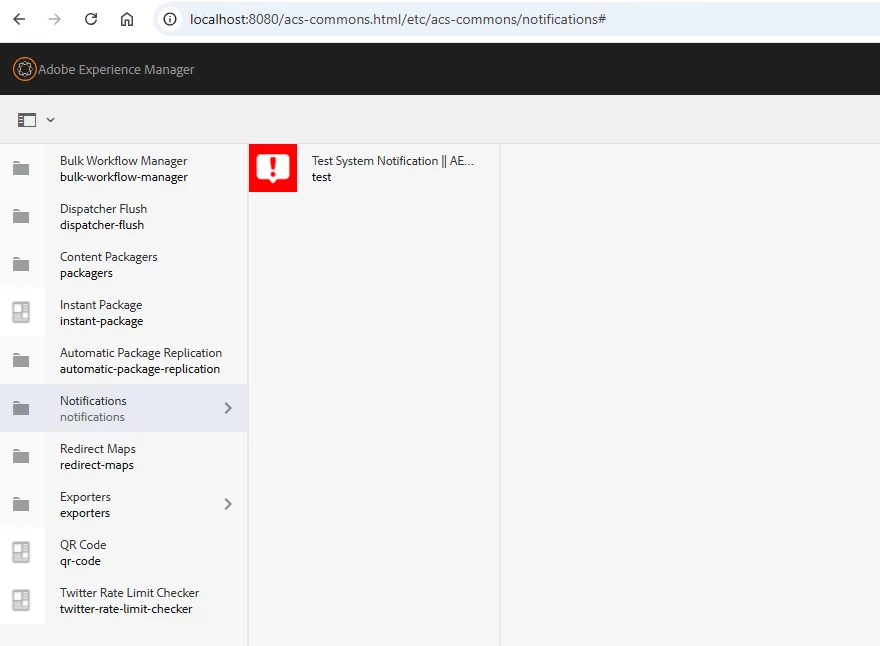
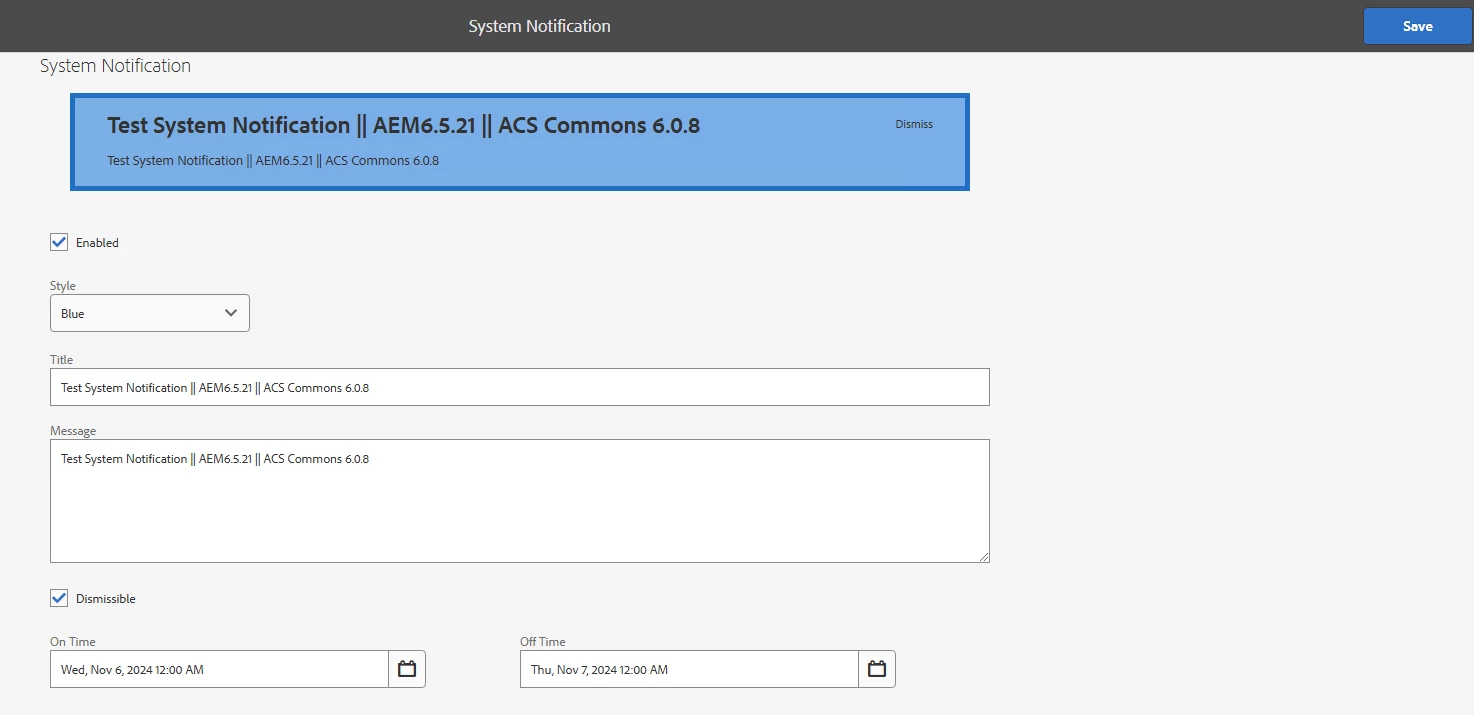
Now the notification is appearing in the consoles
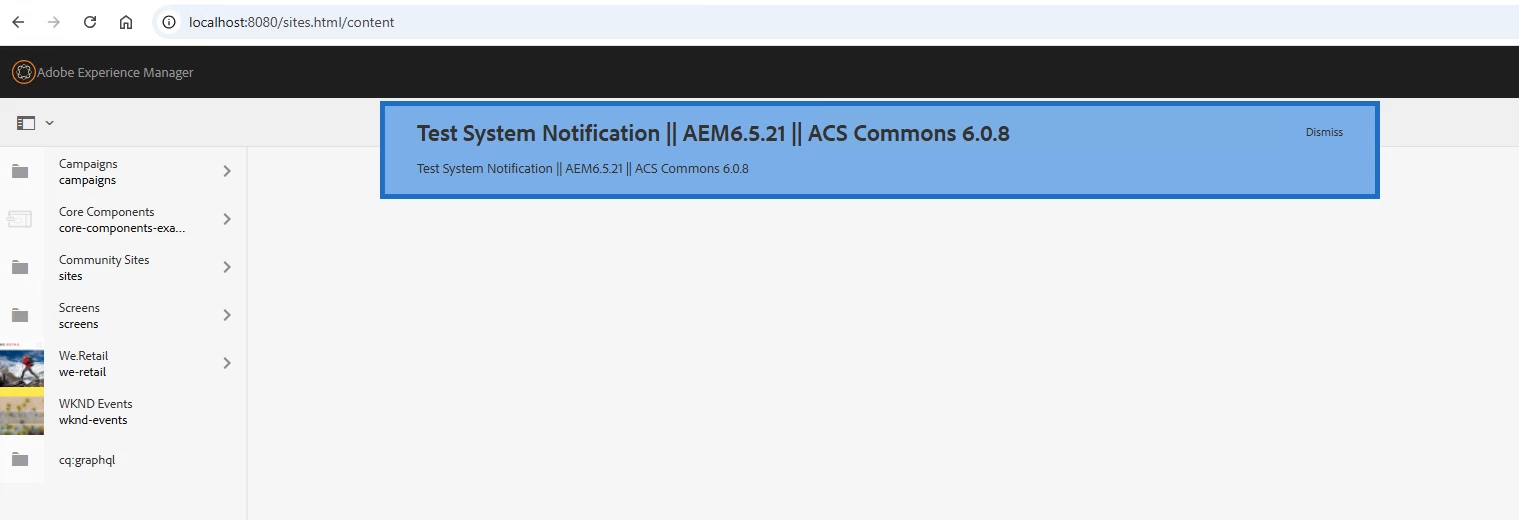
While clicking on the Dismiss button it should hide dismiss or remove the notification, but due to limitation in ACS Commons 6.0.8 [https://github.com/Adobe-Consulting-Services/acs-aem-commons/blob/e3be724e64d084c66e169efefcccc28d0f175d2a/ui.apps/src/main/content/jcr_root/apps/acs-commons/components/utilities/system-notifications/notification/clientlibs/notification.js] we cannot remove it forever,
however, the fix is provided as part of https://github.com/Adobe-Consulting-Services/acs-aem-commons/pull/3370 of release https://github.com/Adobe-Consulting-Services/acs-aem-commons/releases/tag/acs-aem-commons-6.6.2
But Since We're not upgrading it to 6.6.2 as of now, I need to disable the dismiss icon,
I took the reference from JS
https://github.com/Adobe-Consulting-Services/acs-aem-commons/pull/3370/files#diff-53cf1ae19b10d58d3190083a4279e7d37512d02aafaee388d2def91e7a55fe11 and
I created my own JS to resolve this and here is the code :
$(function() {
    // Define the key for storing dismissed notification UIDs in localStorage
    var LOCAL_STORAGE_KEY = 'acs-commons-system-notifications-dismissed-uids';

    // Function to load and filter notifications
    function loadNotifications() {
        // Fetch notifications HTML
        $.get('/etc/acs-commons/notifications/_jcr_content.list.html', function(html) {
            // Create a temporary container for the notifications HTML
            var $tmp = $('<div>').html(html);

            // Retrieve dismissed UIDs from localStorage and convert to array
            var dismissedUids = localStorage.getItem(LOCAL_STORAGE_KEY) || '';
            dismissedUids = dismissedUids ? dismissedUids.split(',') : [];

            // Remove any notifications that have been dismissed
            dismissedUids.forEach(function(uid) {
                $tmp.find('[data-uid="' + uid + '"]').remove();
            });

            // Append remaining (non-dismissed) notifications to the body
            $('body').append($tmp.html());
        });
    }

    // Function to handle the dismissal of a notification
    function dismissNotification(uid) {
        // Retrieve current list of dismissed UIDs
        var dismissedUids = localStorage.getItem(LOCAL_STORAGE_KEY) || '';
        dismissedUids = dismissedUids ? dismissedUids.split(',') : [];

        // Only add the UID if it hasn't been dismissed before
        if (!dismissedUids.includes(uid)) {
            dismissedUids.push(uid); // Add new UID to array
            localStorage.setItem(LOCAL_STORAGE_KEY, dismissedUids.join(',')); // Save updated list to localStorage
        }
    }

    // Load and display notifications
    loadNotifications();

    // Event listener for dismissing notifications
    $('body').on('click', '.acsCommons-System-Notification-dismiss', function(e) {
        e.preventDefault(); // Prevent default link behavior

        // Get the notification element and UID
        var $notification = $(this).closest('.acsCommons-System-Notification');
        var uid = $notification.data('uid'); // Retrieve UID of the notification

        // Dismiss the notification
        dismissNotification(uid);

        // Remove the notification from the page
        $notification.remove();
    });
});
Just for testing while putting this JS under OOB it works fine
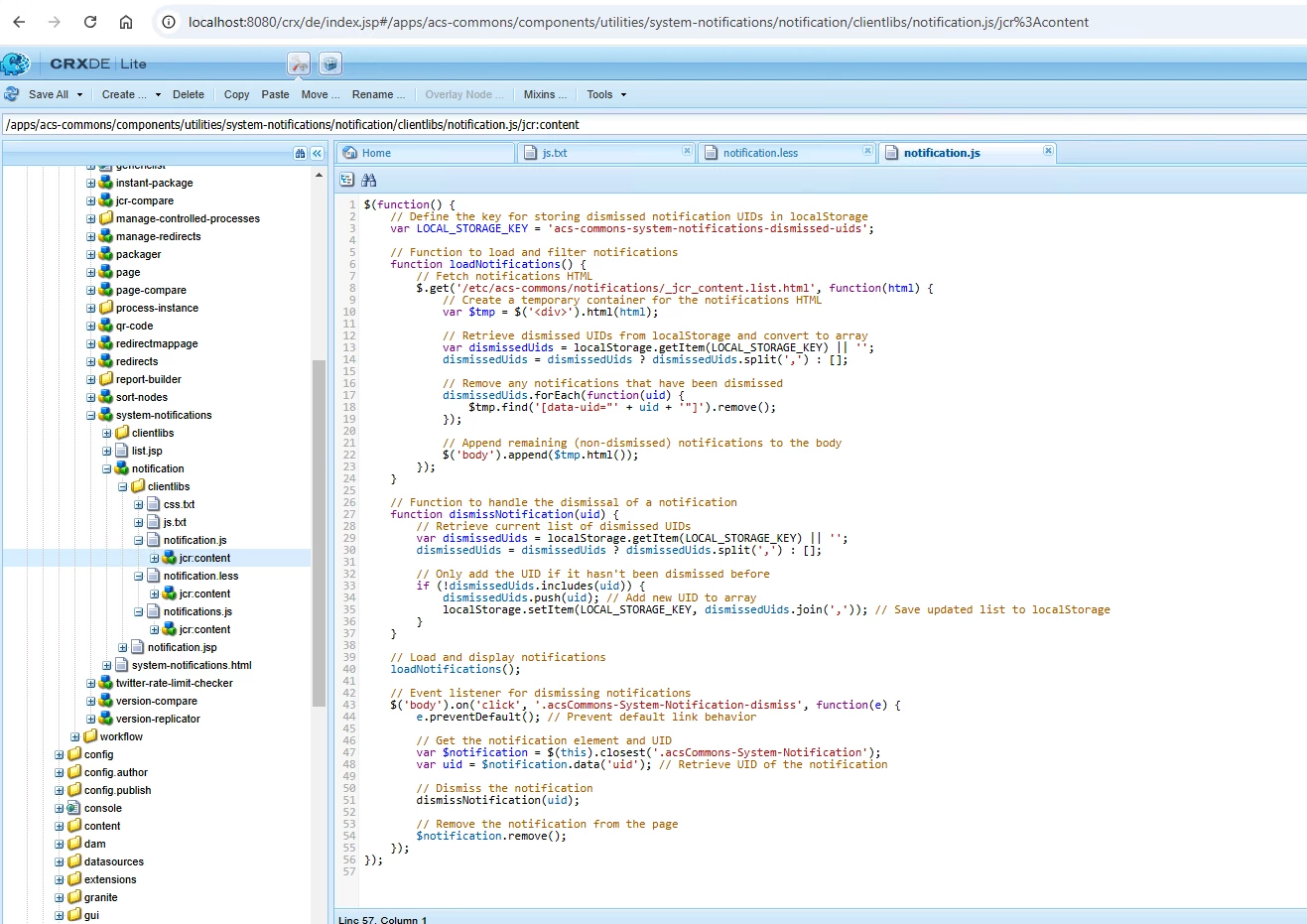
But as we cannot directly make changes in OOB feature,
how can I implement this in my project?
Thanks
@lukasz-m @kautuk_sahni @arunpatidar