AEM touch ui dialog 6.3 - Validation Error Icon is overlapping Description icon | Community
Skip to main content
Level 4
April 17, 2019

AEM touch ui dialog 6.3 - Validation Error Icon is overlapping Description icon

  • April 17, 2019
  • 1 reply
  • 13716 views

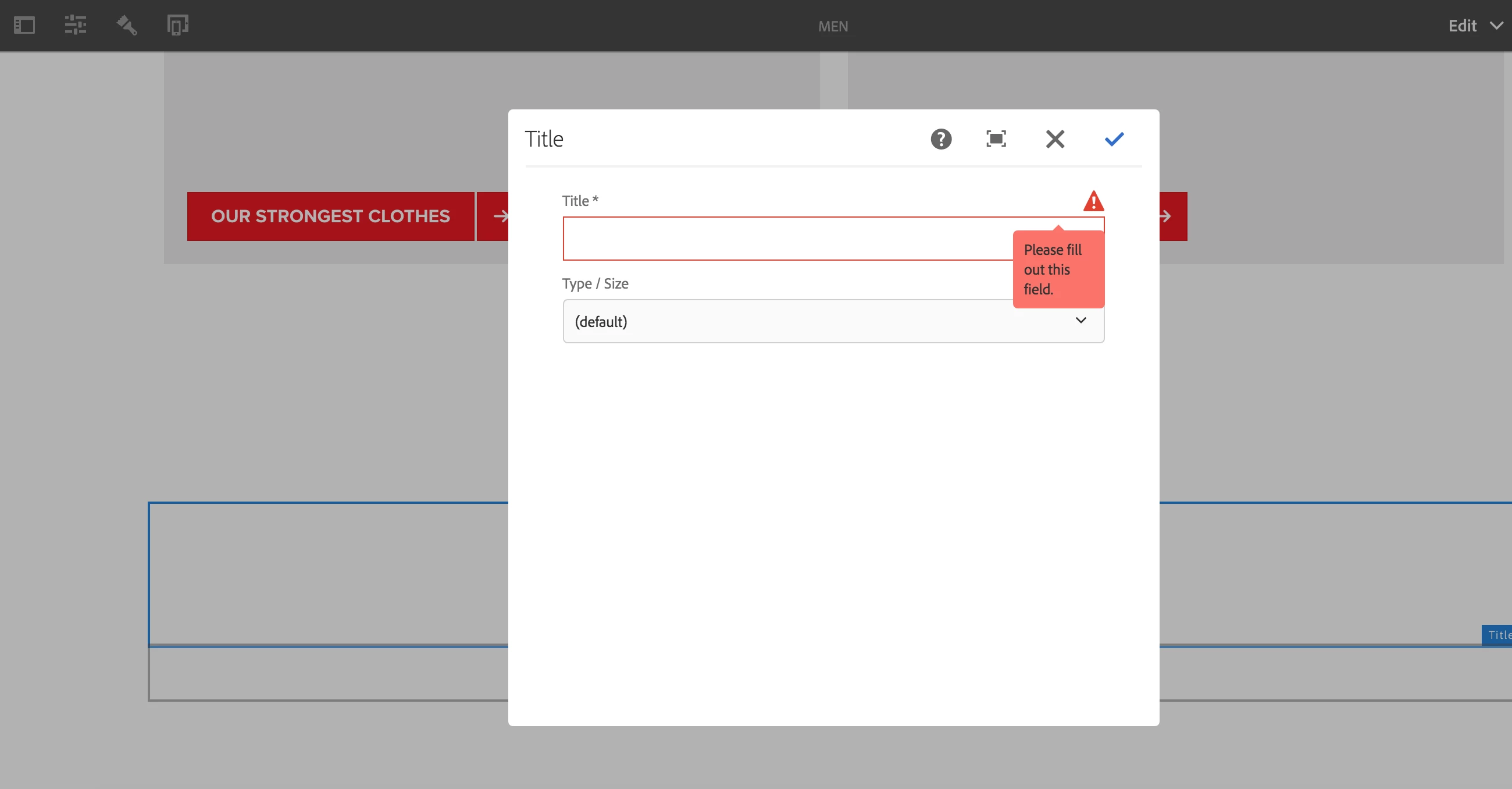
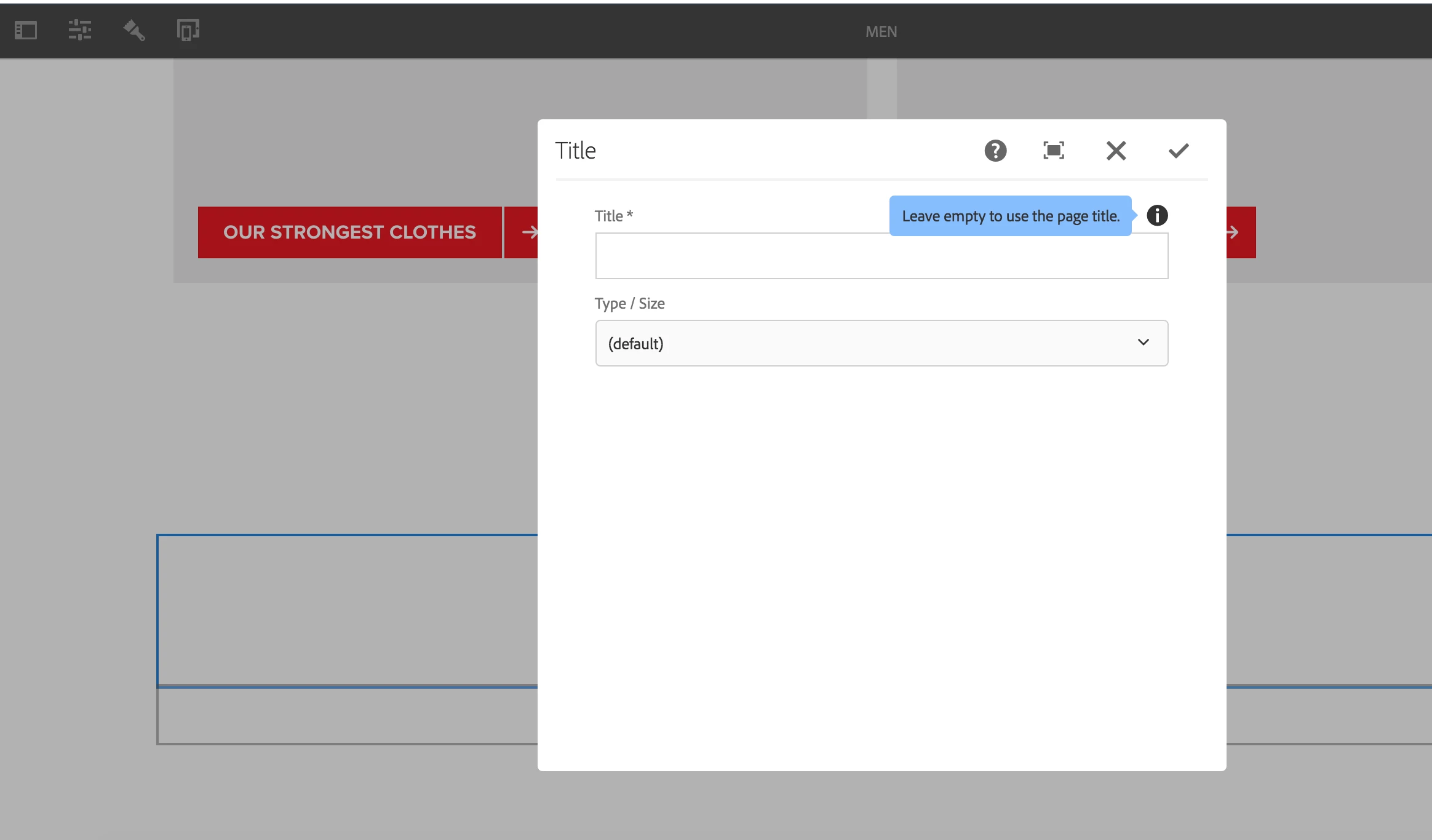
I have a title component(touch-ui) in my project and made the title field mandatory by setting required(boolean) – true at the title property level. Now, when we save the dialog with an empty title field, validation fires up, but the triangular icon overlaps the description icon in the component. See screenshots below. Is there any way to resolve this?

Seeing the same behavior in We.retail title component.
This post is no longer active and is closed to new replies. Need help? Start a new post to ask your question.

1 reply

Ravi_Pampana
Community Advisor
Community Advisor
April 18, 2019

Hi,

You can add custom css by targeting specific class added to your component/field and adding the style sheet to "cq.authoring.dialog" or "cq.authoring.editor.hook" category.

Also, try checking below resourcetype to include clientlibs for a component cq:dialog

karanmahiAuthor
Level 4
April 18, 2019

Hi Ravi - This issue in generic in nature for all the different types of dialog fields like text, path browser etc. We are looking for a generic solution. Maybe adding some properties at the cq: dialog level, or something else.

karanmahiAuthor
Level 4
April 18, 2019

Hi,

Here the solution is make visible info icon which is hidden(out of the view port).

To do so add below CSS in your in clientlibs of category cq.authoring.dialog

.cq-dialog-content .coral-Form-fieldinfo.coral-Icon.u-coral-screenReaderOnly{

  width:45px !important;

  height: auto !important;

  clip: auto;

}

The result of above CSS changes would be like


Thanks, Arun. It works. Basically, it is shifting the description icon to the left side which should not cause any issue.